
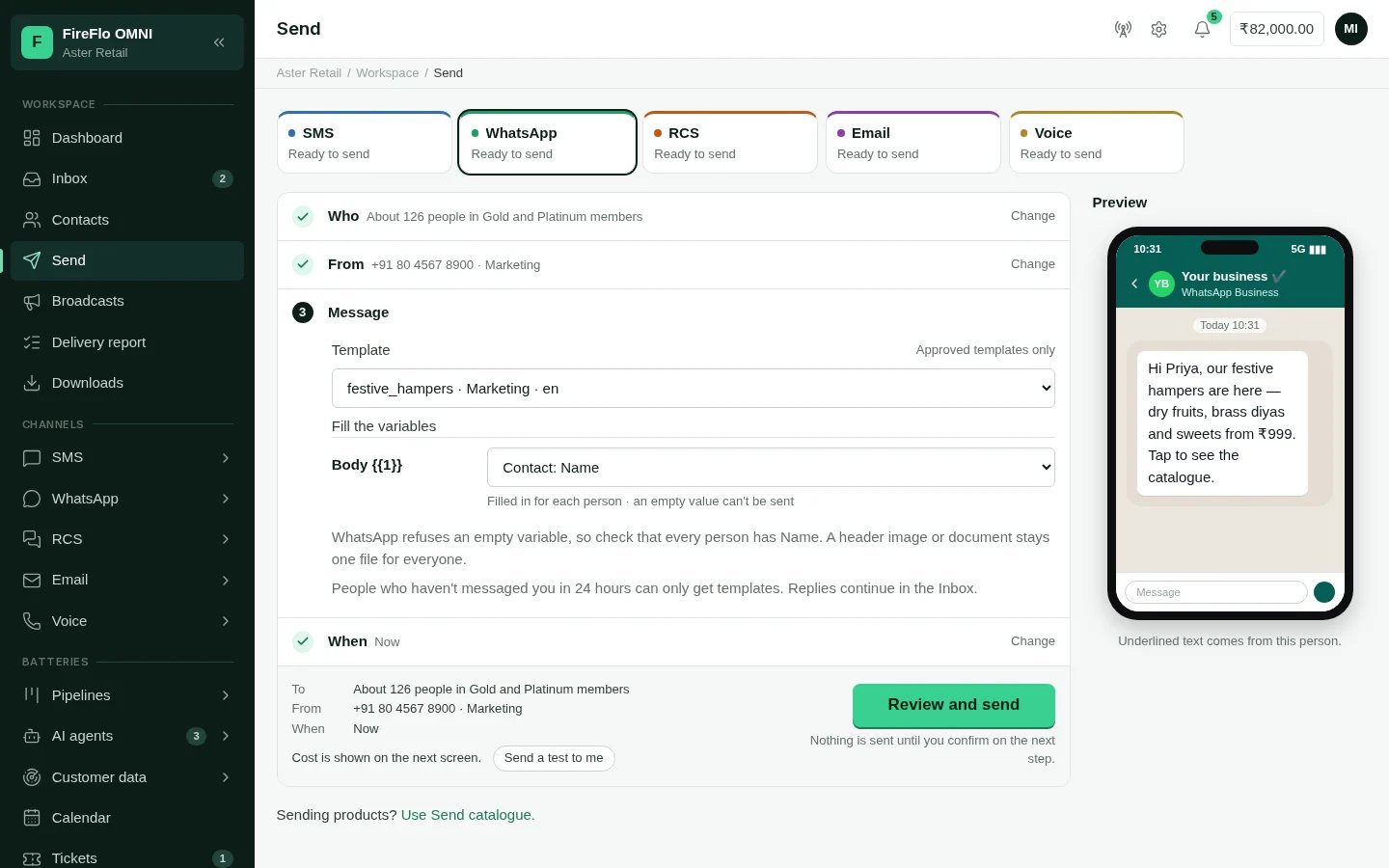
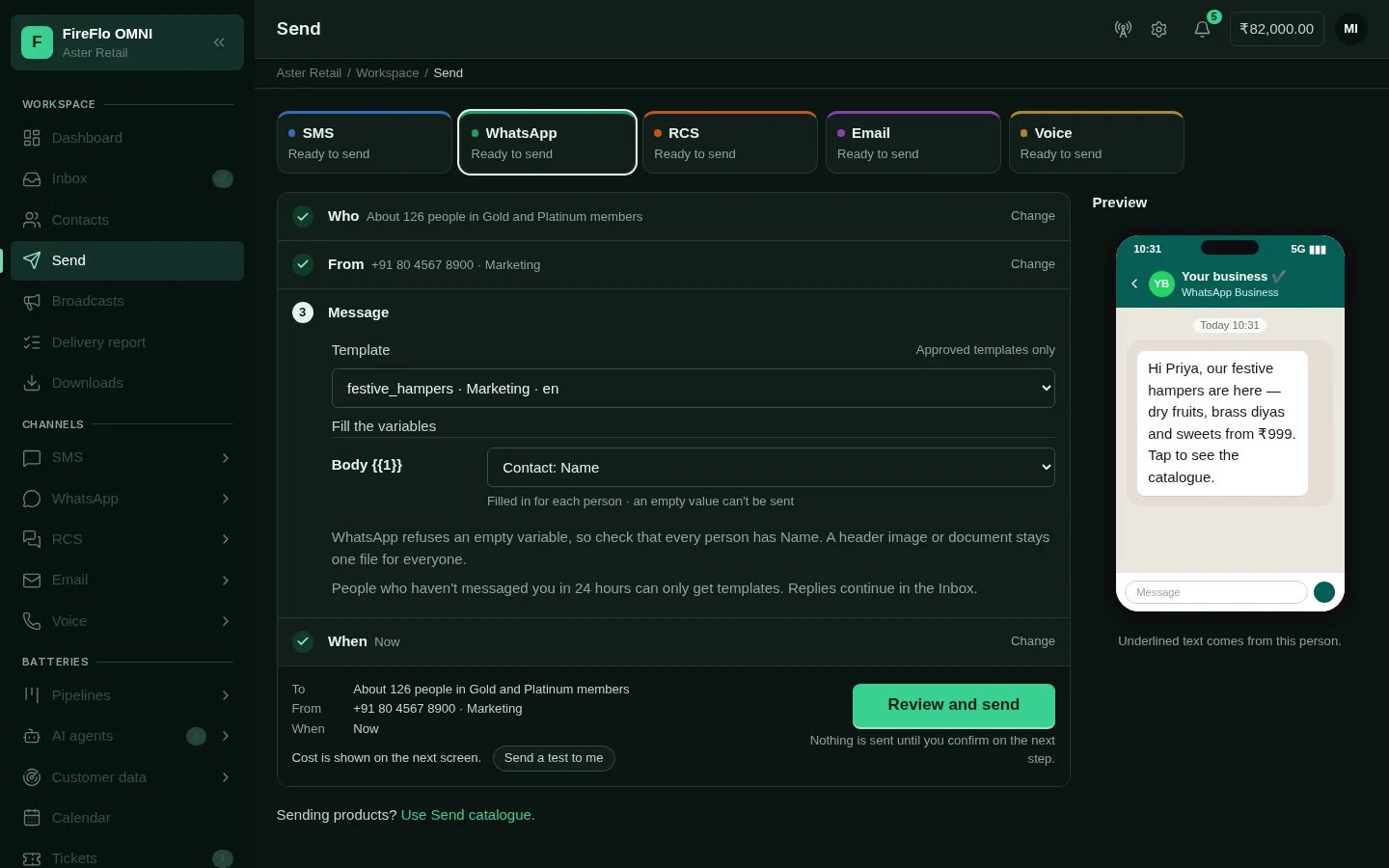
The Send page: the channels on top, Who, From, Message and When, and the message on a phone beside them.
The channels
The channels your account has switched on sit across the top, each saying whether it is ready to send: SMS, WhatsApp, RCS, Email and Voice. A channel that is not on is not shown. On a phone the channels are one drop-down. A channel’s own Send entry in the menu opens this page on that channel. Voice has a place here too: a Voice send goes through the review like any Voice broadcast.Four sections
The form has the same four sections on every channel. They open one at a time; a finished one closes into a single line with Change.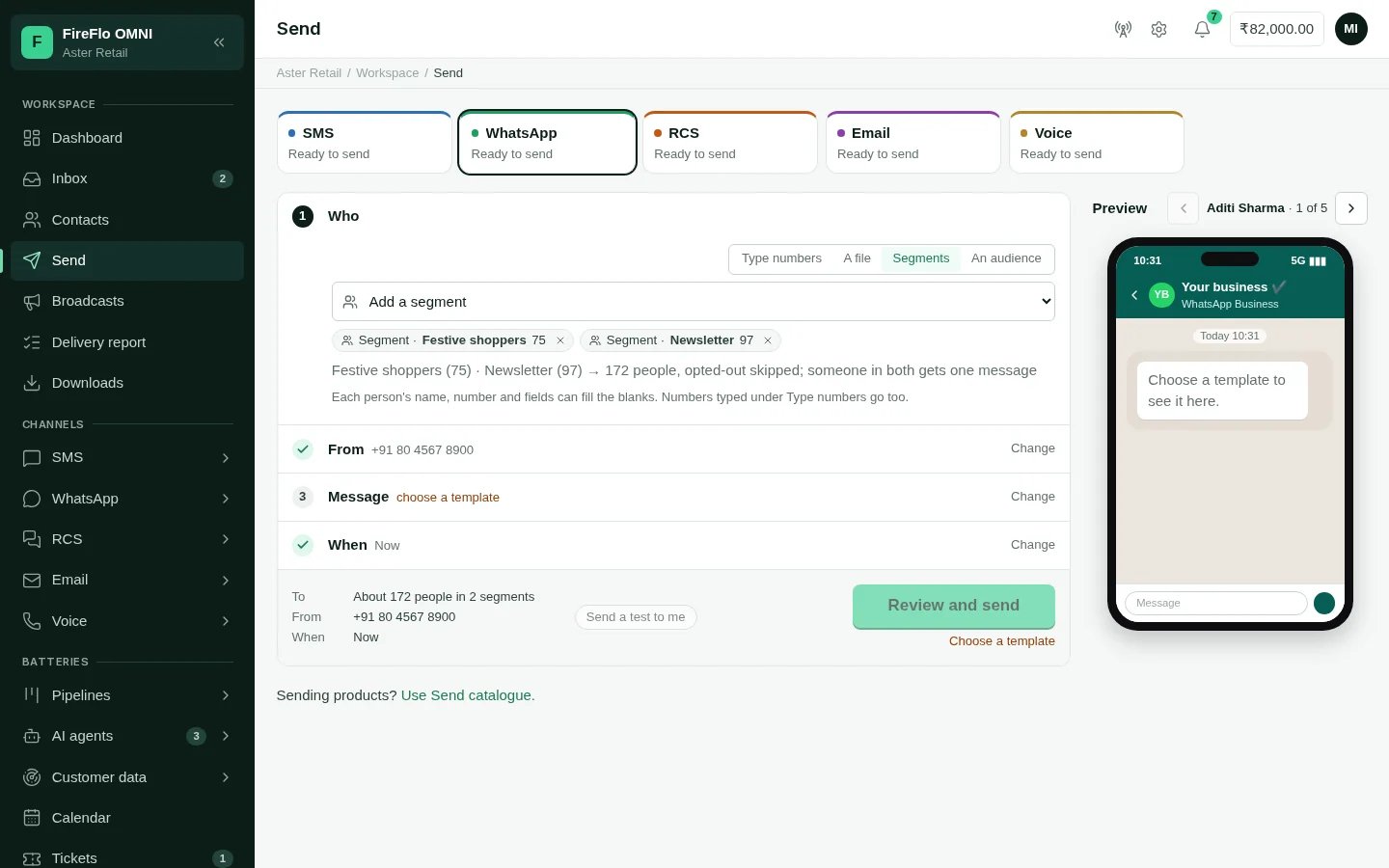
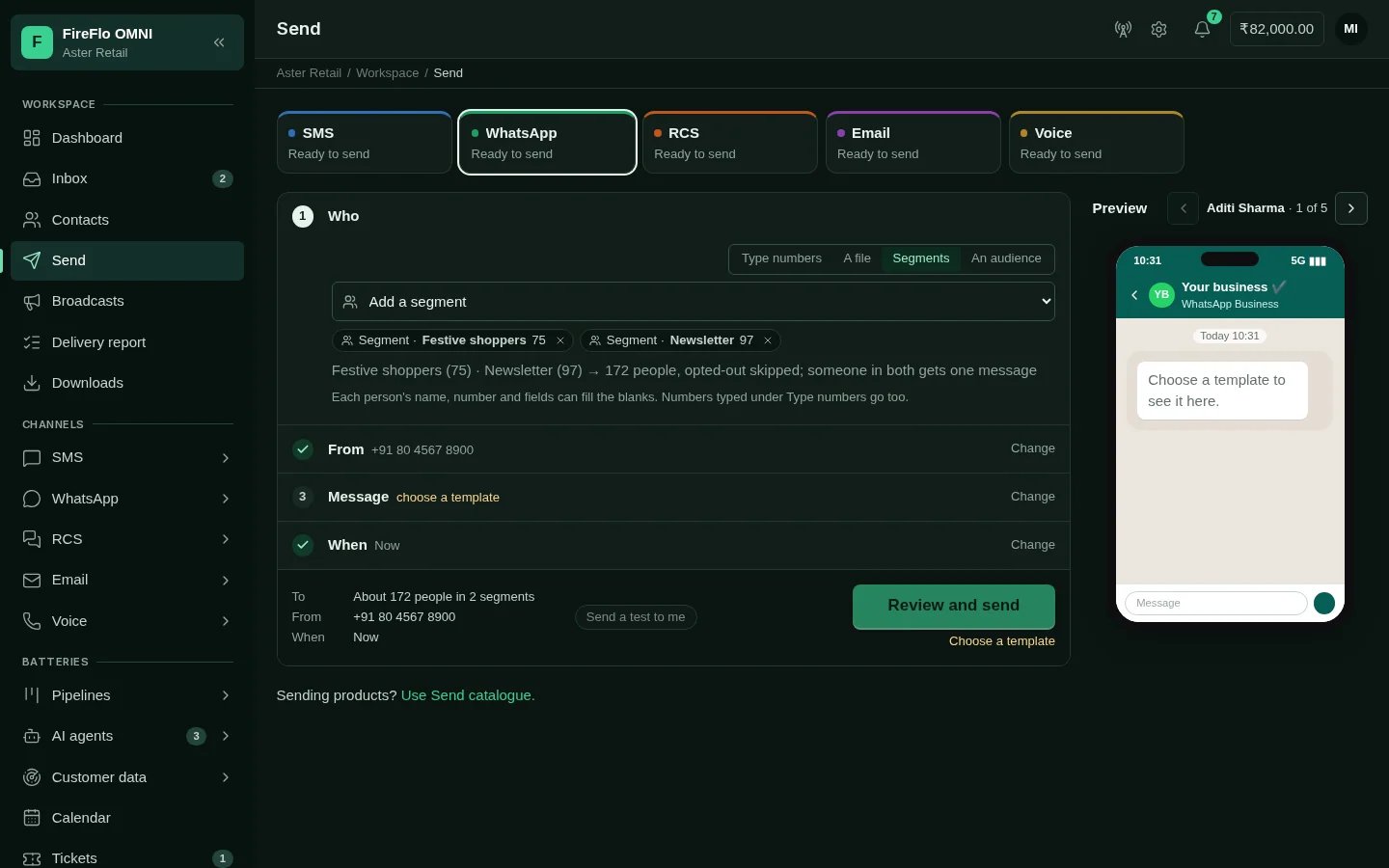
Who on Segments: two segments chosen, and how many people they reach.
- Segments: choose one or more. Someone in two segments gets one message, and people who opted out are skipped. Numbers typed under Type numbers go too.
- Blanks: each blank in a template can be typed, or filled from a column or a contact field (such as Contact: Name) so each person gets their own value. Some channels refuse an empty value; the form says so. See Channels for what each channel needs.
Typed numbers
- Up to 10 typed numbers send at once.
- More than 10 go through the review and are sent as a broadcast.
- You can type or paste up to 10,000 numbers. Over that, the button is off and says “Up to 10,000 numbers here. For more, upload a file.”
A link or a file in a template
Where a template takes a link or a file — a WhatsApp header picture, video or PDF, a link button with a changing part, or a blank in the wording — the form offers:- Attach a file: the file is stored and its link is sent;
- Paste a link: one link for everyone, or a column so each person gets their own.
Shorten links
With the Short links module, a Shorten links switch replaces the links in your message with short ones whose visits are counted. The preview and the cost line count the short link. It follows your account’s defaults, and you can switch it off for one send.The preview and the cost
Beside the form, the message is drawn on a phone as the channel’s app shows it. Underlined text comes from the person; the arrows step through the people it goes to. Under the form, a summary says who it goes to, from whom and when, with the cost where it can be known now (otherwise on the next screen). When typed numbers are in more than one country, the cost line splits by country. The button at the bottom says what happens next: Review and send, or Send to N people for a few typed numbers.Send a test to me
Send a test to me, beside the cost, sends the message as it is filled in now to your own number. Give the number with its country code; it is kept on your login for next time.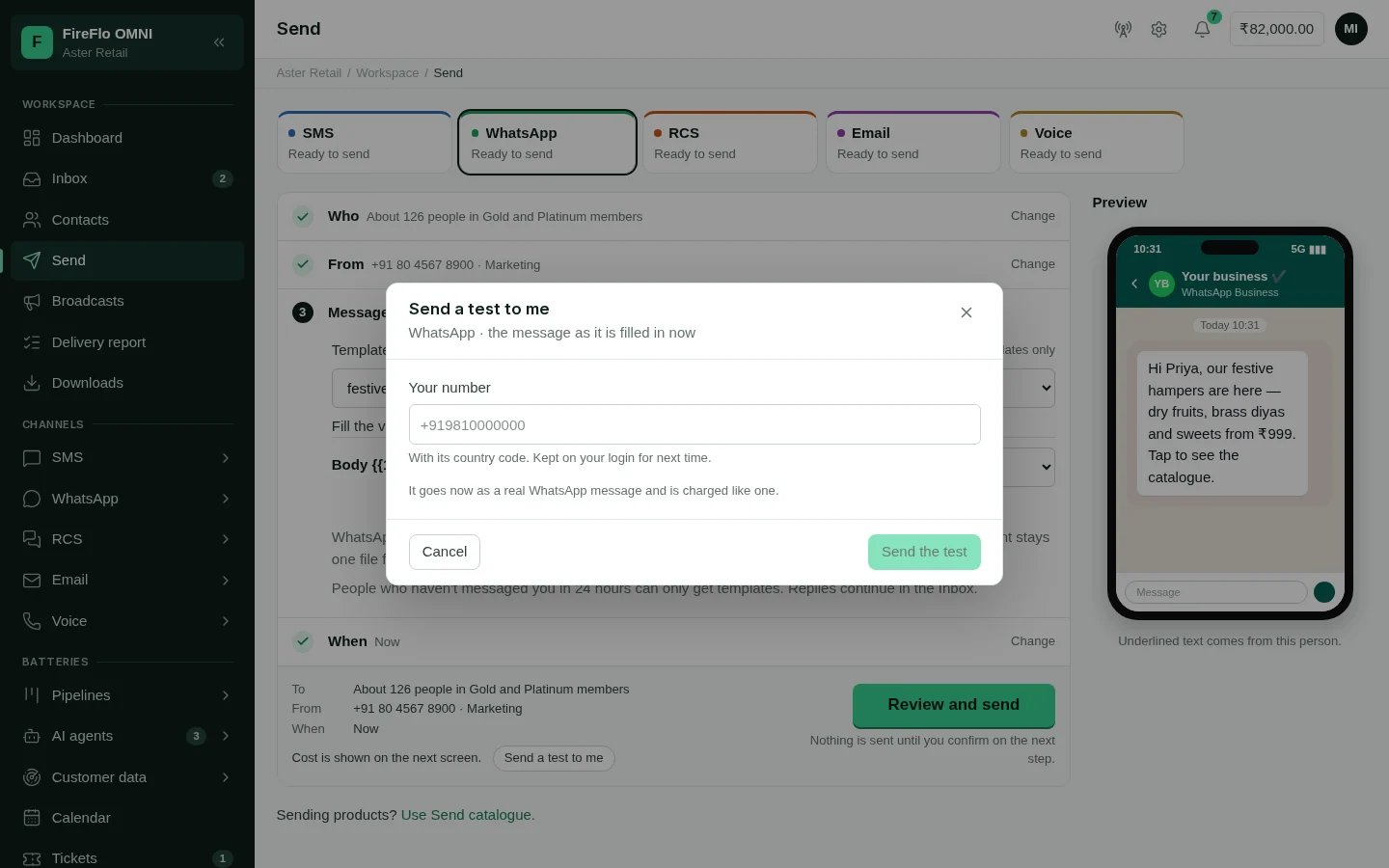
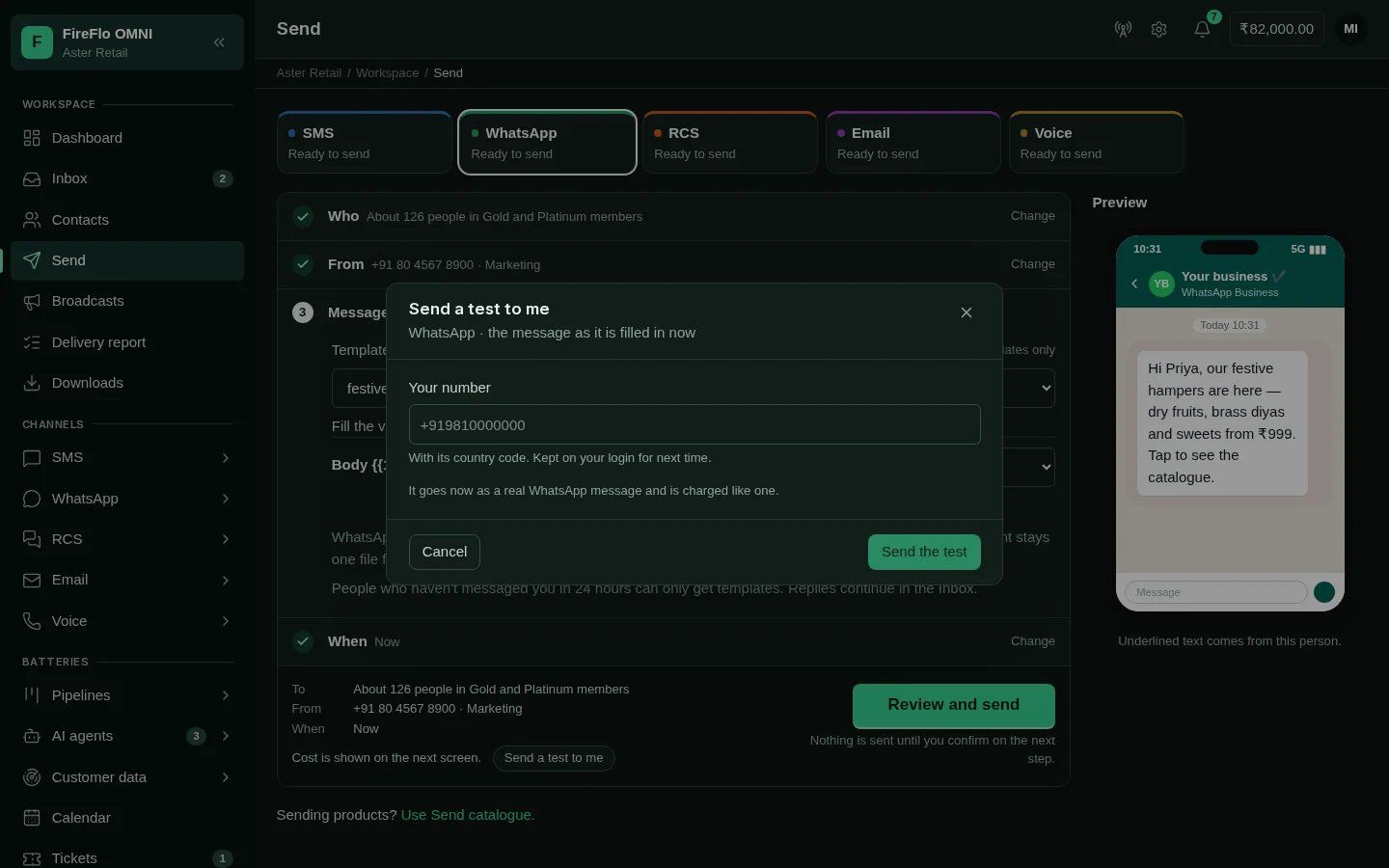
Send a test to me: your own number, before anything goes to anyone else.
The review
Before anything goes to many people, the review shows what will happen. The steps line on top reads Write · Review · Sent.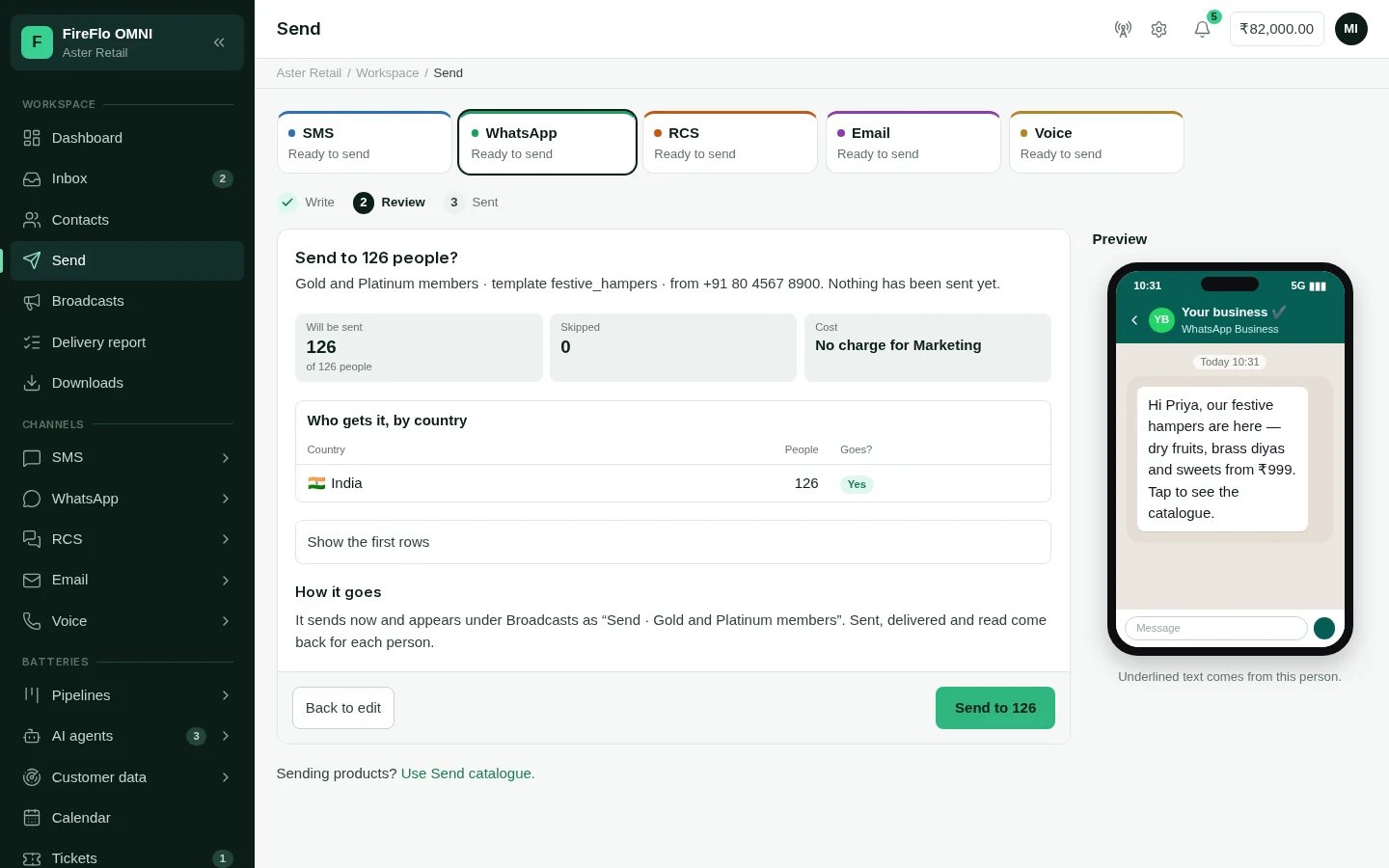
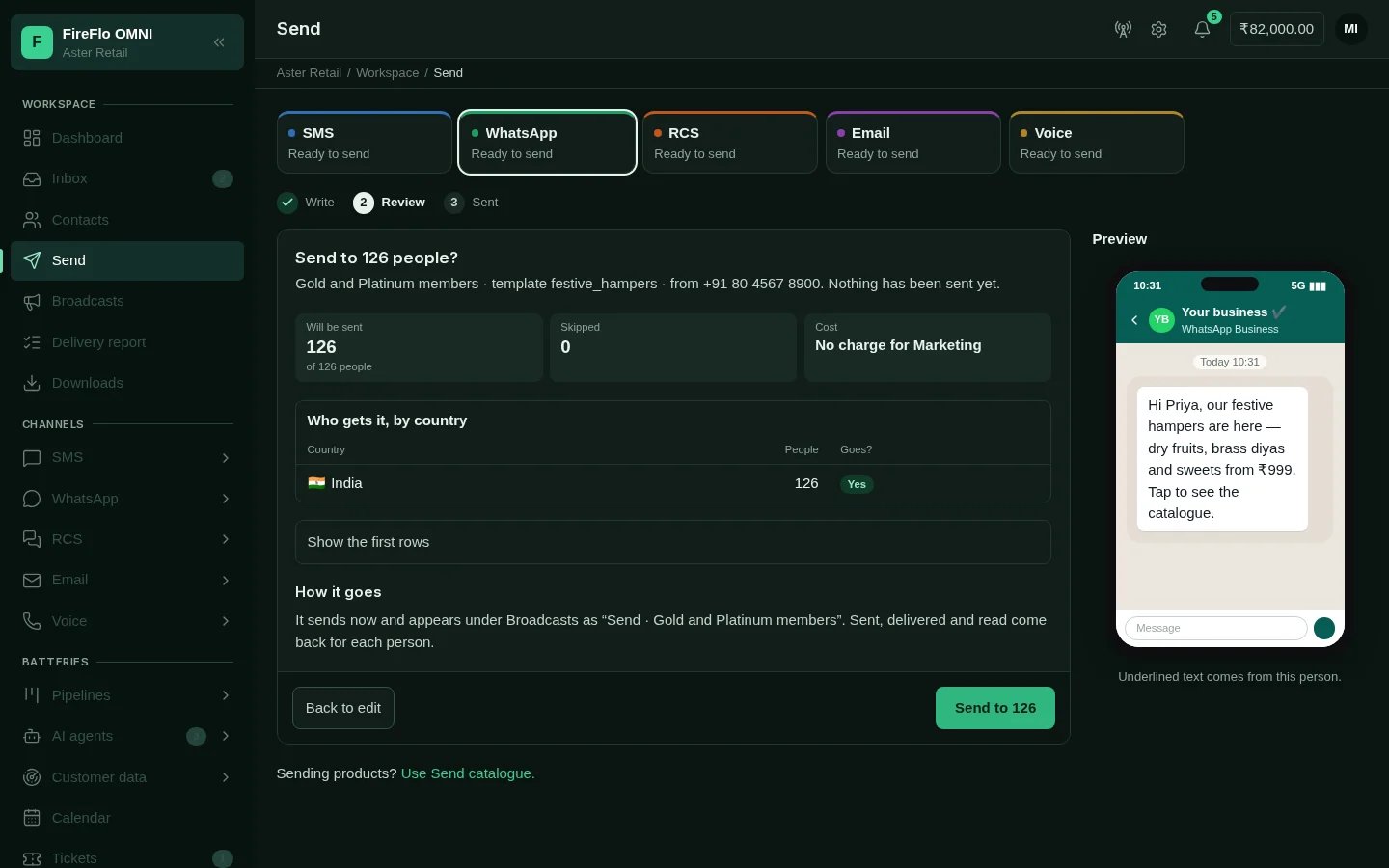
The review: how many will be sent, how many are skipped, and the cost.
- Three figures: Will be sent, Skipped and Cost.
- Why N are skipped, with a download of the skipped rows (CSV).
- On SMS, about how many message parts.
- Who gets it, by country: people, and on SMS parts, price each and cost where your account pays in money, and whether it goes.
- Show the first rows, to check them.
- How it goes: when it sends and where it will appear under Broadcasts.
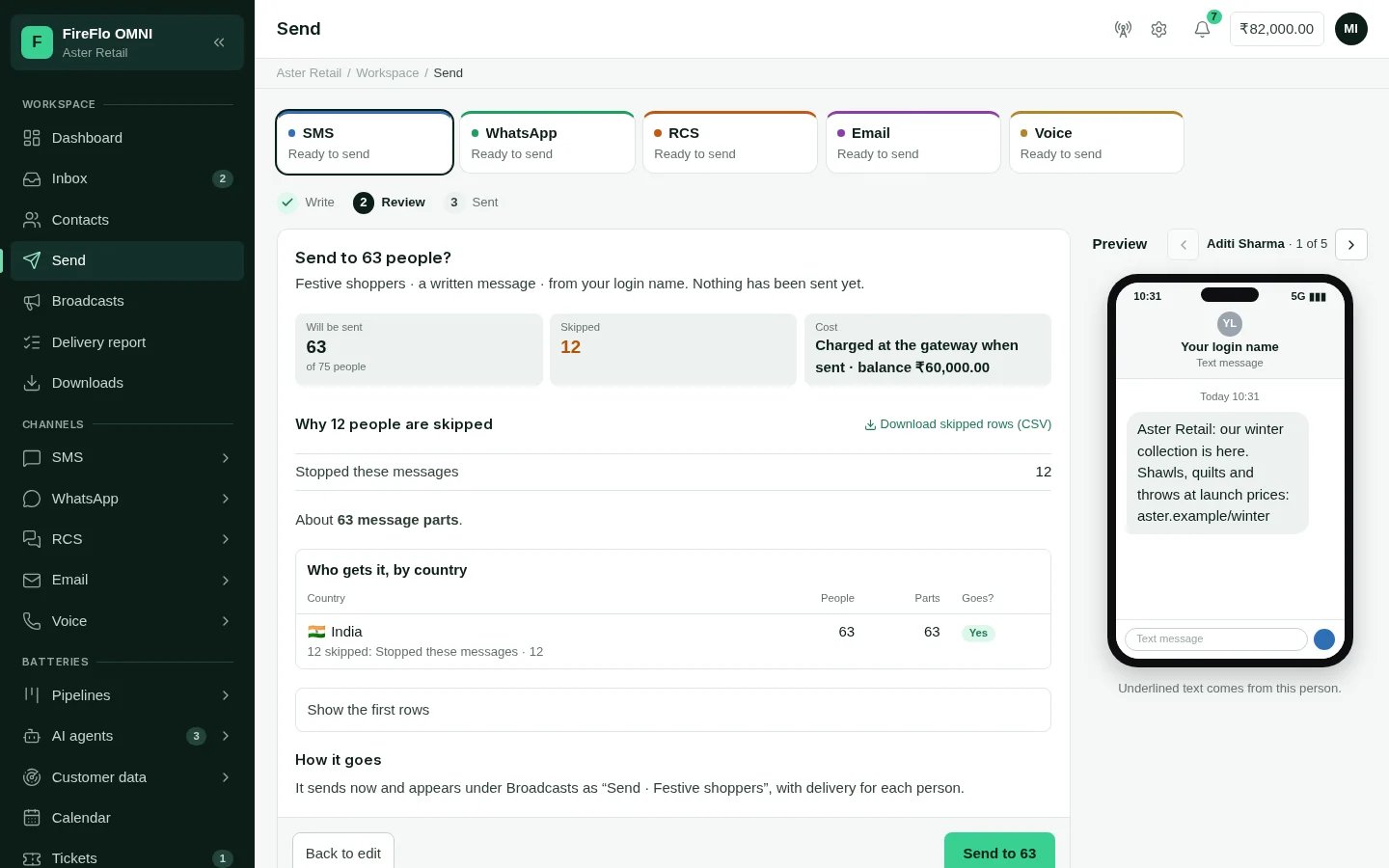
An SMS review: how many will be sent and skipped and why, the cost, and who gets it by country.