
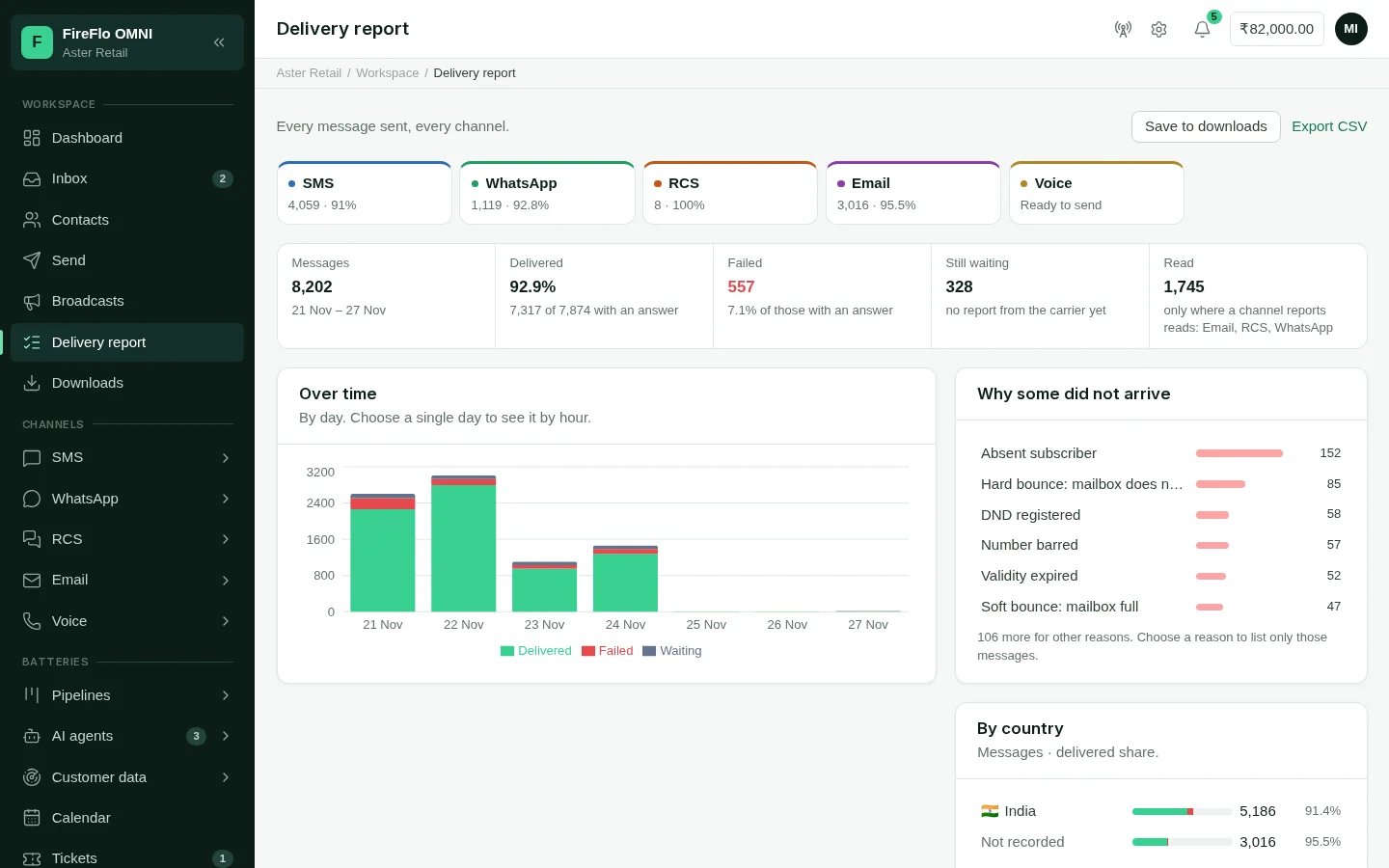
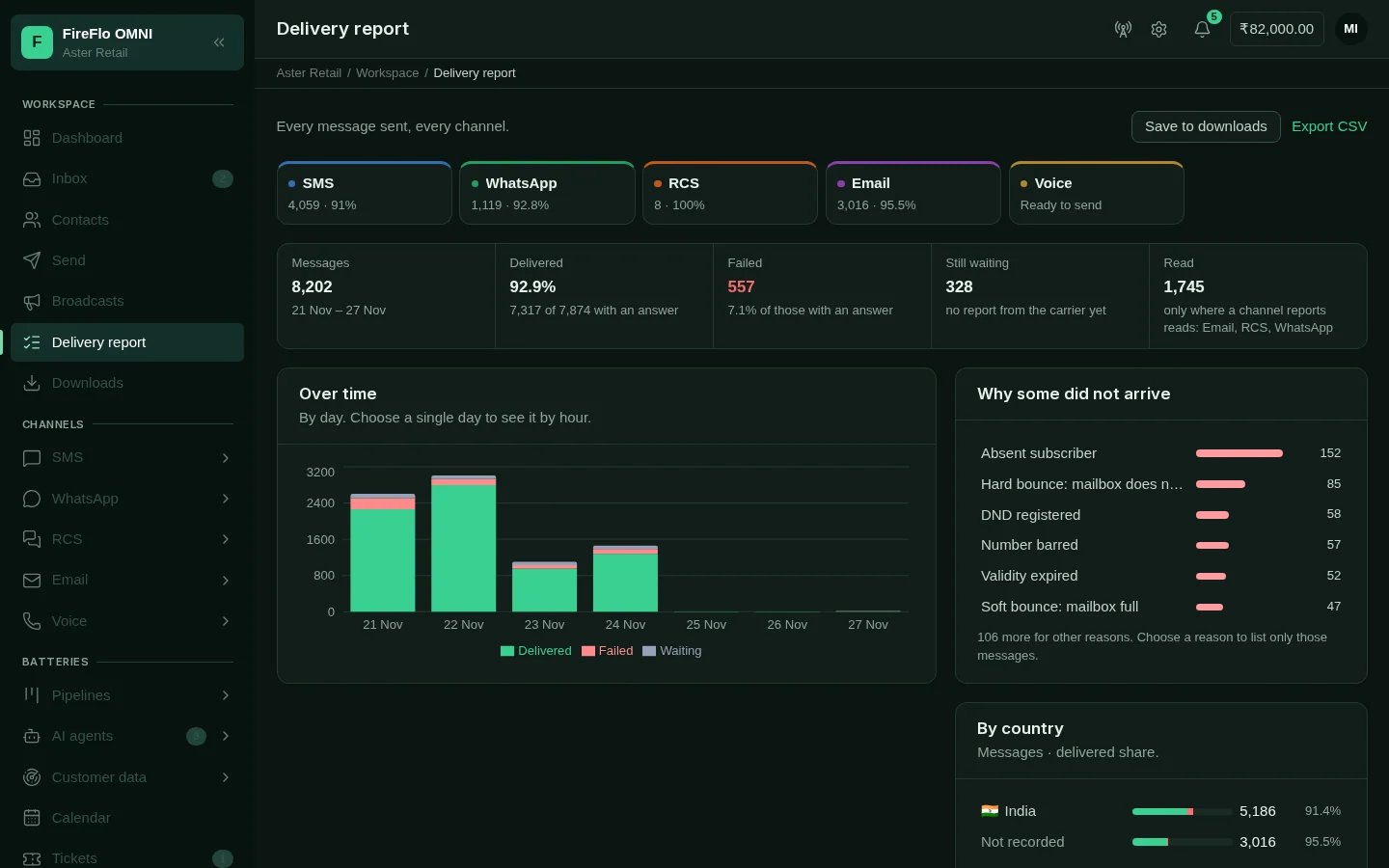
The delivery report: the figures, deliveries over time, why some did not arrive, and by country.
The figures
The report opens on the last 7 days; pick other dates in the date filter, where All time is one click. Dates follow your account’s time zone.- The channels your account has switched on sit across the top, each with how many messages it sent and the share delivered.
- Messages: how many were sent in the dates chosen.
- Delivered: the share delivered, out of the messages that got an answer (“7,317 of 7,874 with an answer”).
- Failed: how many failed, and their share of those with an answer.
- Still waiting: no report from the carrier yet.
- Read: only where a channel reports reads (WhatsApp, RCS and Email).
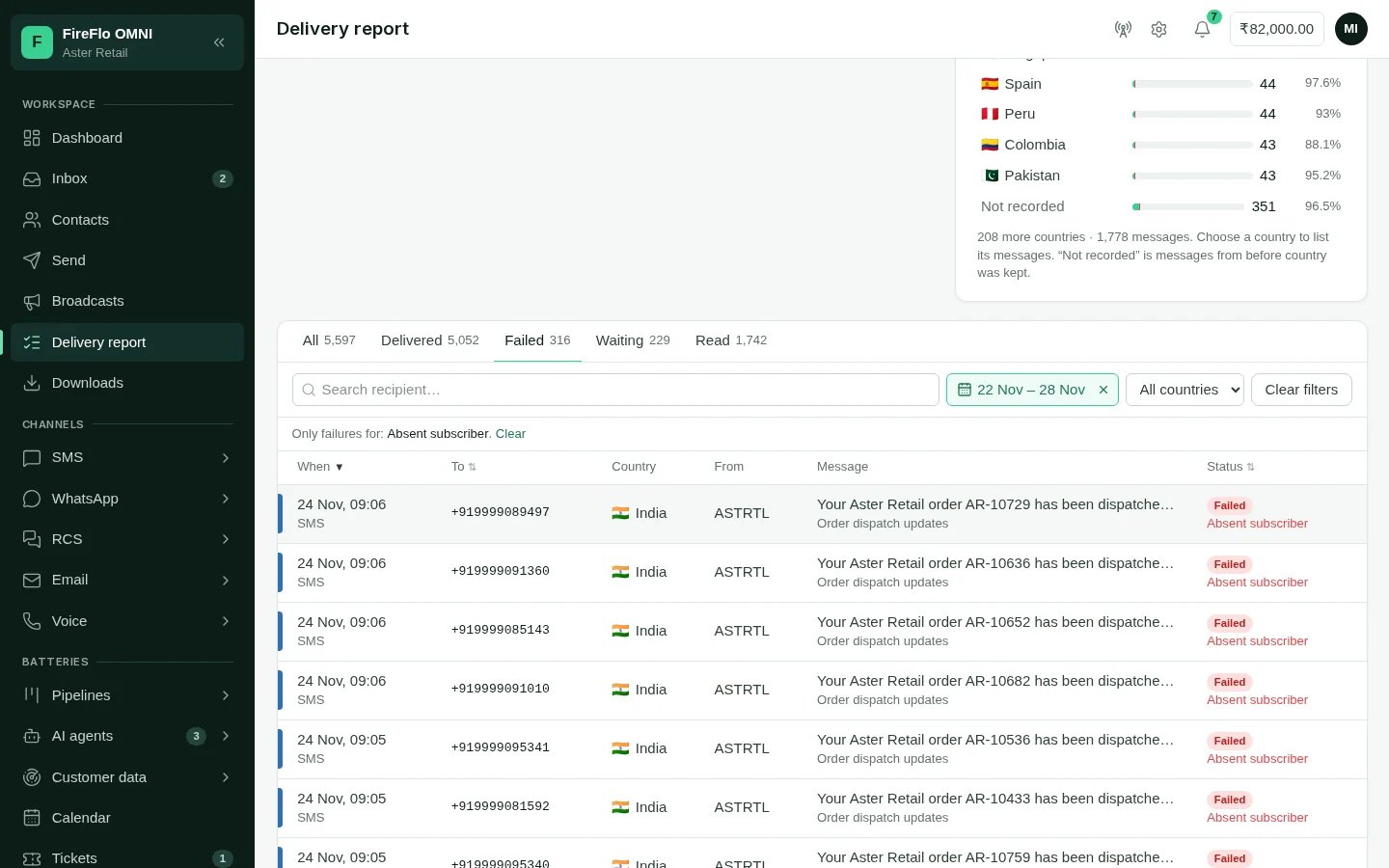
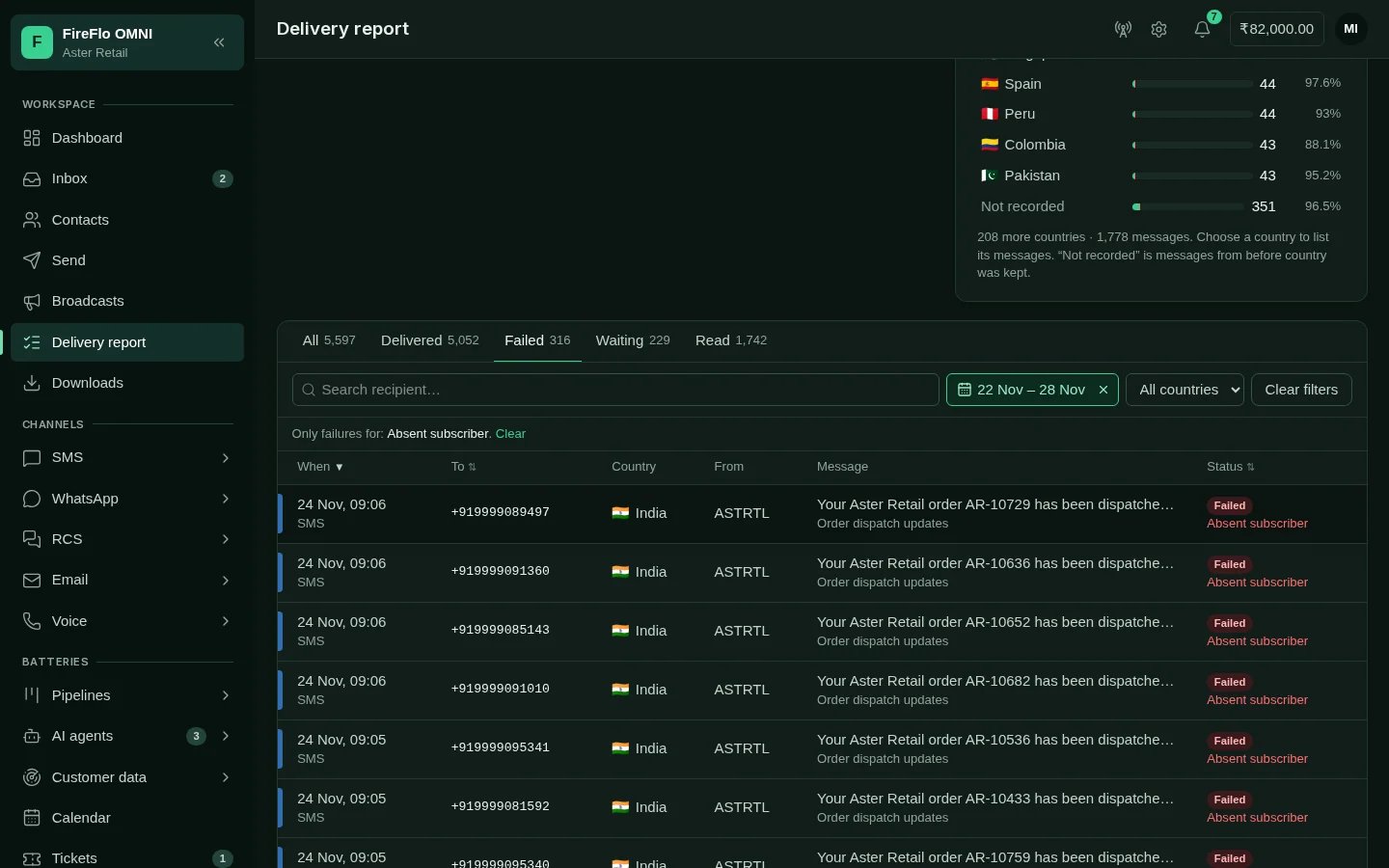
Narrowed to one failure reason: only the messages it stopped.
Finding messages
Tabs split the messages by outcome, each with its count: All, Delivered, Failed, Waiting and Read. Then:- Search by recipient;
- pick a date range;
- pick a country;
- Clear filters to start again.
One message
Choose a row to open the message in a panel beside the list. A link to a message opens it wherever it is in the list.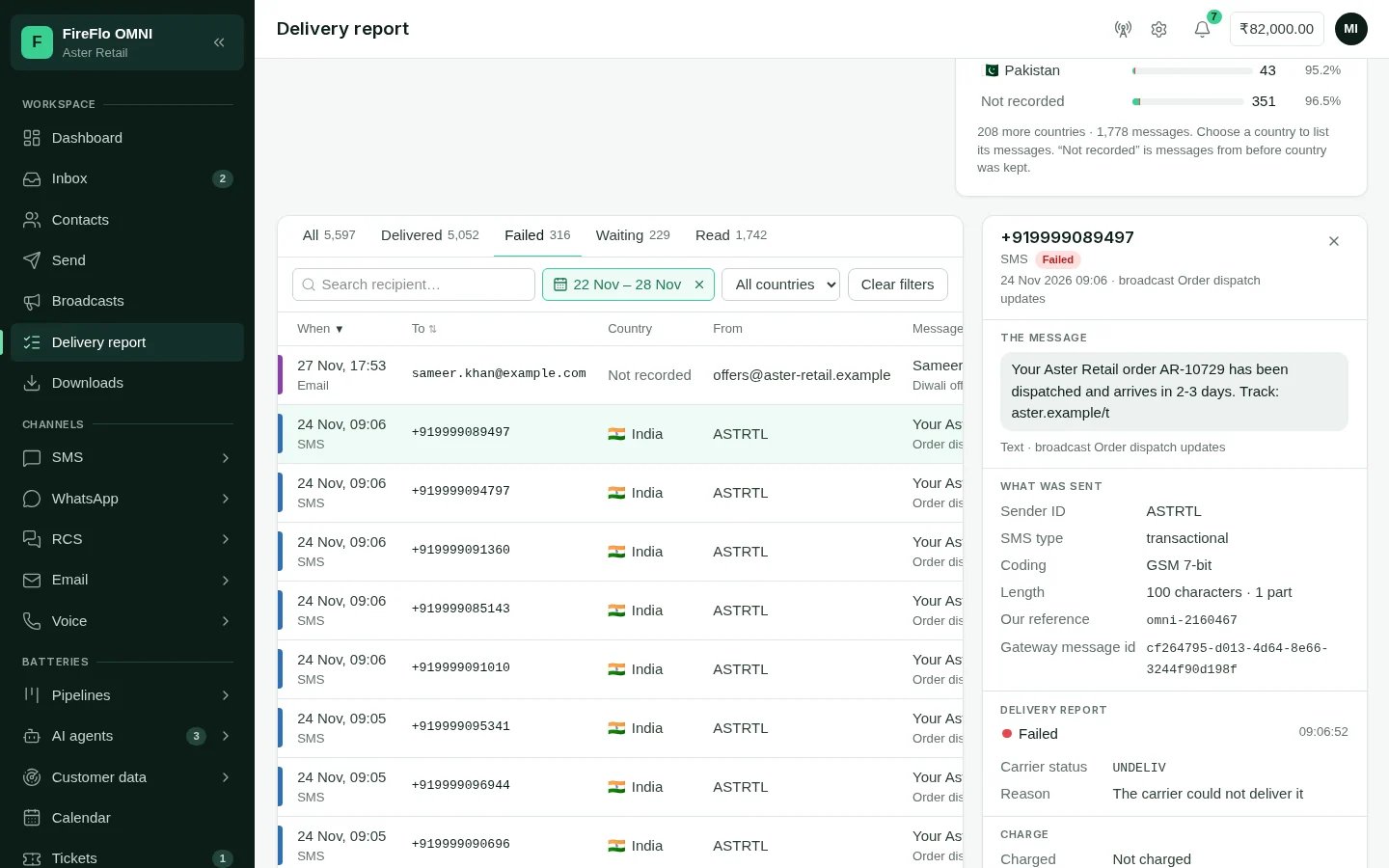
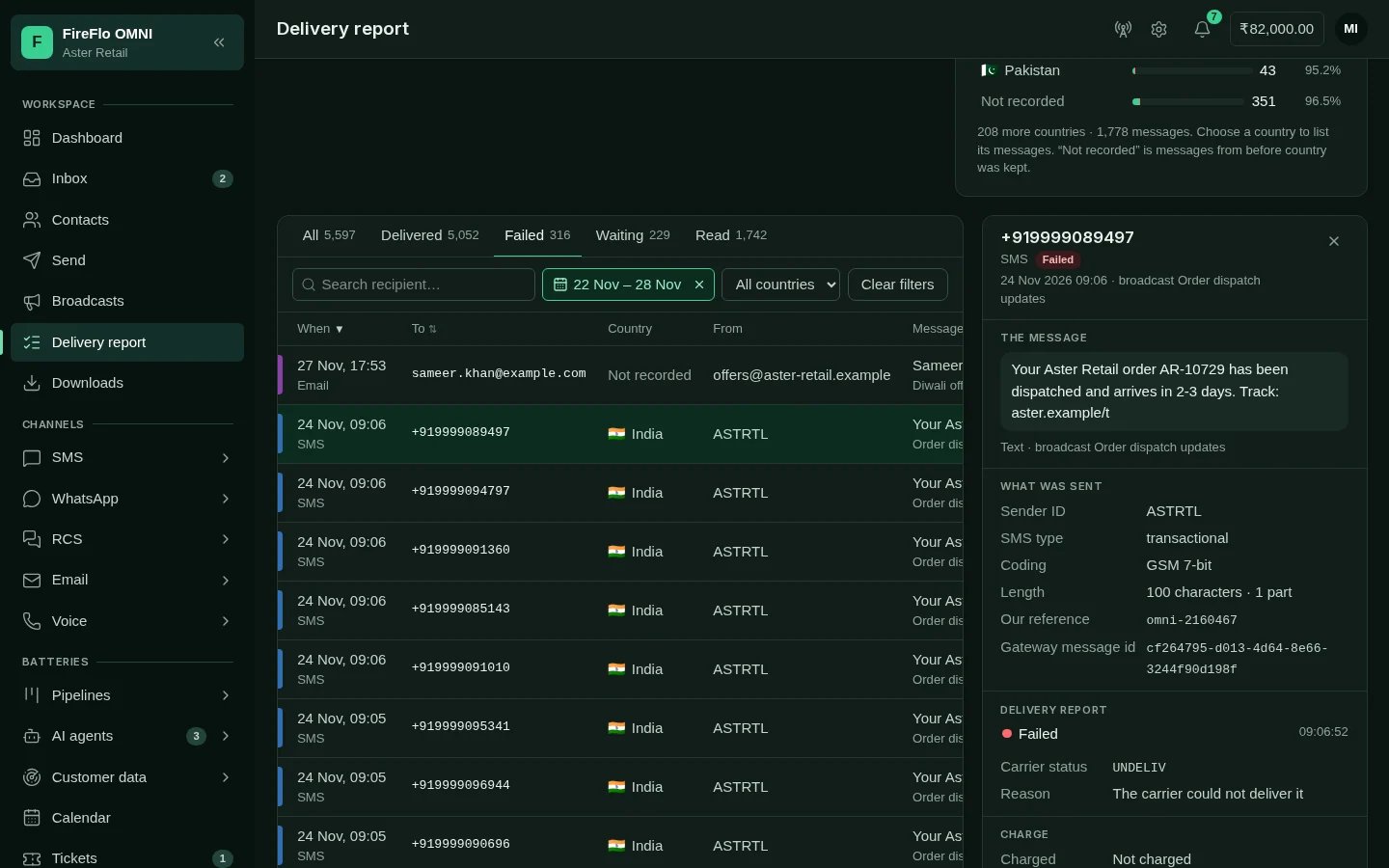
A failed message: what was sent, each status with its time, the error code and the charge.
- The message as it was sent, and its broadcast if any.
- What was sent: for an SMS, the sender ID, the SMS type, the template, the coding, the length in characters and parts, the TLVs, our reference and the gateway’s message id.
- The delivery report: each status with its time, the carrier’s word for it, the error code with its meaning, the operator’s message id, the done time and the vendor.
- The charge: what the message cost, or that it was not charged.
Exporting
- Export CSV downloads what you are looking at, with the same filters, straight to your browser.
- Save to downloads writes the same export in the background and keeps it in Downloads, to fetch later or share with a colleague who has access.