
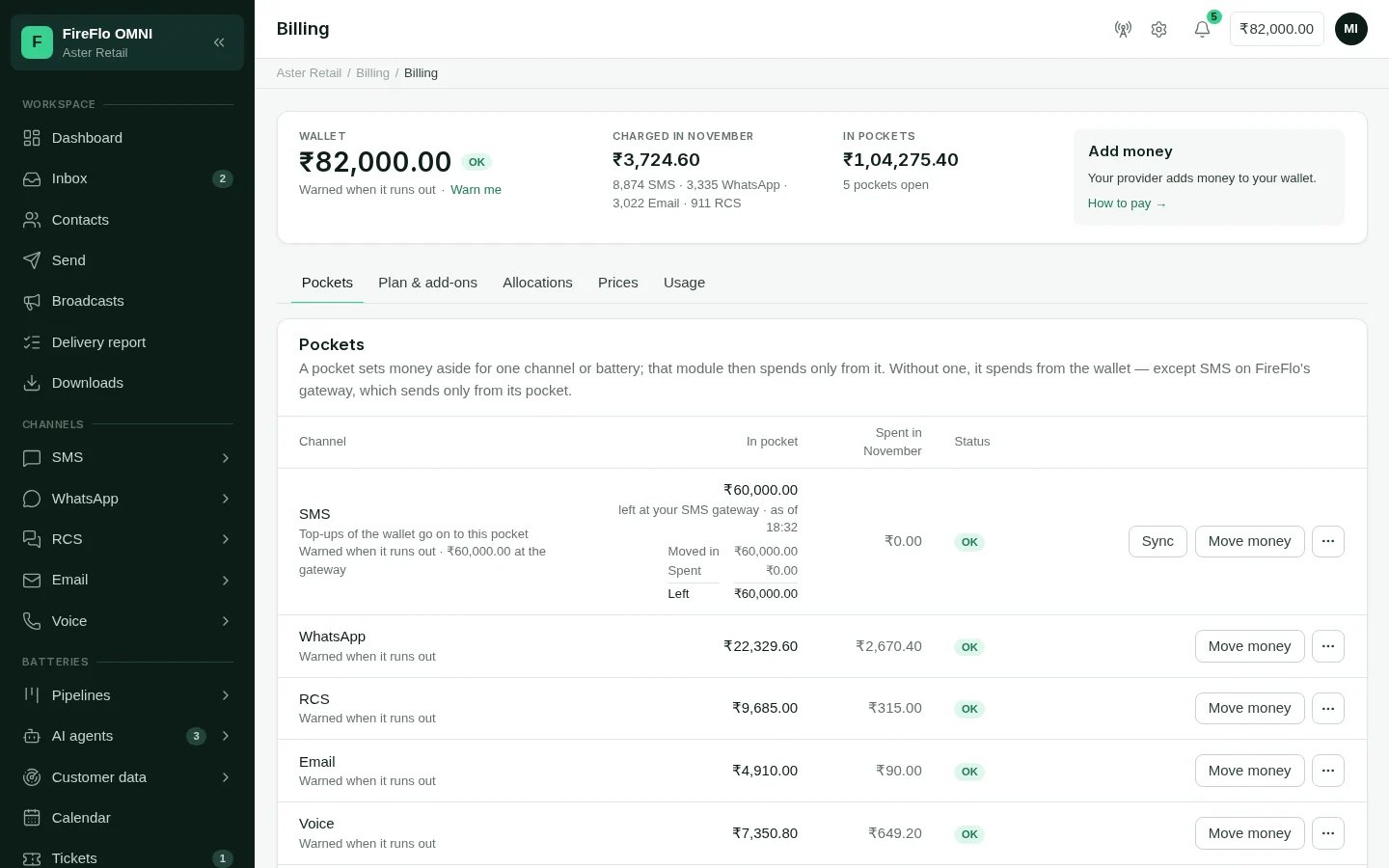
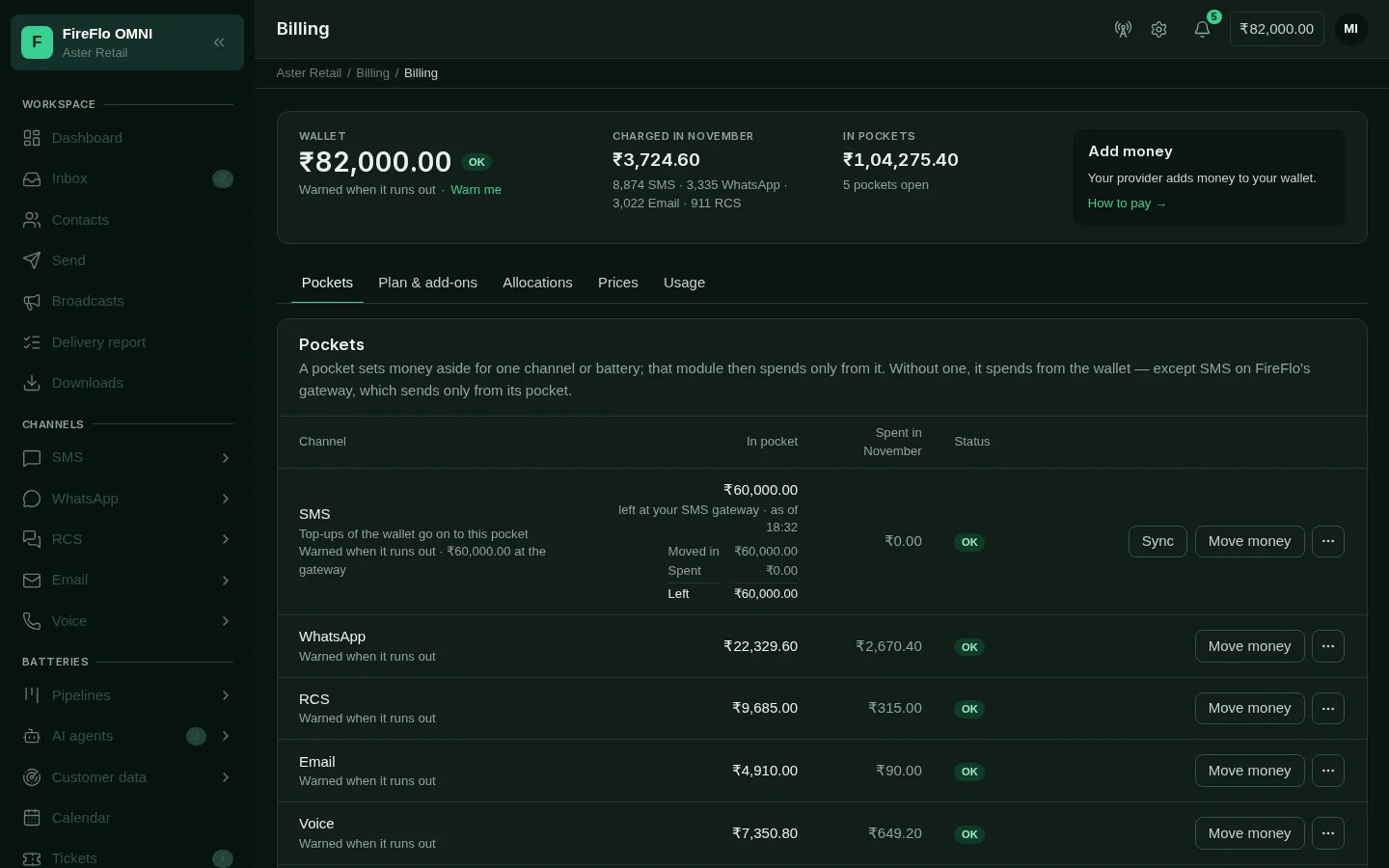
Billing: the wallet on top, then Pockets, Plan & add-ons, Allocations, Prices and Usage.
The Billing screen
Billing shows only what your account has: the channels in your plan and connected, and the batteries you have. A module your plan doesn’t include, or one switched off, isn’t listed, unless money is still set aside for it (see Pockets). At the top, on every tab, is the wallet:- Wallet: your prepaid balance, with OK, Low or Empty. It shows in red below zero, and it is also in the side menu of every screen. Warn me sets the amount below which you’re told it’s running low.
- Charged in this month: what messages and calls have cost so far this month, with the number of messages under it. It includes SMS charged at your SMS gateway, so SMS paid from its pocket counts here too. A message can cost less than a paisa or a cent, so this figure shows up to four decimal places when it needs them.
- In pockets: the money set aside in pockets, and how many are open.
- Add money: credit is added by your provider when a payment is received; an account never tops itself up. For a reseller’s customer, credit comes from the reseller. It also shows your plan’s next renewal, and How to pay opens your Plan.
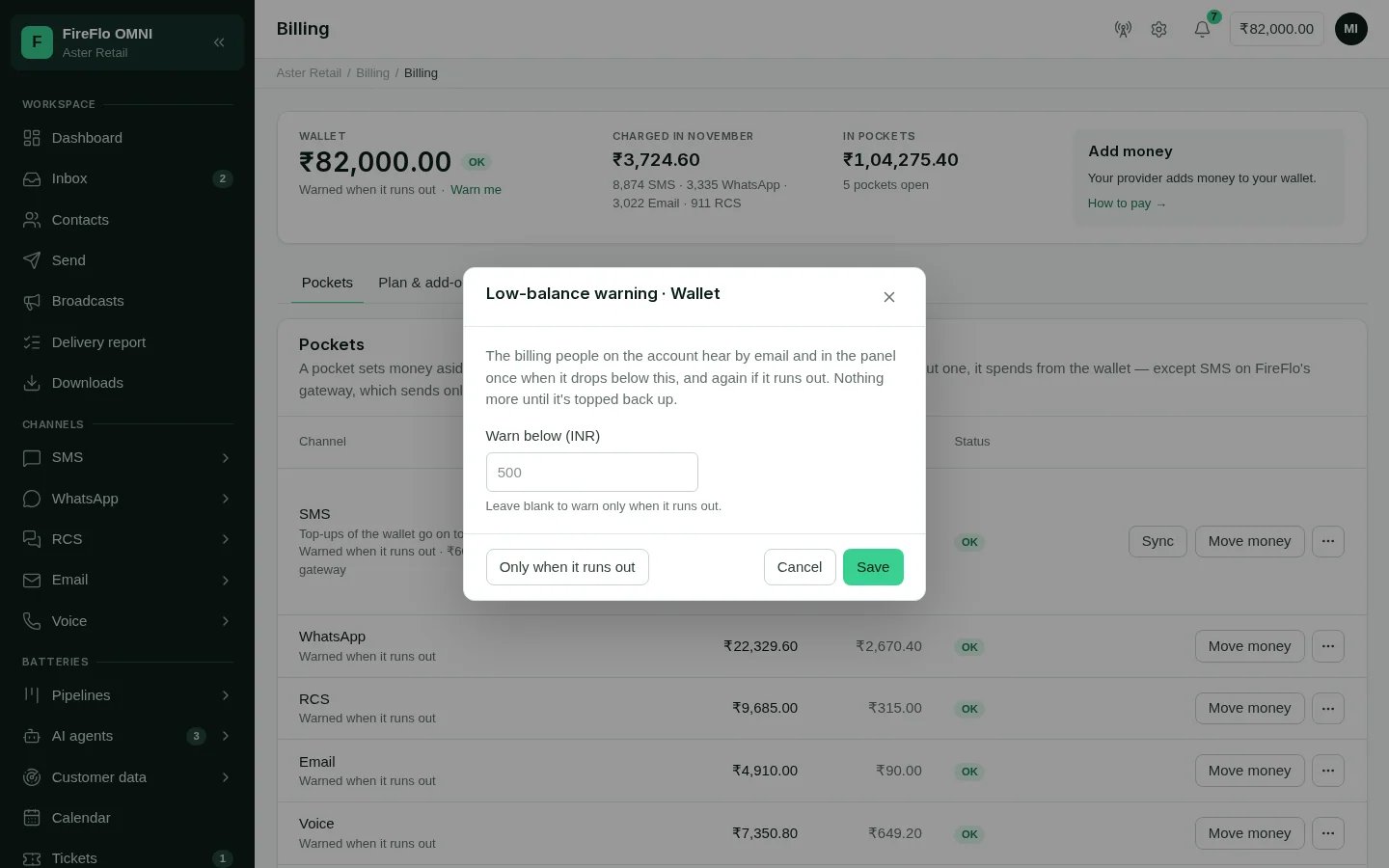
Warn me: the wallet balance below which you are told it is running low.
Pockets
A pocket is money set aside for one module. While a channel has a pocket it spends only from that pocket: when the pocket is empty, sends on that channel pause until you move more money in, however much the wallet holds. A channel with no pocket spends from the wallet.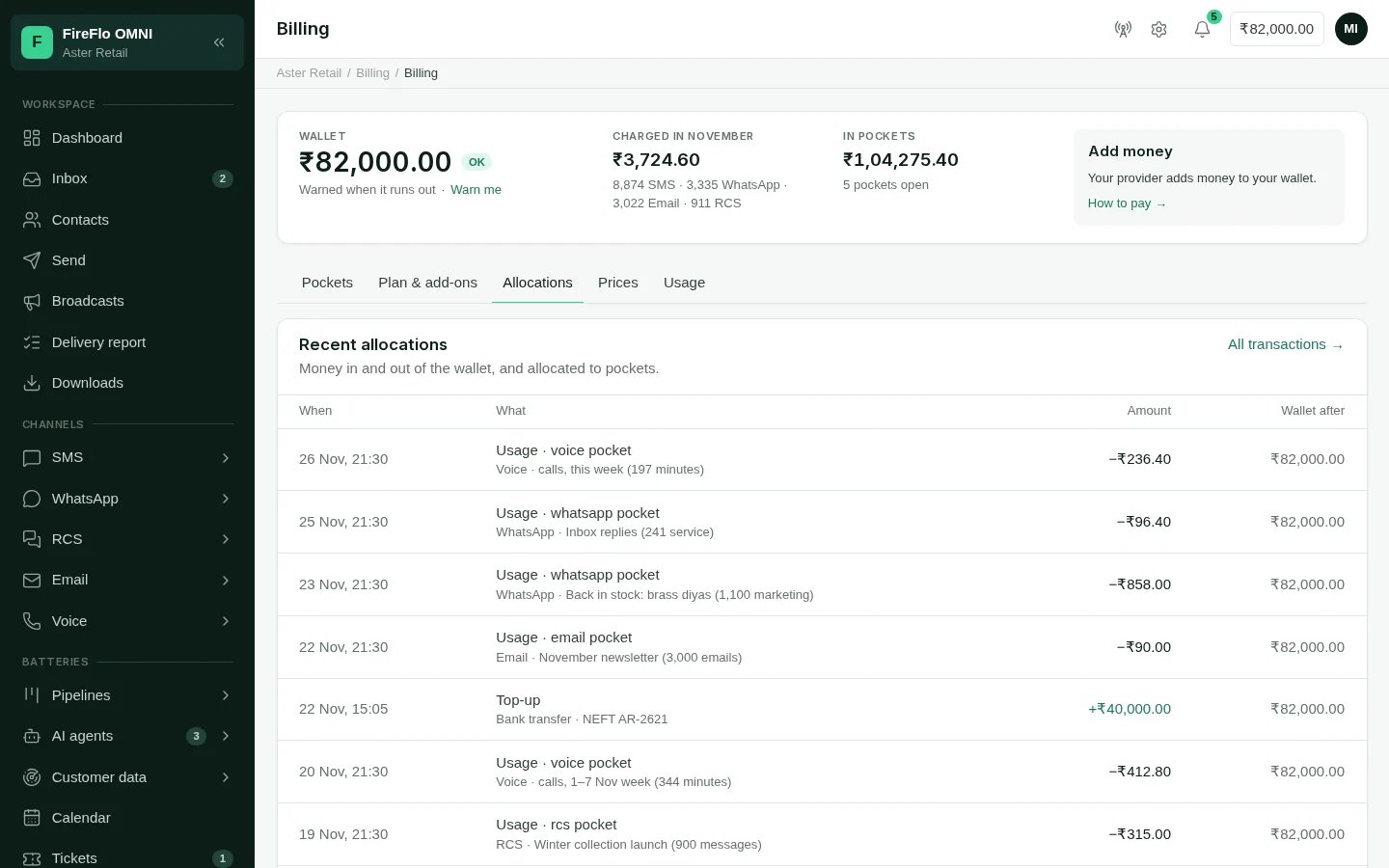
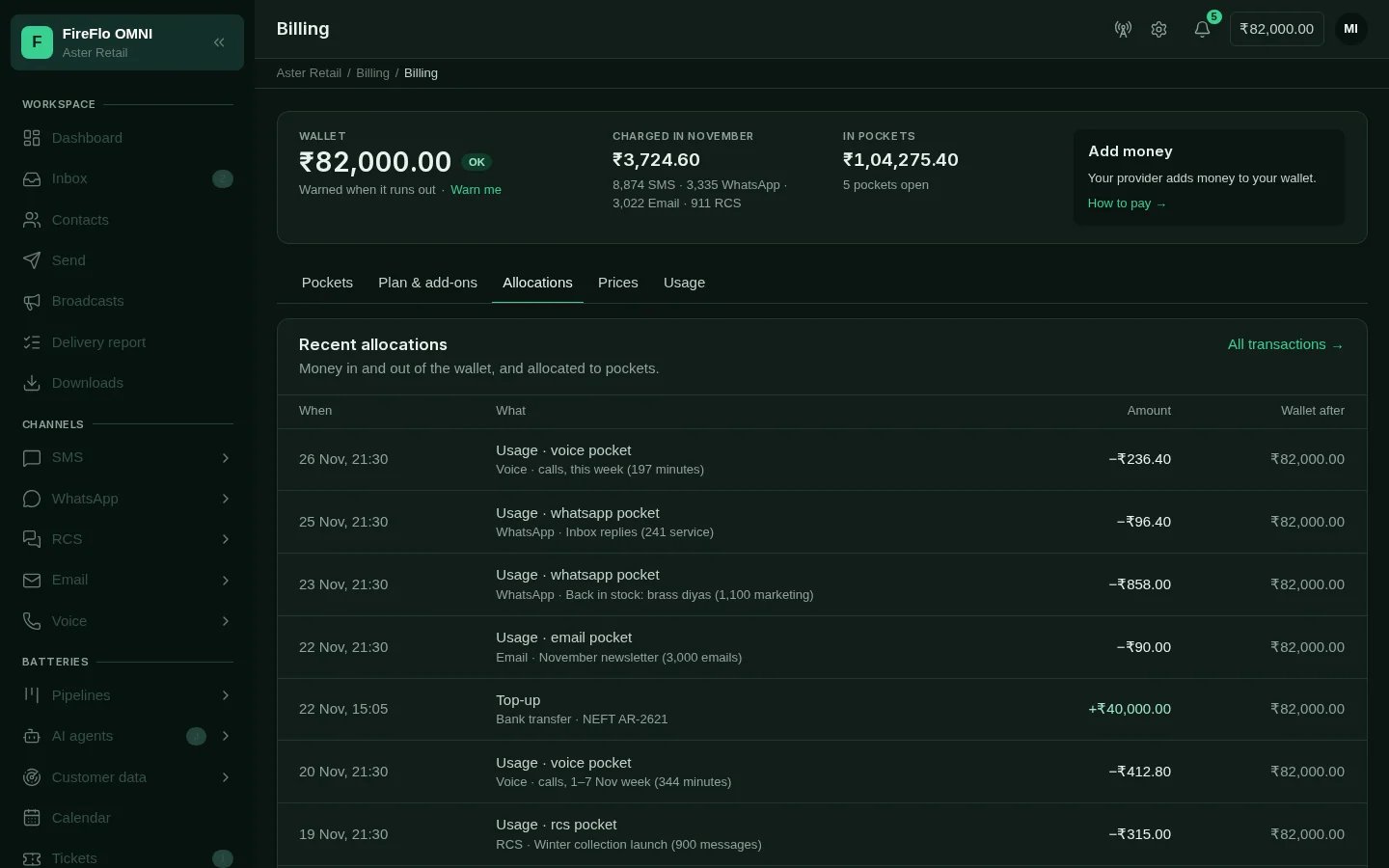
Pockets: each channel's pocket, what it spent this month and whether it can still send.
- Create pocket opens a pocket with a first amount; Move money moves money either way between the wallet and the pocket.
- The ⋯ menu on each row holds Warn me (a low-balance warning for that pocket), its allocations, and Remove pocket, which closes an empty pocket so the module spends from the wallet again. A refund for a message charged to a removed pocket reopens it, so the money is where you can see it.
- A module that is no longer in your plan but still has money in its pocket stays listed as Holds money, with only Move to wallet: no new money goes in.
- Owners and the Billing role may move money, and may move it back to the wallet even while a payment is due.
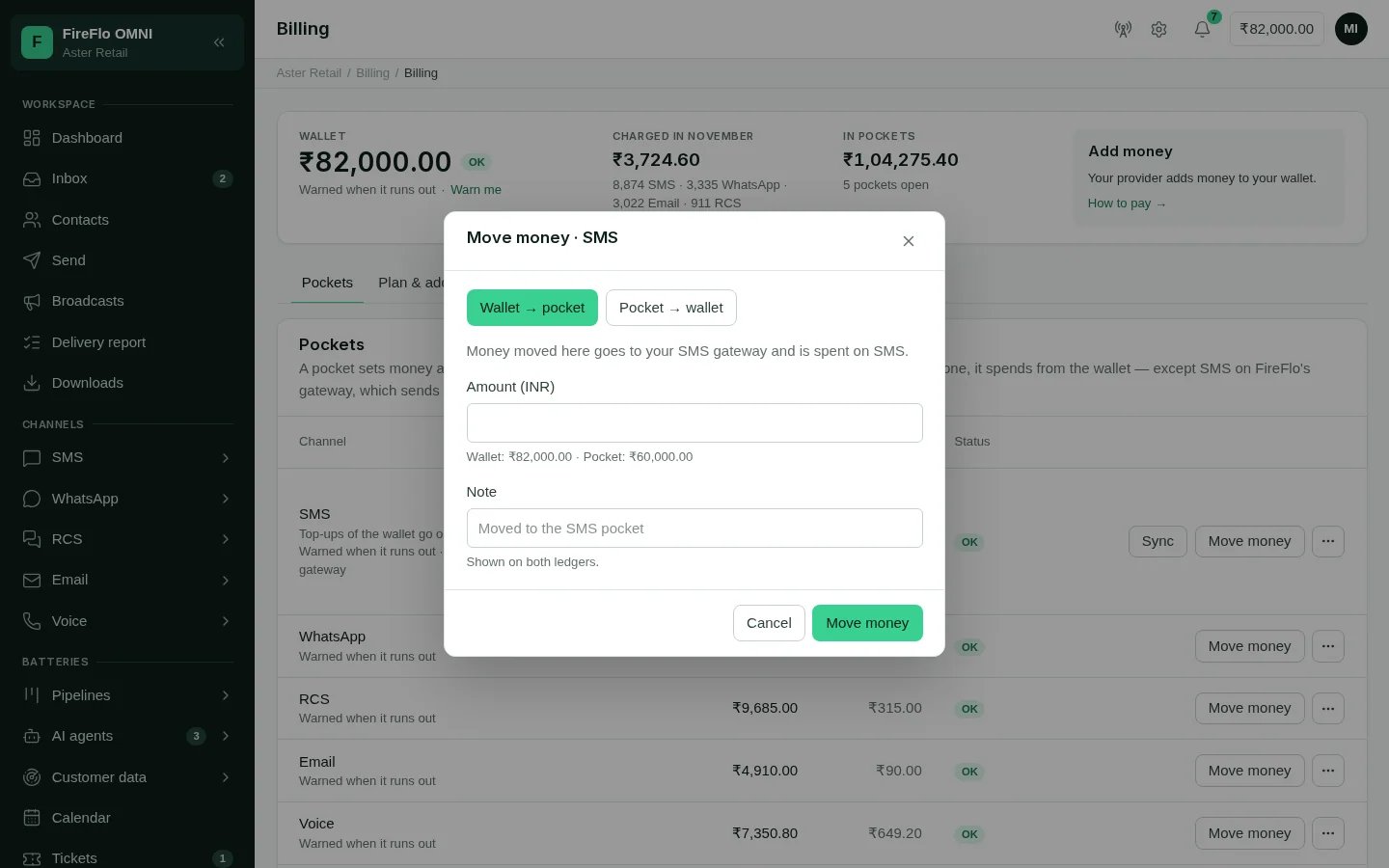
Move money: from the wallet into a pocket, or back again.
SMS on FireFlo’s connection
When SMS runs on FireFlo’s connection it is paid for from its pocket only; it never spends from the wallet.- No pocket — can’t send: create the SMS pocket and move money in. Until then nothing can be sent on SMS, however much the wallet holds.
- Money moved into it goes on to your SMS gateway and is spent on SMS.
- The pocket shows what is left at your SMS gateway, so it goes down as you send, with what was moved in beside it. The figure counts what the gateway has set aside for sending; the row says how much that is.
- Move money → Pocket → wallet brings money back. The gateway hands back what it set aside, then gives the money back; if it has less than you ask for, nothing moves. You can take back up to what was moved in. (With an older gateway the pocket works one way, and the row says so.)
- Sync reads the gateway again now and shows the time the figure was read. The page also reads it each time it loads; Sync is for when you have just sent, or money was just added at the gateway. It moves no money.
- Under the figure is how it came about: Moved in (what was put into the pocket), Moved back (what returned to the wallet), At the gateway (anything added or taken at the gateway itself), Spent, and Left. Spent is counted from the pocket’s first reconcile on; before that it reads “known once reconciled”. If the lines don’t add up, the row says how much is not accounted for yet; your provider’s staff can reconcile it, and the row says when that was last done.
- about ₹…: your SMS gateway is an older version that can’t say the exact figure. It may read slightly high, by what the gateway has set aside for sending.
- The row says where top-ups of the wallet go: on to this pocket, or staying in the wallet until you move them. Change it under SMS → Settings.
- At the gateway, not in a pocket: when your wallet was once copied to the SMS gateway, some of it is already there. Create pocket shows that amount and opens the pocket with it — it moves out of the wallet and nothing more is sent. Leave the amount empty to open with just that, or add an amount from what the wallet has left.
Plan & add-ons
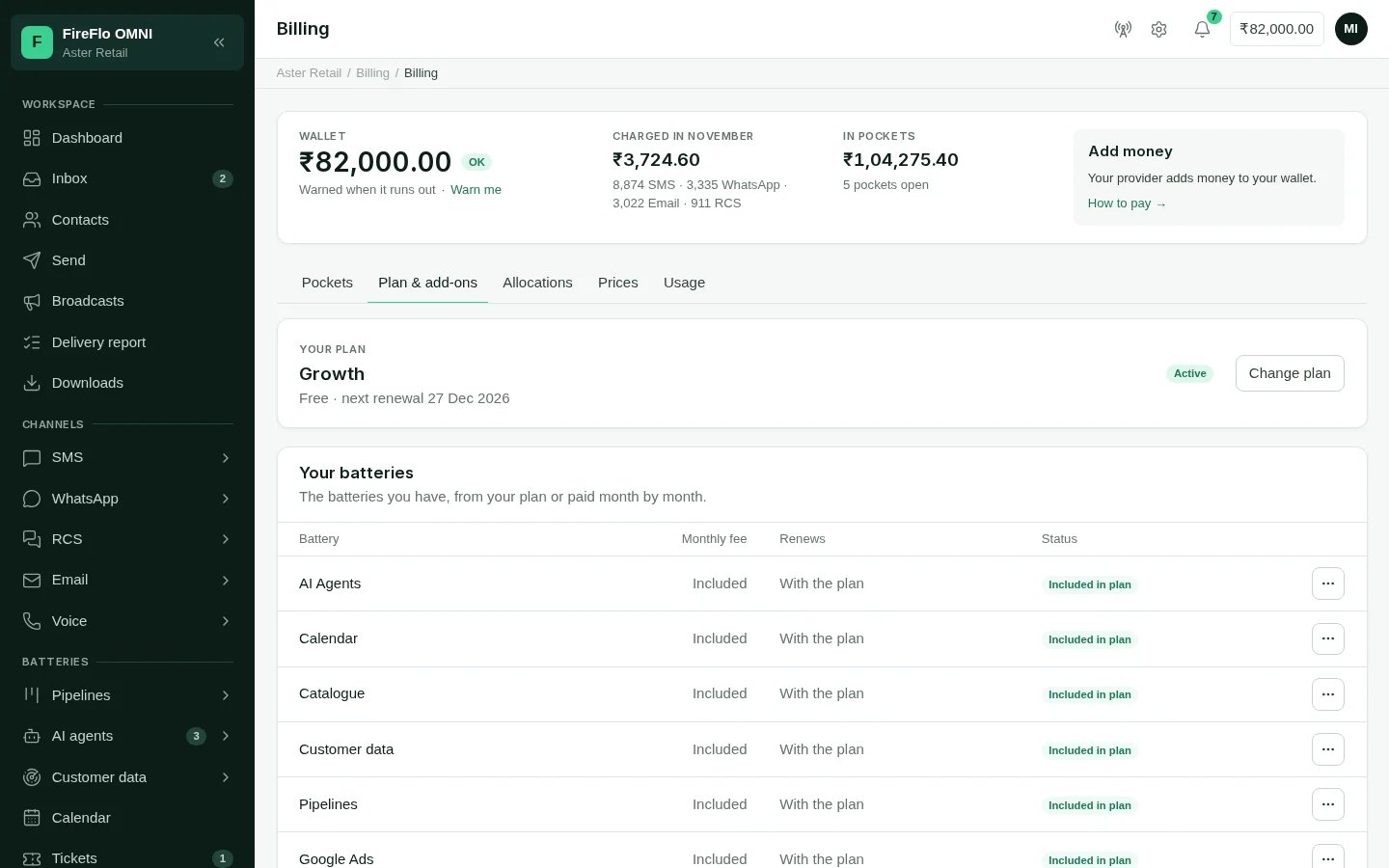
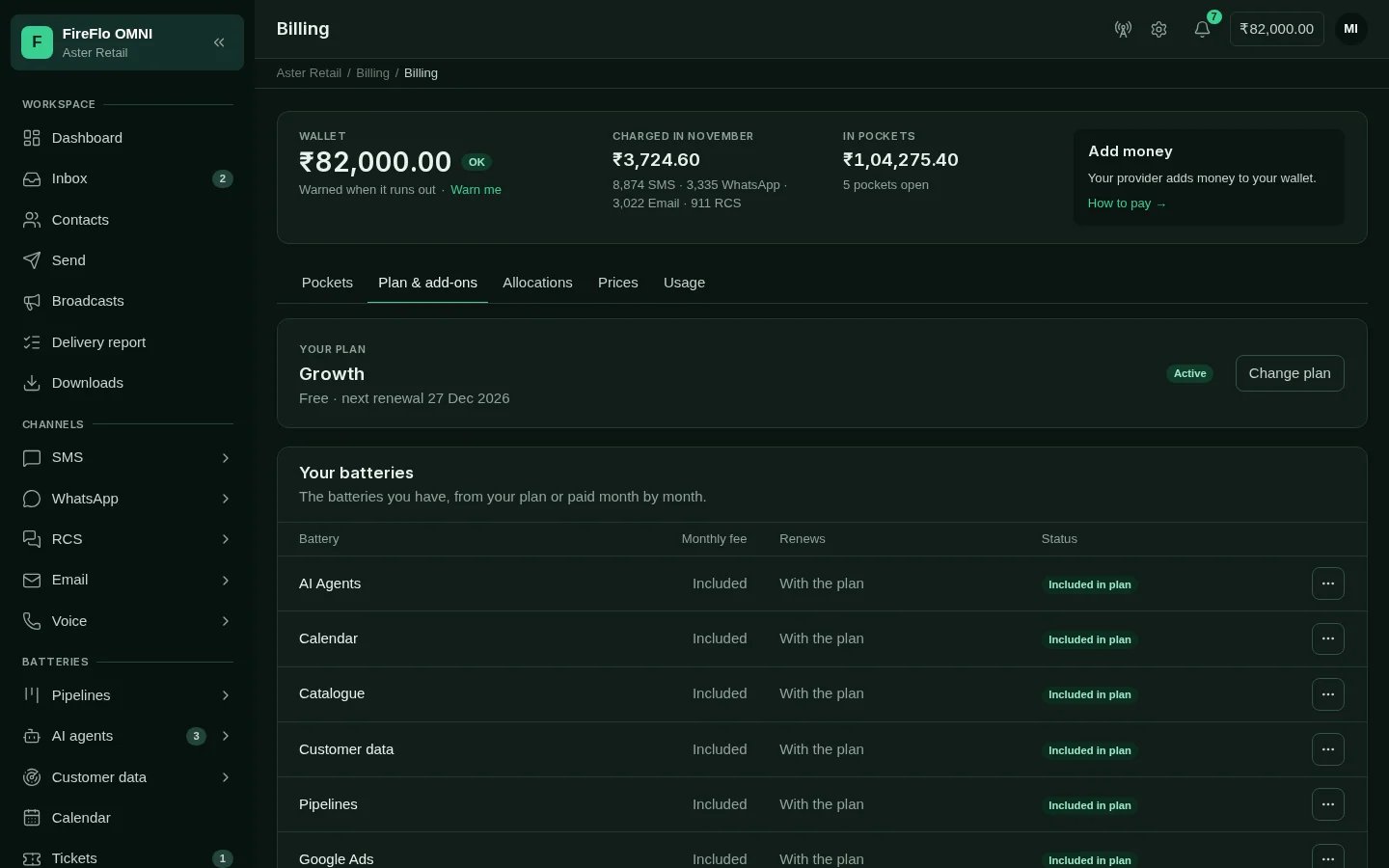
Plan & add-ons: your plan, your batteries, and the ones you can add month by month.
- Your plan: its monthly fee, its next renewal and its status, with Change plan.
- Your batteries: what each costs a month (or Included), when it next renews with Auto-renew, and whether it is Included in plan, renewing, or Suspended — then Renew now switches it back on. See Batteries.
- Add-ons: batteries your plan doesn’t include that you can add, each with its monthly fee and Subscribe. Batteries your provider has switched off, or hasn’t priced, aren’t offered.
Allocations
Every movement has a Reference of its own, with a copy button. For money moved to or from your SMS gateway it is the same reference the gateway records, so the two can be matched. The latest changes to the wallet and pockets, each with when, what it was, the amount and the wallet after it. All transactions opens the full ledger.Prices
Your prices: what each message costs you, per channel, country and product type, for the channels your account has. Each price shows since when it applies, and your own country is marked your default.- Find a country, IN or +91 finds a country by name, two-letter code or calling code.
- All product types narrows the list to one product type.
- Export CSV downloads the prices as a file.
Usage
Usage answers “how much did we send this month, and where?”: the month’s messages per channel, by country, with a country filter and a chart by country. It counts what was handed over to a channel. Messages still waiting, cancelled before they were sent, or refused as they were handed over aren’t counted as sent. See also Analytics → Usage.Accounts below a reseller
When your account is a customer of a reseller, you send with units your reseller gives you, not with money. See Units. At the top, in place of the wallet summary:- Units left: how many units you hold, across how many kinds, from your provider.
- Plan and Add-ons: what you are on, Paid by your reseller. You hold no money: there is no wallet, and nothing to top up.
- Units lists each channel and product type with the Units left and a status: OK, Low, or None · sends paused with Ask your provider. One unit is one message: an SMS part, a WhatsApp message, a call minute.
- Unit history lists units received from your provider, used by your messages, and given back when a message was refused.
- Plan & add-ons shows your plan and add-ons. Your reseller pays for them, so only your reseller can change your plan or add one; ask them. If a fee is unpaid, the page says so and your reseller has been told.
How sends are charged
Each message and call that goes through FireFlo’s connections is charged to the balance as it goes, at your prices for the recipient’s country. (Below a reseller, it uses one of your units instead, and is charged to your reseller.)- When. A message is charged as it is handed to its channel. If the channel refuses it outright, the charge is refunded. A message the channel took but the phone never received stays charged, as the channel charges for it.
- Your own connections aren’t charged. Messages through your own SMS gateway, WhatsApp account or RCS provider, and calls on your own Voice organisation, are billed to you by that provider directly.
- When the money runs out. A message its pocket (or, without a pocket, the wallet) can’t cover isn’t sent, and says which ran out. A broadcast pauses itself and carries on, by itself, as soon as money reaches the side it pays from: a channel with a pocket resumes when the pocket is filled, not when the wallet is. A call isn’t placed on an empty pocket or wallet; one already under way finishes, and may take it a little below zero.
- Not priced, not charged. A channel or country with no price on your list costs nothing.
- Only countries you can send to. A message to a number outside your allowed countries is refused before it is sent, and isn’t charged.
Countries you can send to
Settings shows Countries you can send to, on every channel: every country, or a list. FireFlo sets it, or your reseller if you have one; you can read it but not change it. Ask them to add a country. A message to a number anywhere else is refused before it is sent, with the country the number was read as, and isn’t charged. A broadcast lists the rows it left out, by country.Batteries
Batteries are paid for month by month from the wallet. On each battery’s renewal date its monthly fee leaves the wallet and the battery is on for another month. Where your plan includes a battery, it reads Included in plan and costs nothing more.- Subscribe starts paying for a battery your plan does not include: the first month is charged now, and it renews on the same day each month.
- Auto-renew off stops the renewal; the battery stays on until the month already paid for ends, then reads Not renewing.
- When the wallet cannot pay a renewal the battery is Suspended: it is off, and Modules says why. Add money to the wallet and it comes back on by itself, or select Renew now. The owner is emailed once when this happens.
Transactions
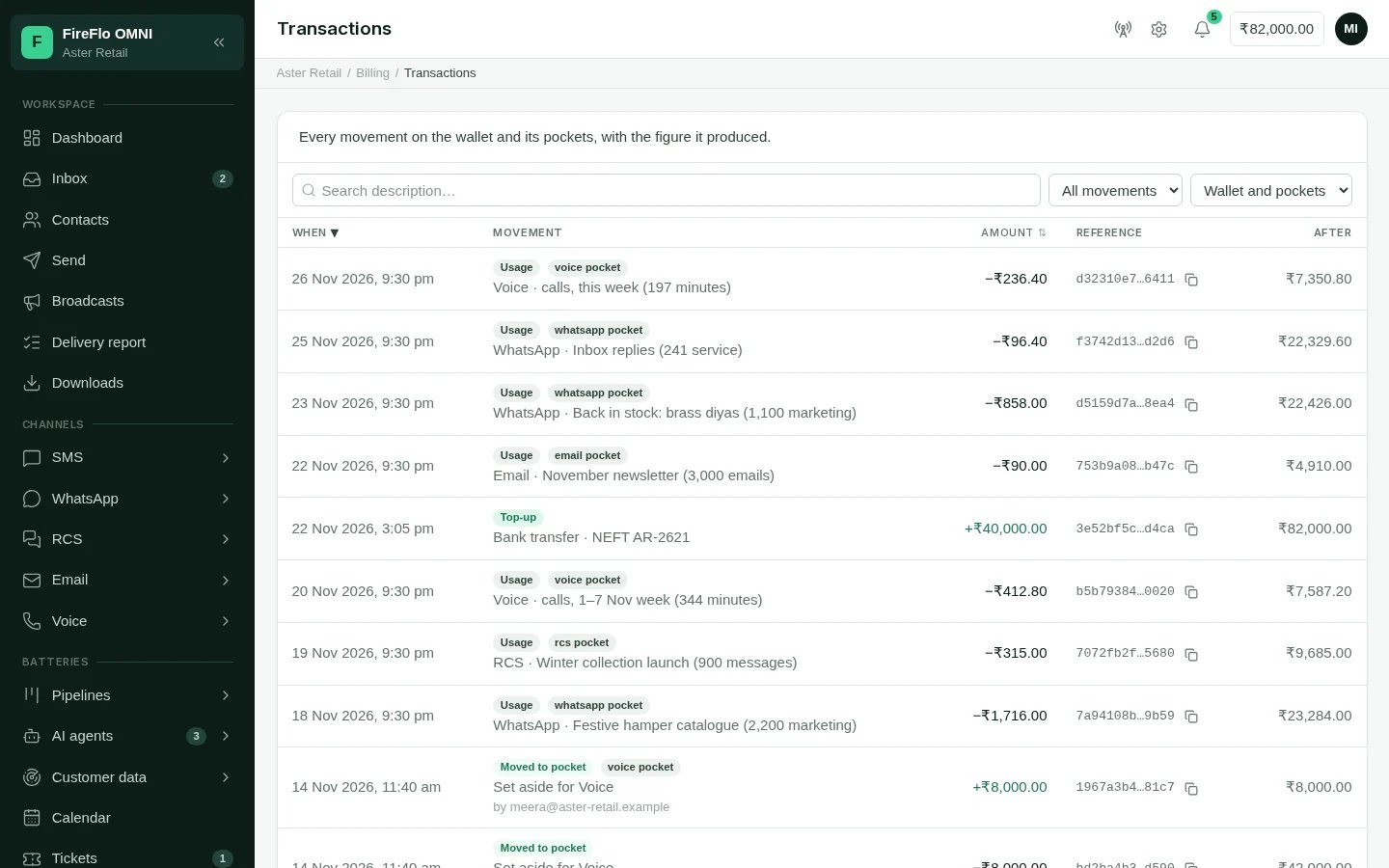
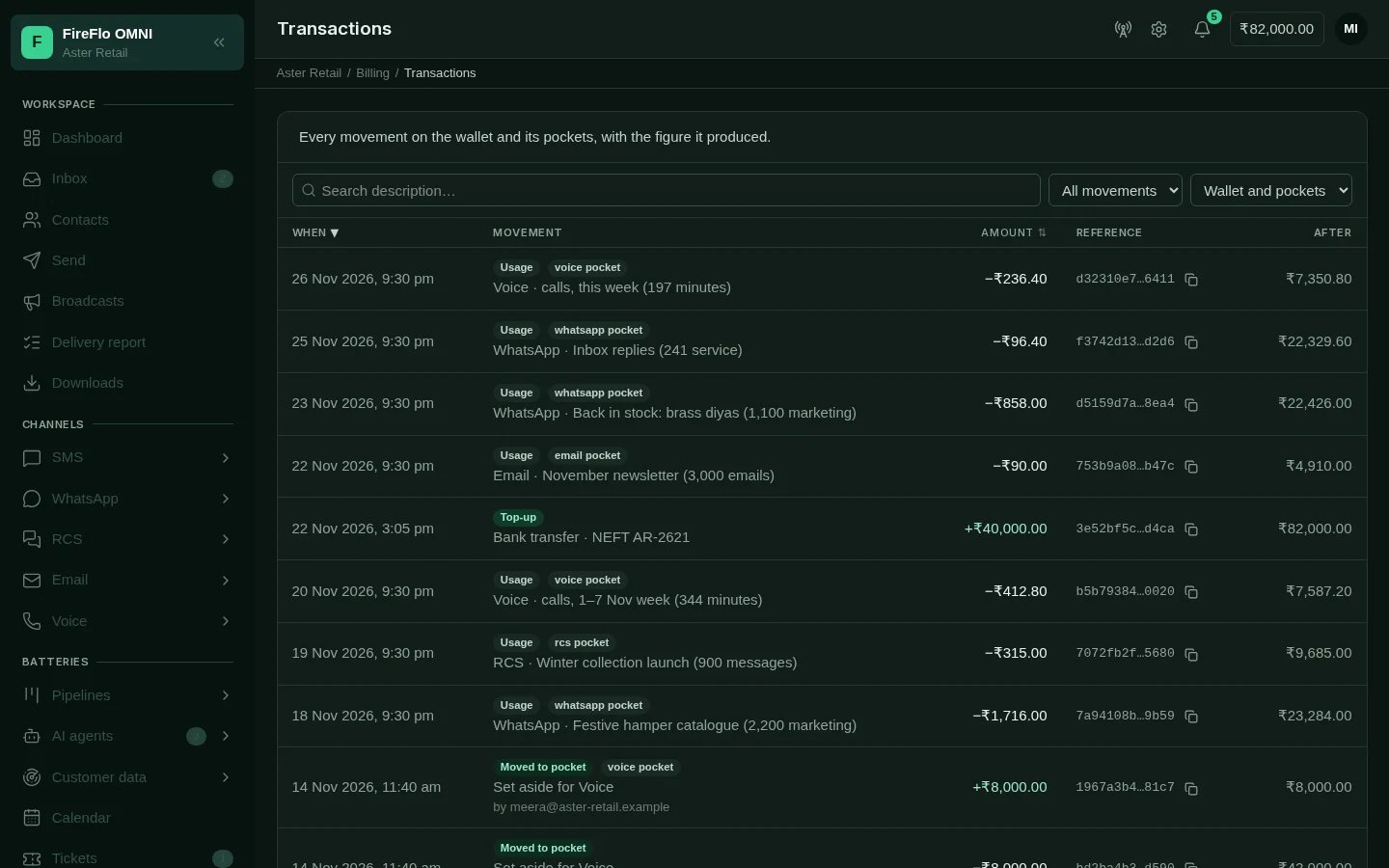
Transactions: every movement, with the balance it produced.
The Wallet and pockets filter narrows the ledger to the wallet’s own lines or to one pocket’s. The
After column is the running figure of whichever side the line is on.
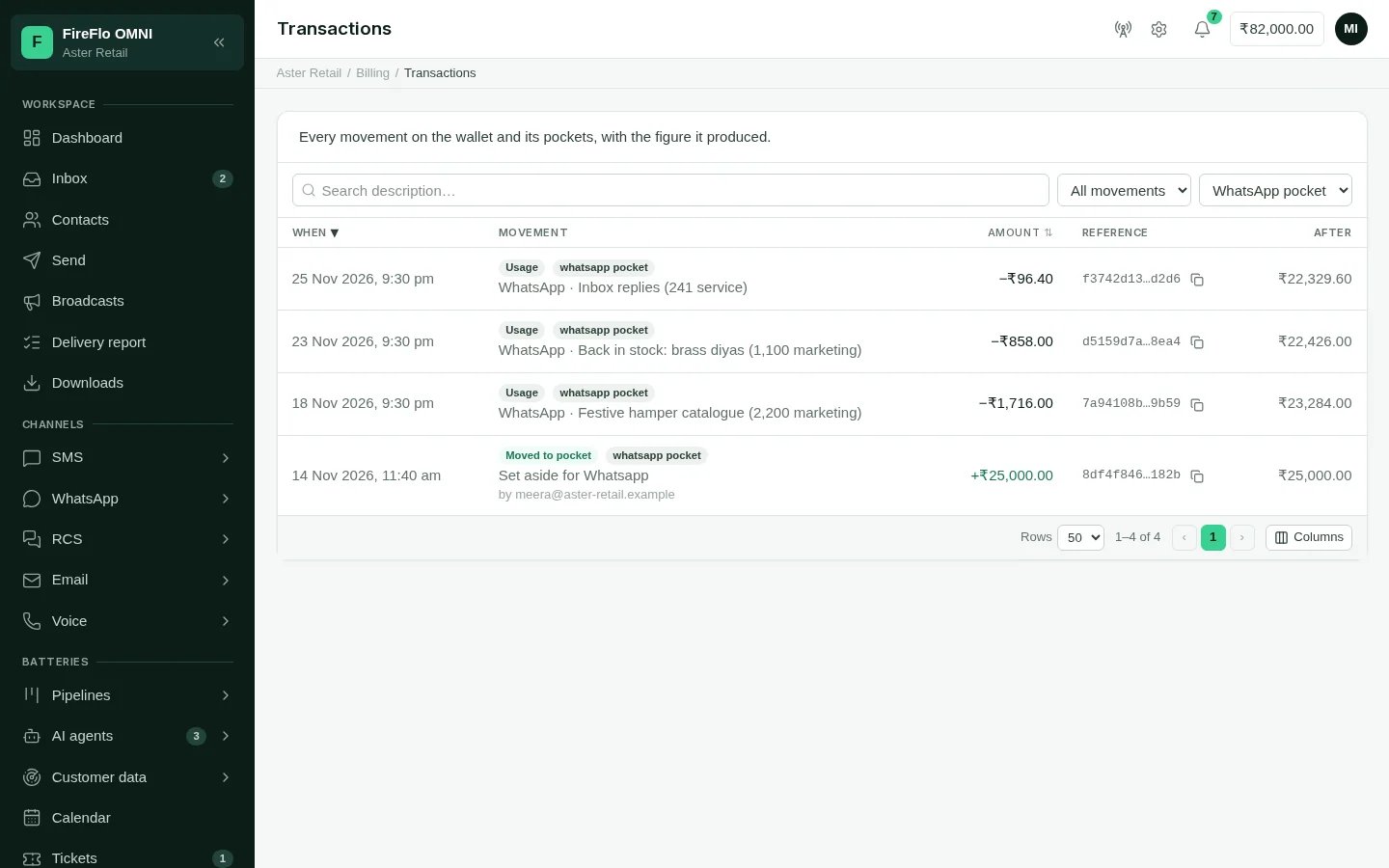
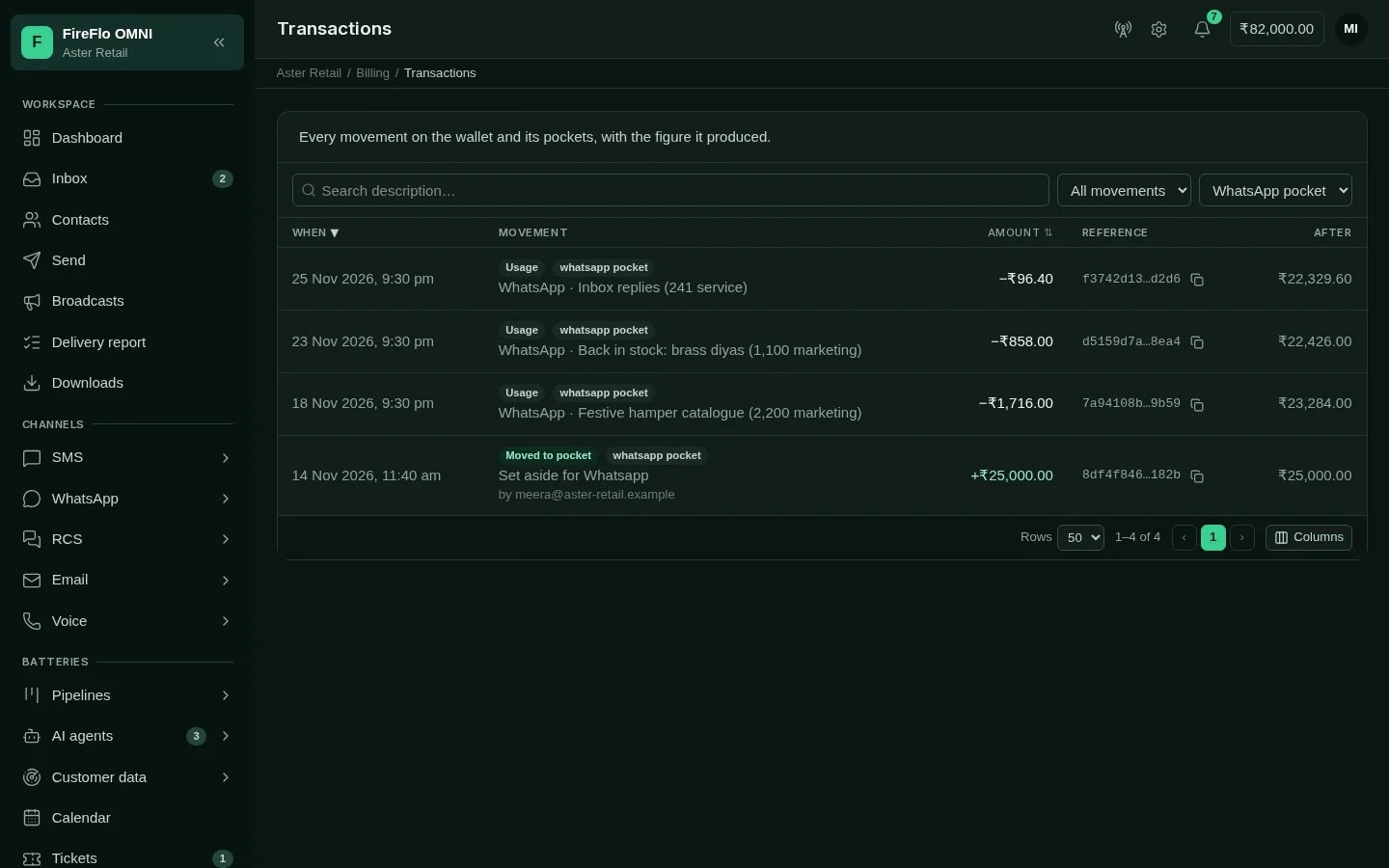
One pocket's lines: what was moved into it, and what each broadcast used.