
Your plan must include Customer data. Without it, every contact still keeps its
messages and activity, and a STOP reply still stops messages — on every channel at once.
Audiences
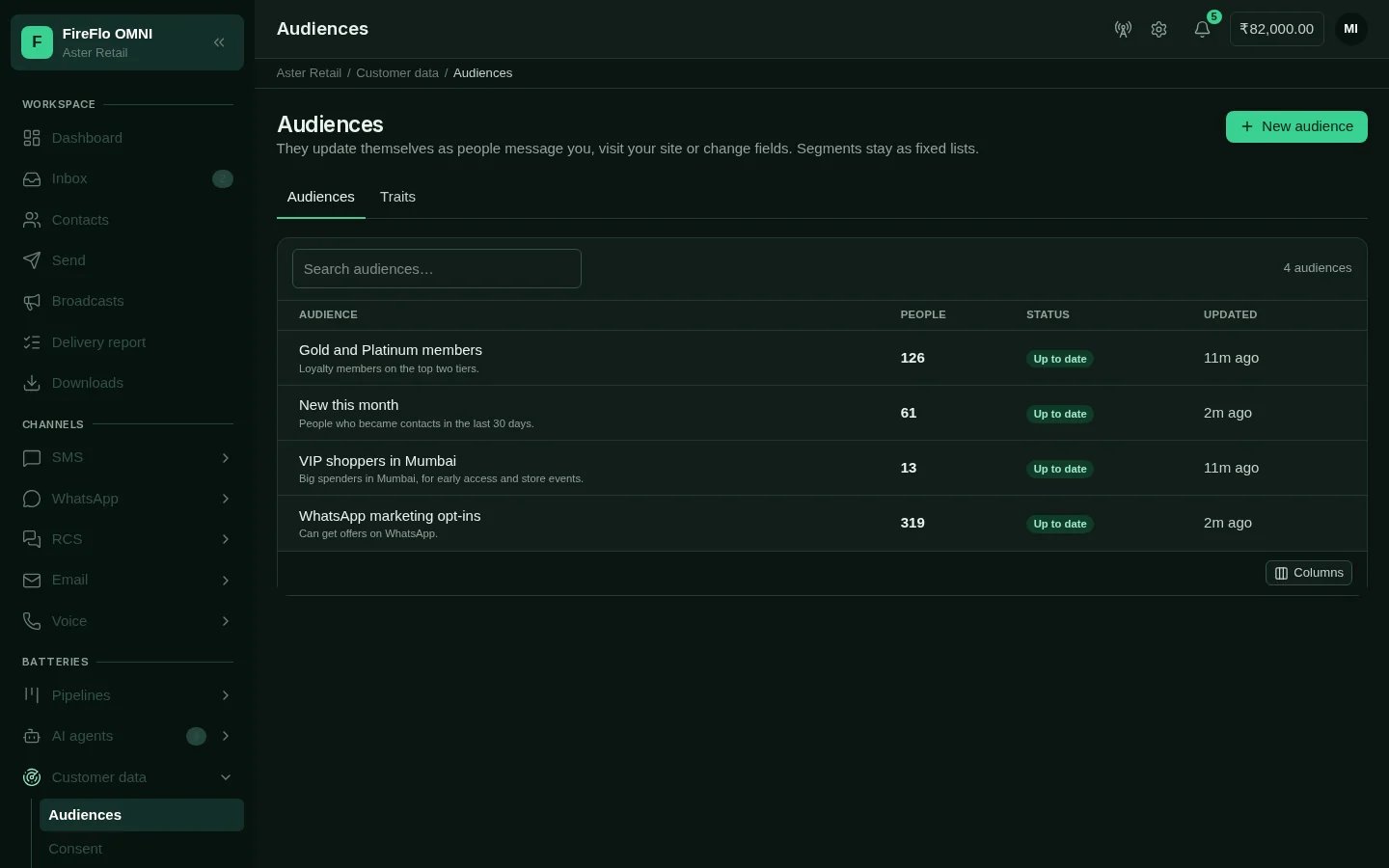
An audience is a group of people described by rules — “added to cart in the last 7 days and didn’t order”. People join and leave as they match, within a few minutes of what they do. Open Audiences from the menu.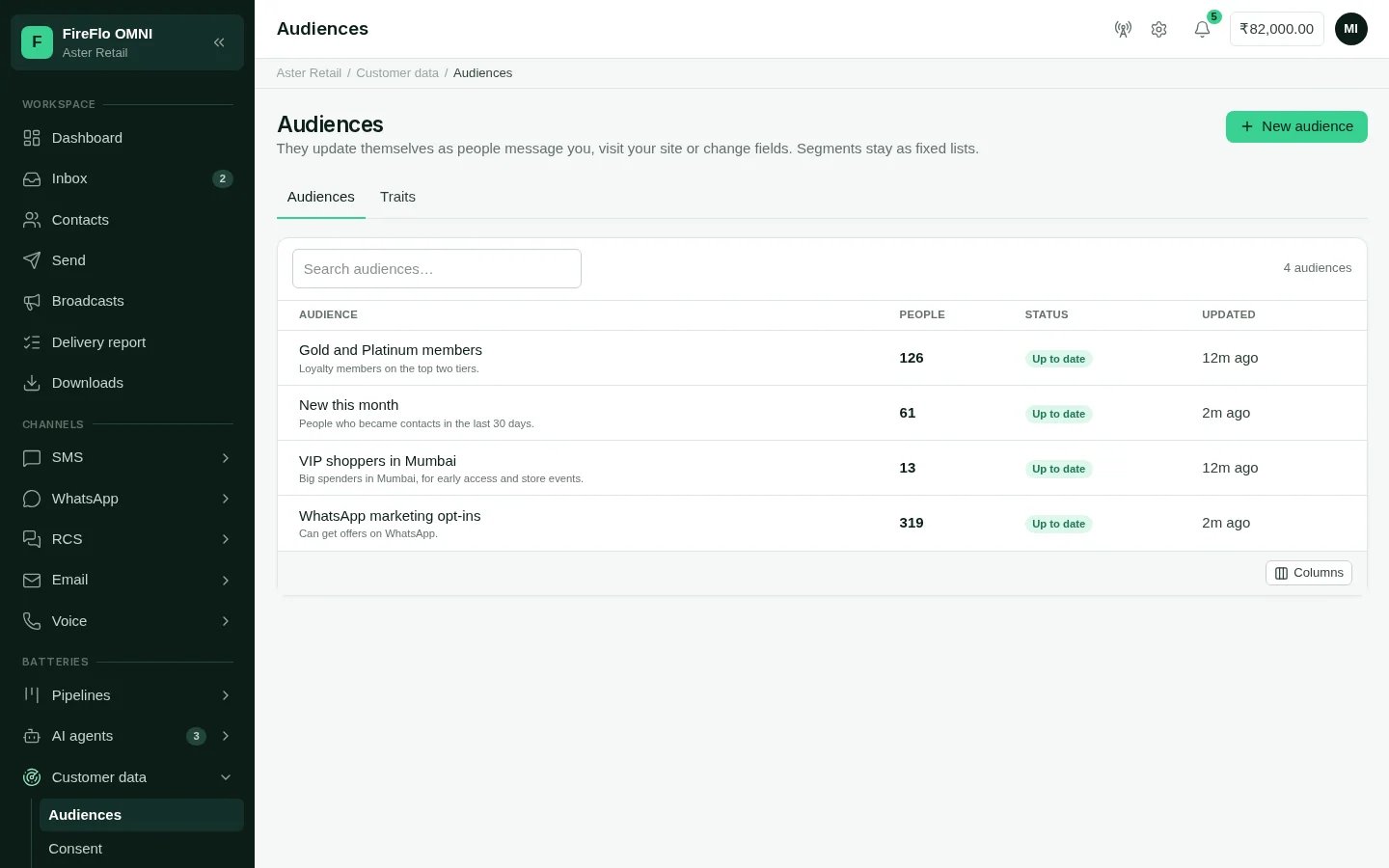
Audiences
Build an audience
1
Name it
Choose New audience, and give it a name and, if you like, a description.
2
Add conditions
Choose whether people must match all or any of the conditions. You can add up
to 20 conditions in up to 5 groups.
3
Check who matches
Matching right now counts as you edit, and Sample shows some of the people.
4
Save
Choose Save audience. OMNI works out who’s in, and keeps it current from then on.
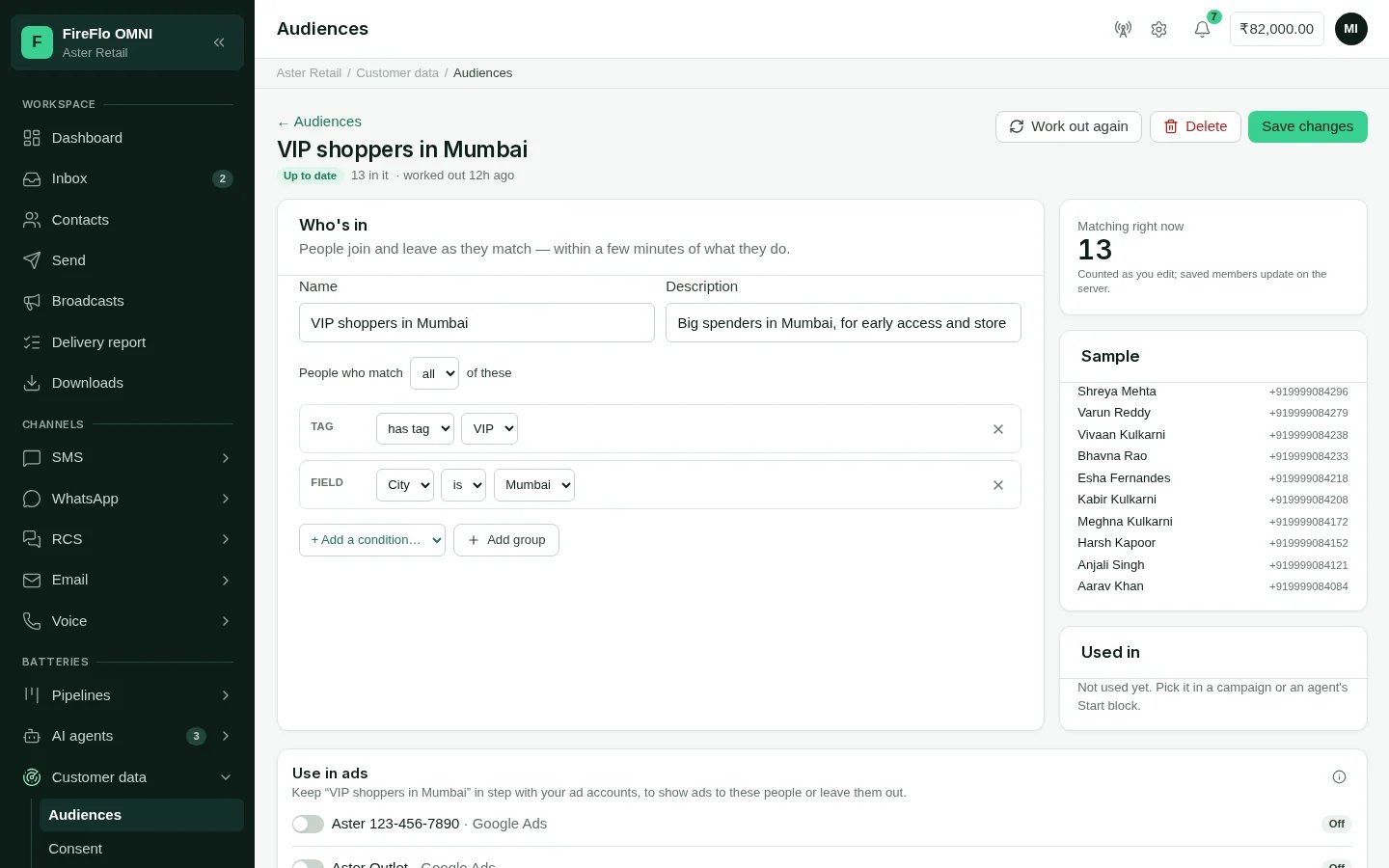
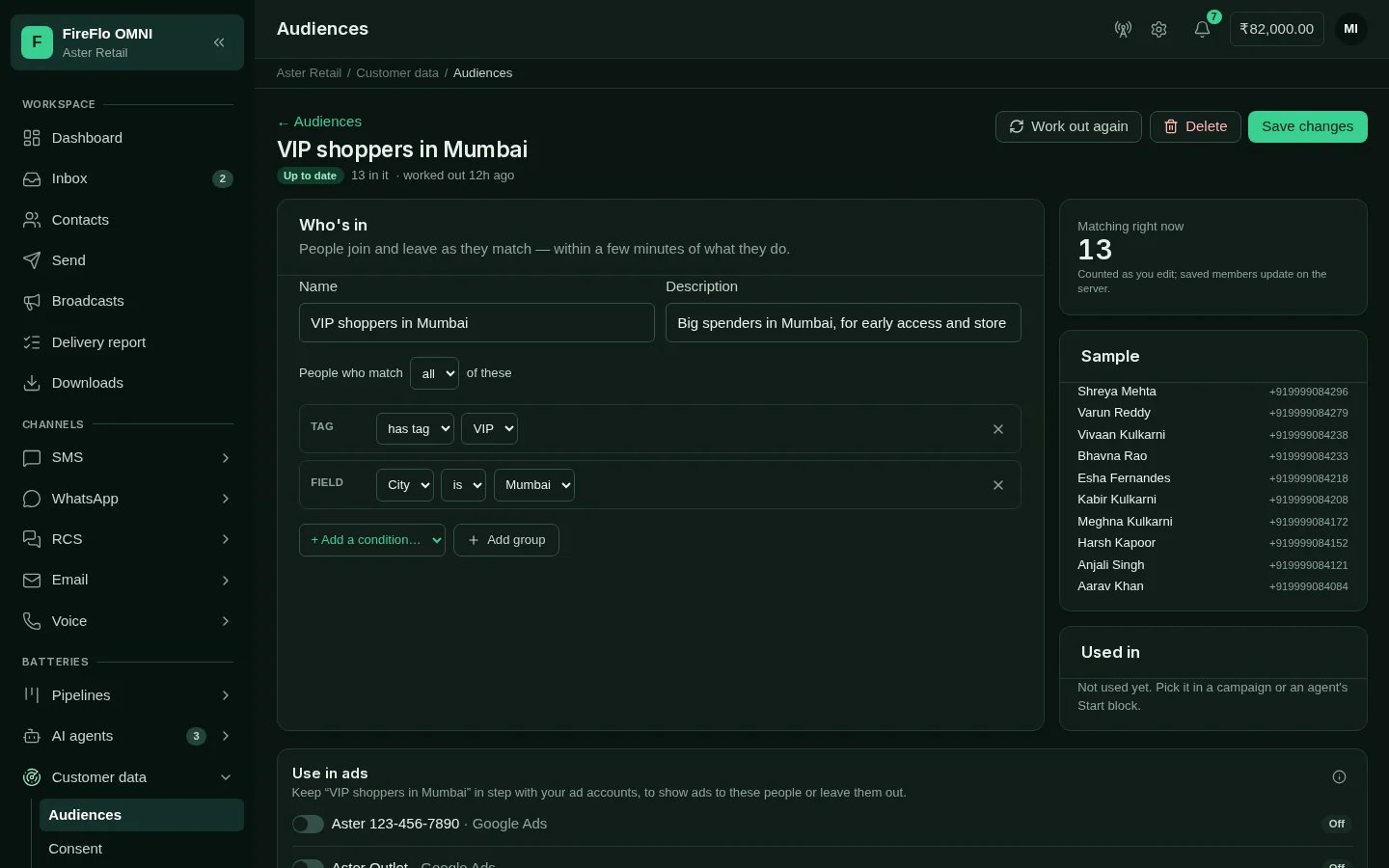
An audience's page: its rules, who matches right now, and where it is used.
- the recipients of a broadcast on SMS, WhatsApp or RCS — see Broadcasts;
- what starts an AI agent’s workflow, when someone joins or leaves it — with AI Agents;
- a condition in another audience.
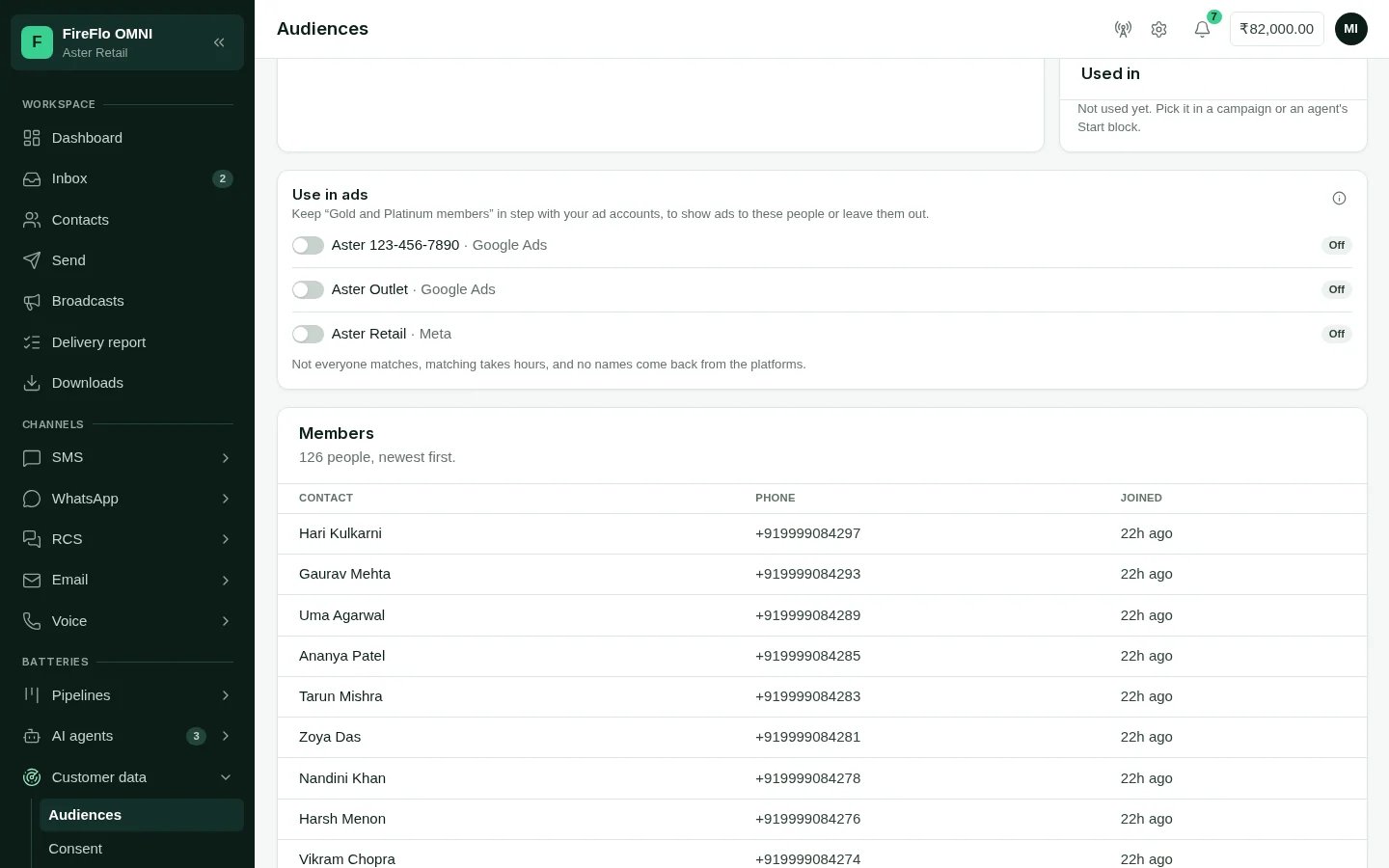
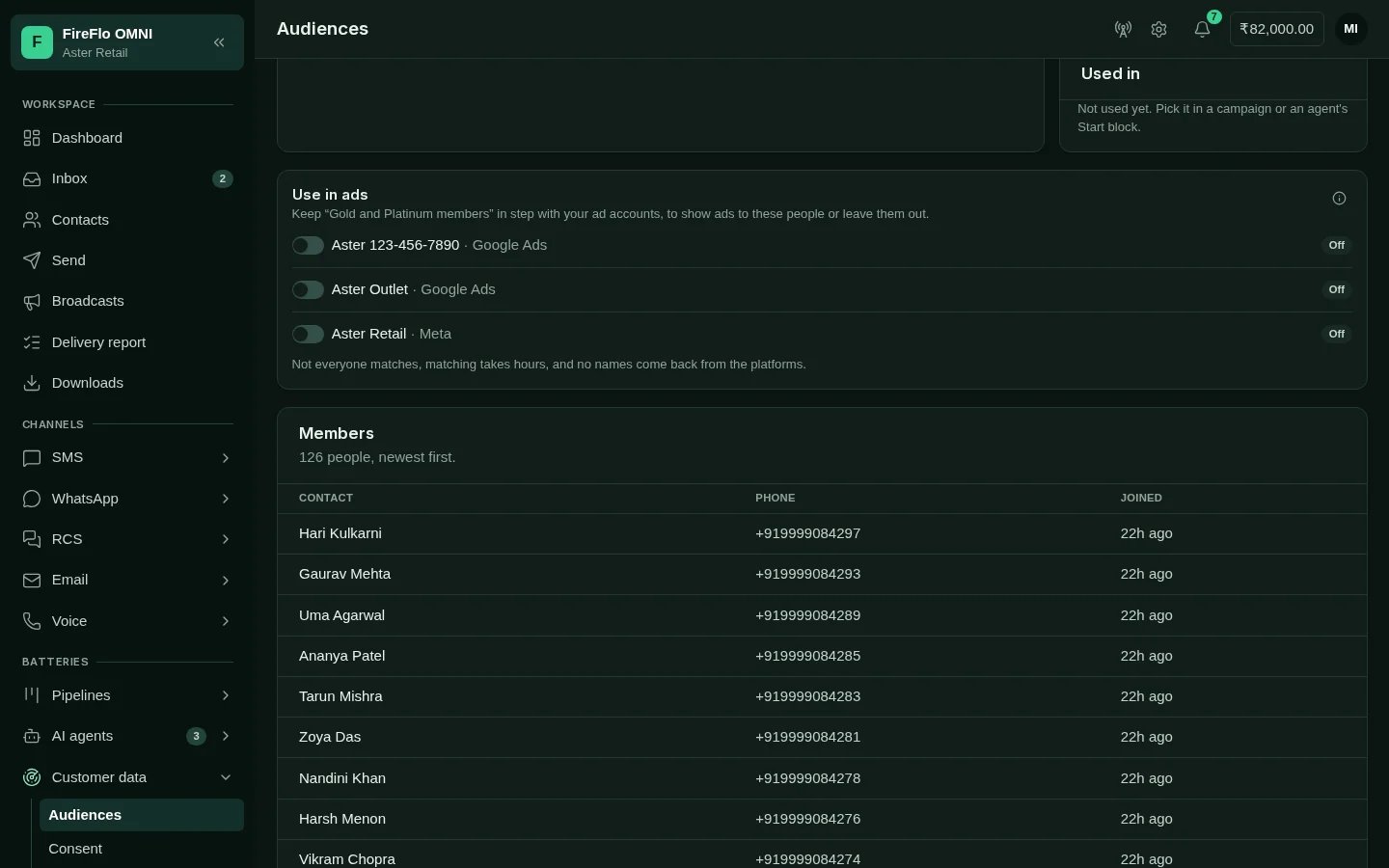
An audience's members, newest first.
Traits
Traits are facts worked out for every contact from their messages, visits and deals. See them under Audiences → Traits, and on each contact’s page. Built-in traits include Last engaged, Last message from them, Last message to them, messages each way over 90 days, Reply rate · 90 days, Delivered rate · 90 days, Preferred channel, Lifetime value and Open deals (from Pipelines), Activity · 30 days and First seen. Messages on SMS, WhatsApp and RCS all feed them.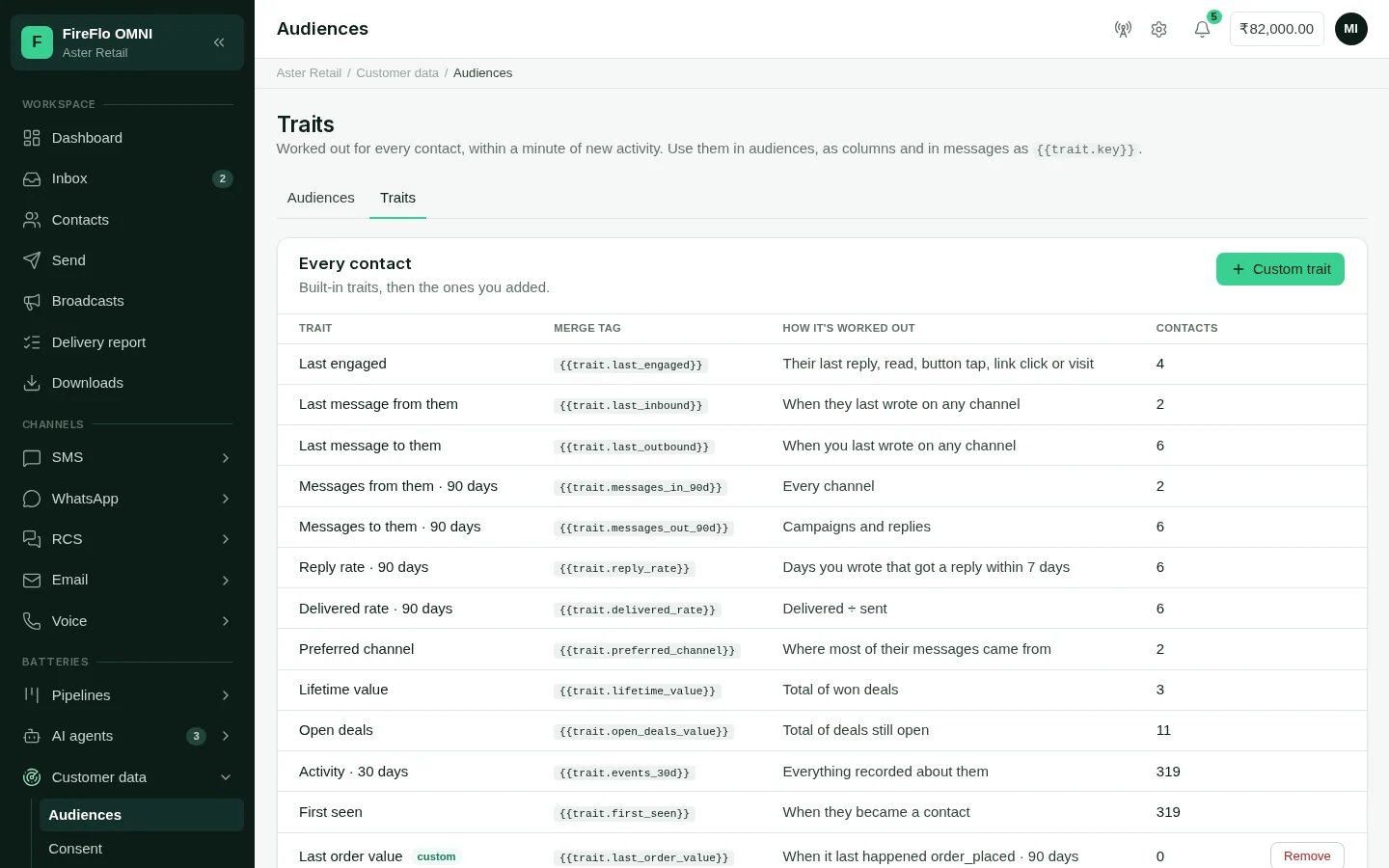
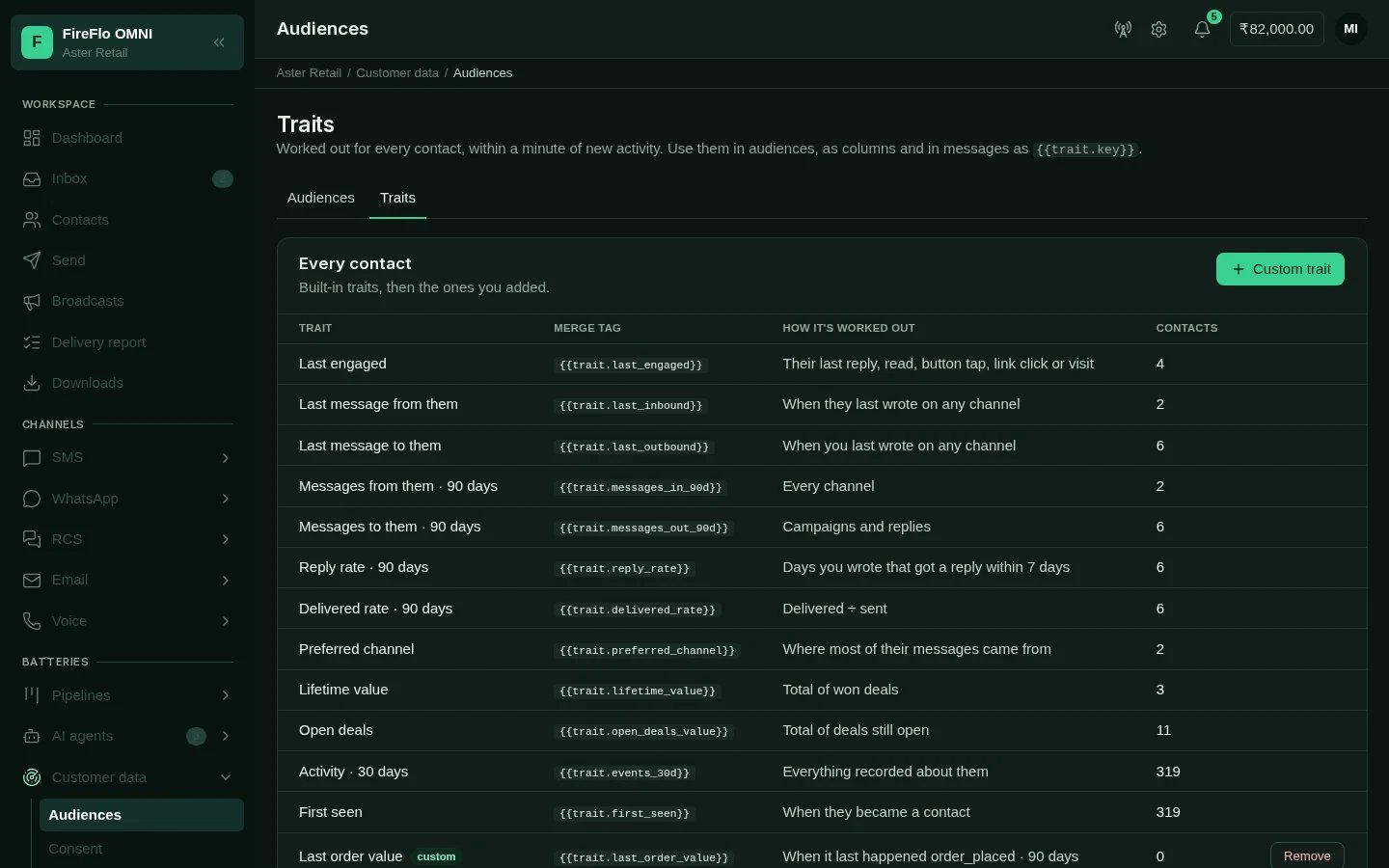
Traits: the built-in ones and your own, and how each is worked out.
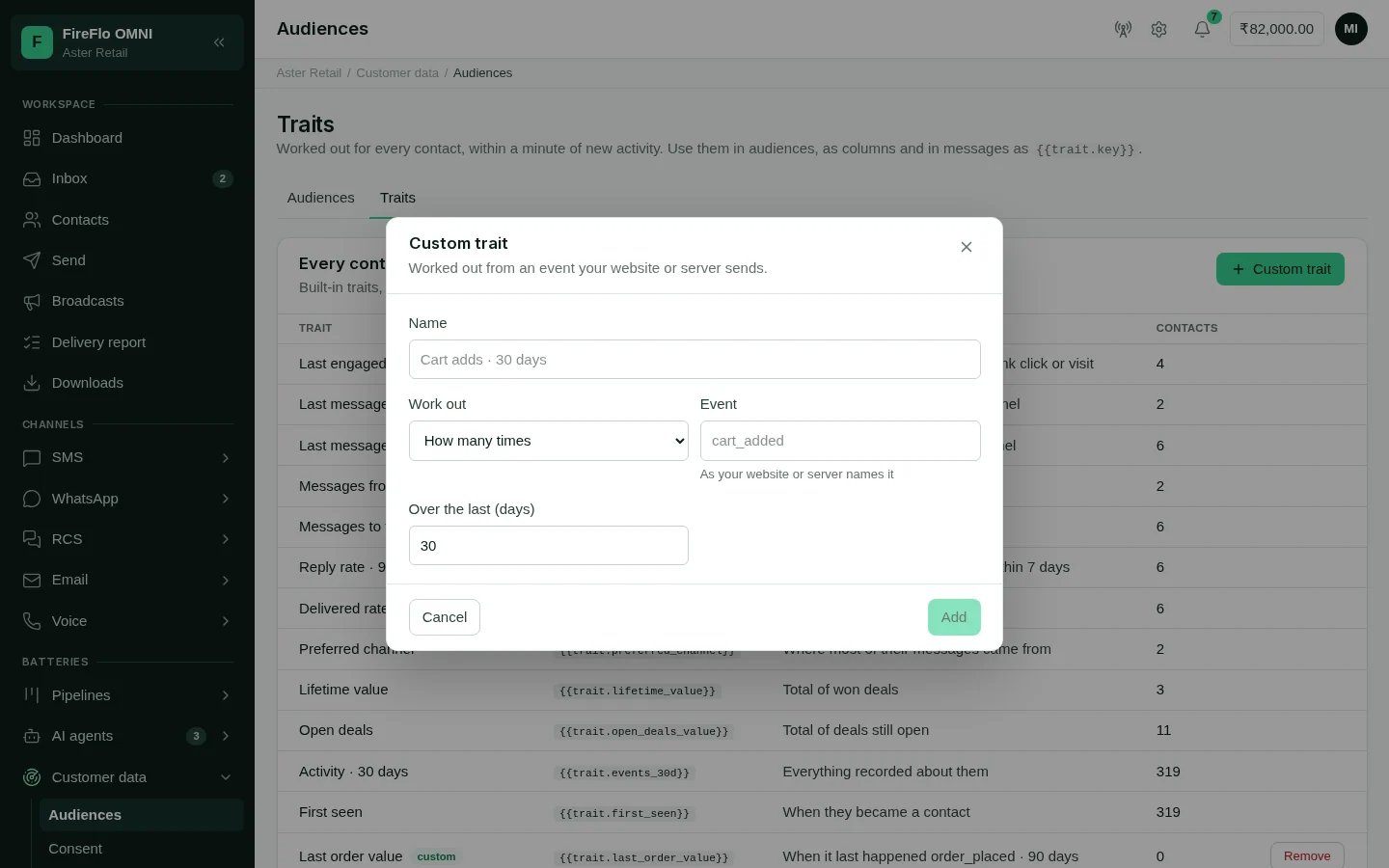
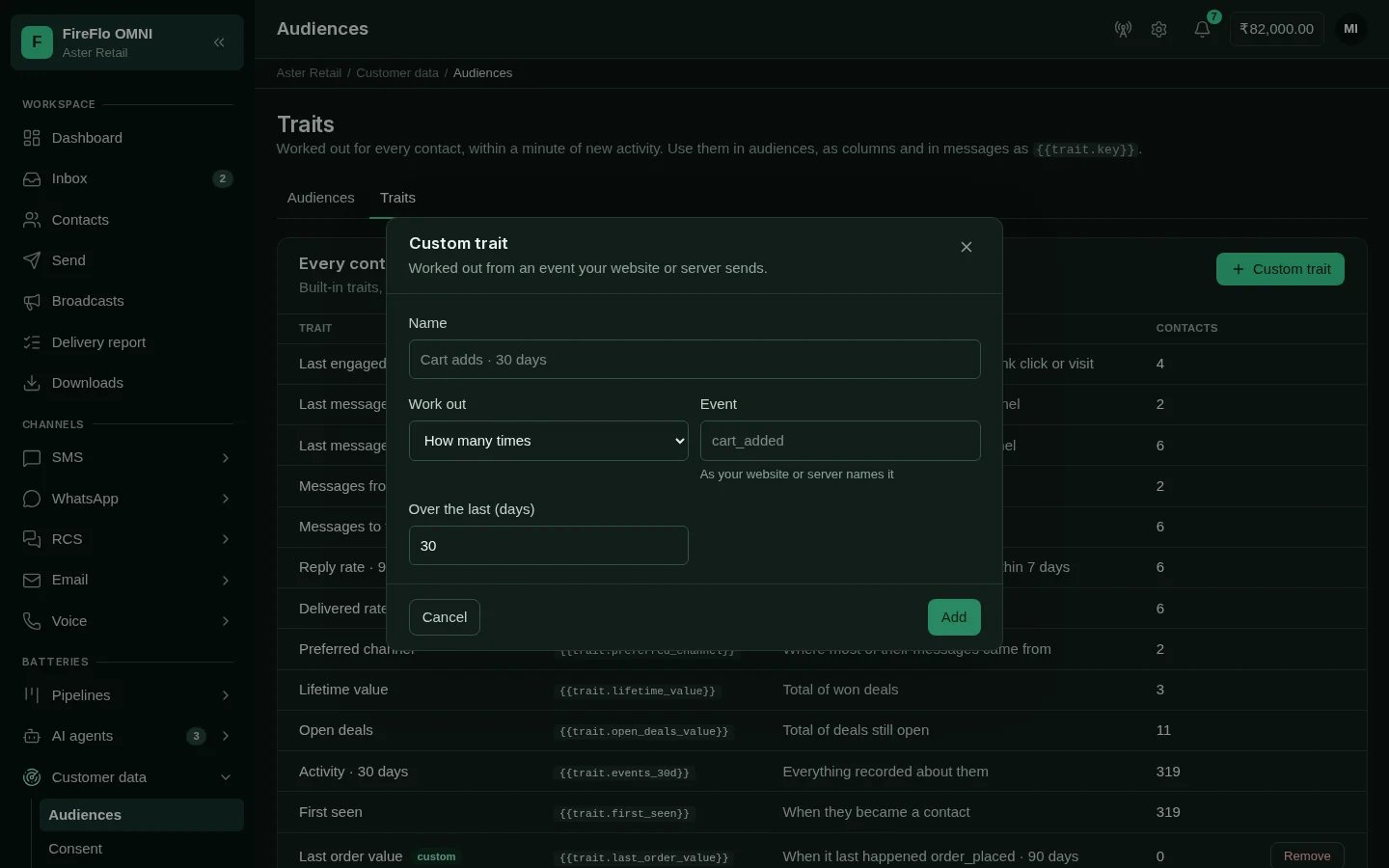
A custom trait, worked out from an event your website or server sends.
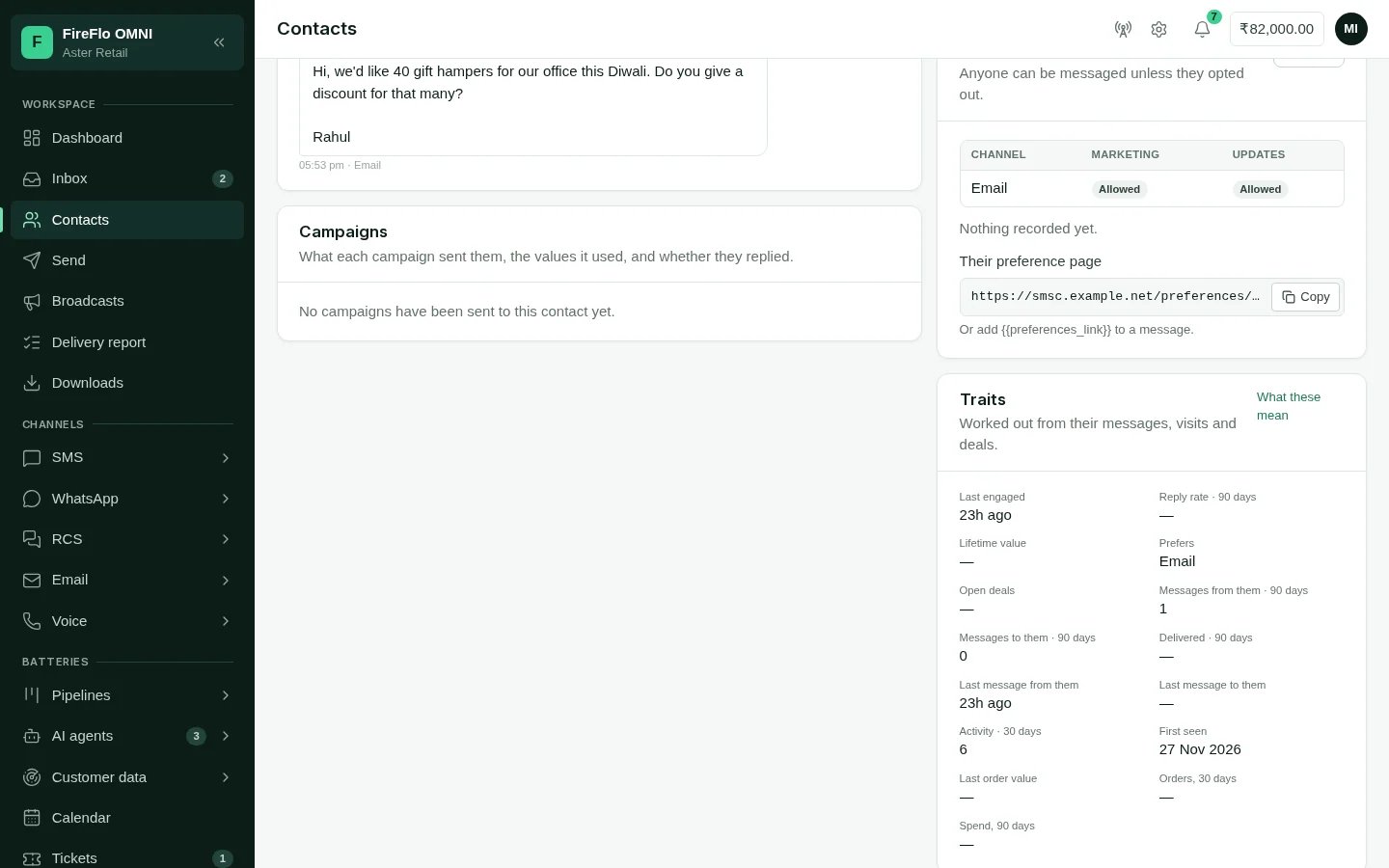
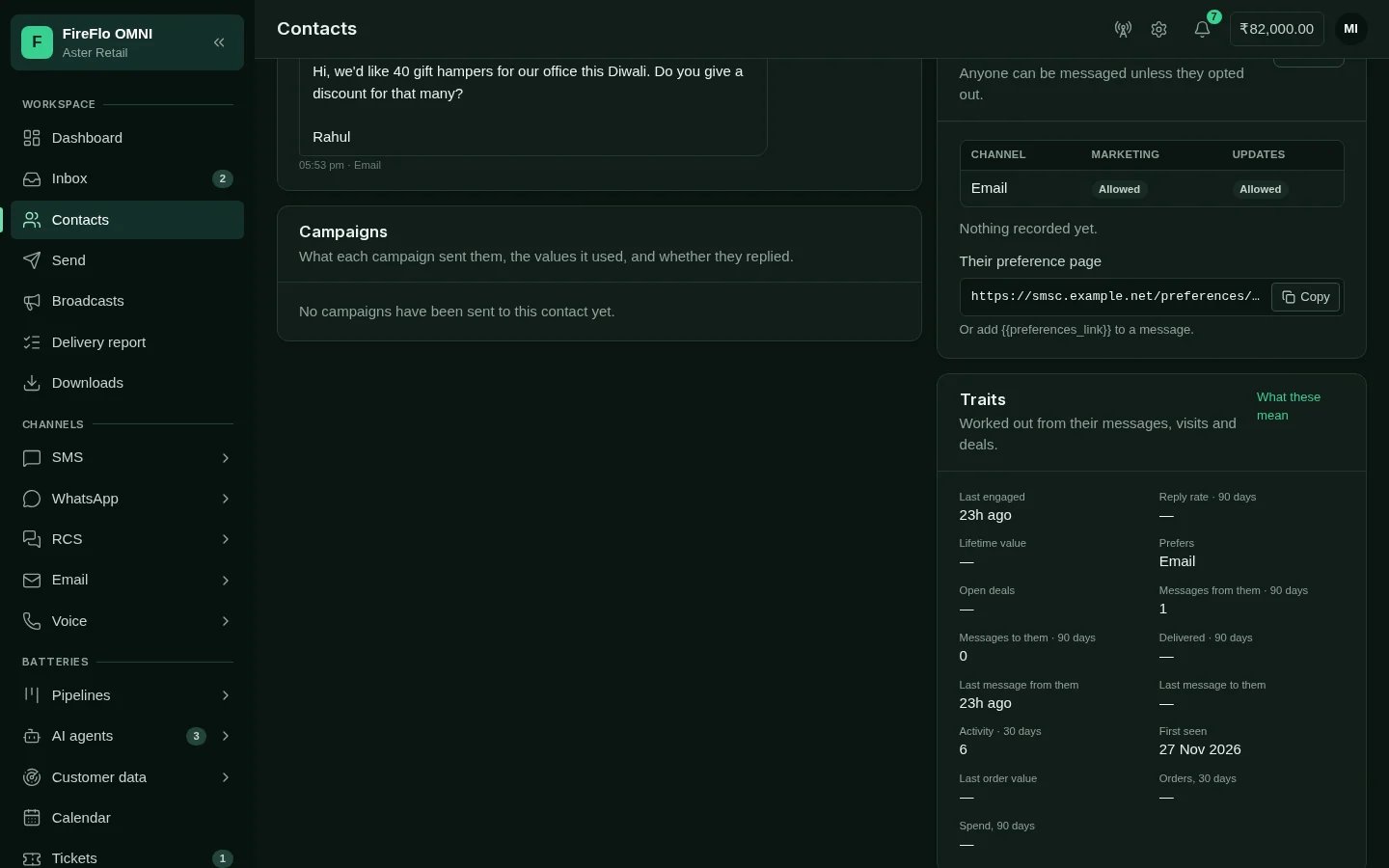
The Traits card on a contact's page.
Duplicates and merging
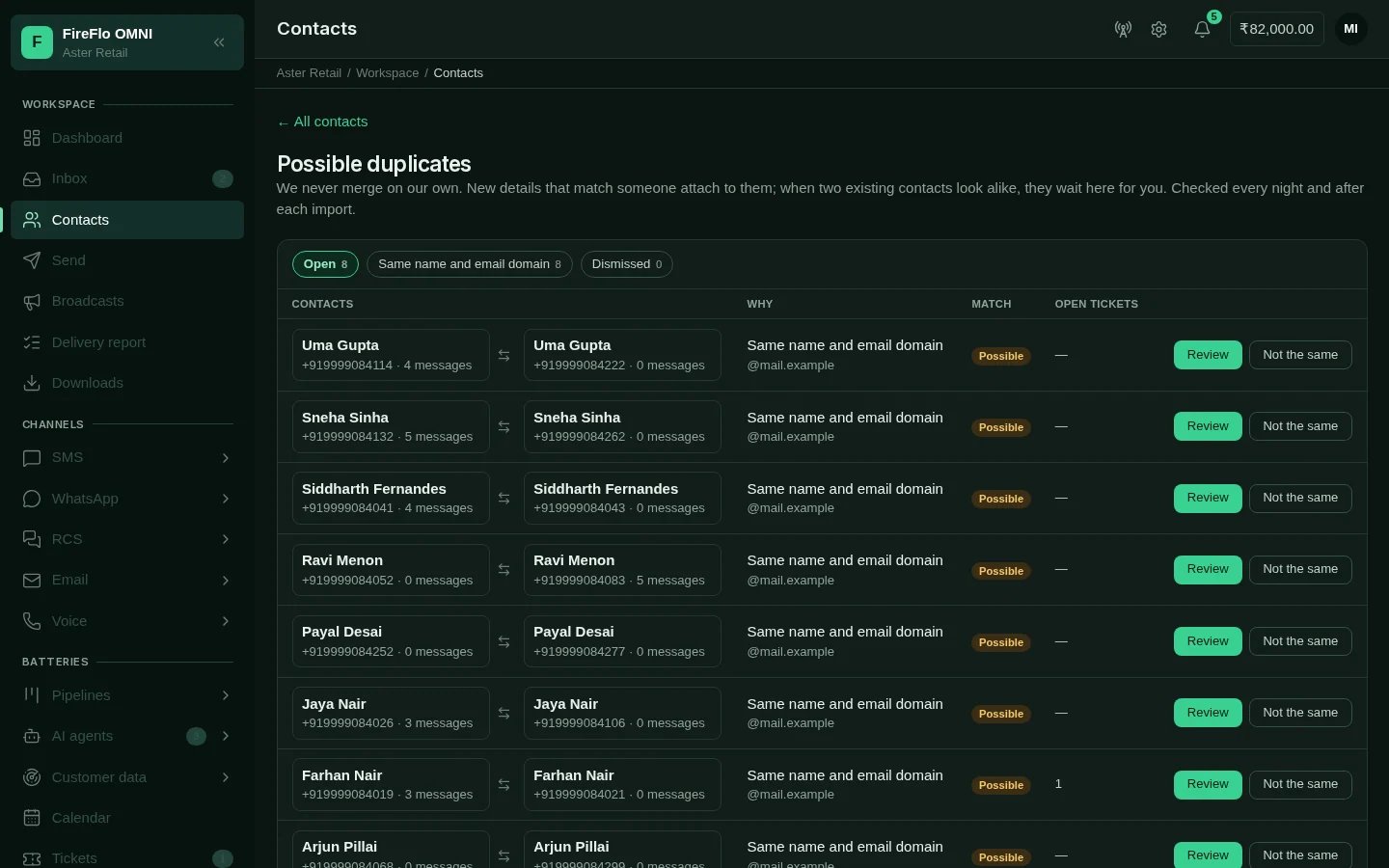
OMNI looks for contacts that may be the same person every night: Same email, Same customer id, Same number, or Same name and email domain. When it finds some, Possible duplicates appears on the Contacts screen with a count.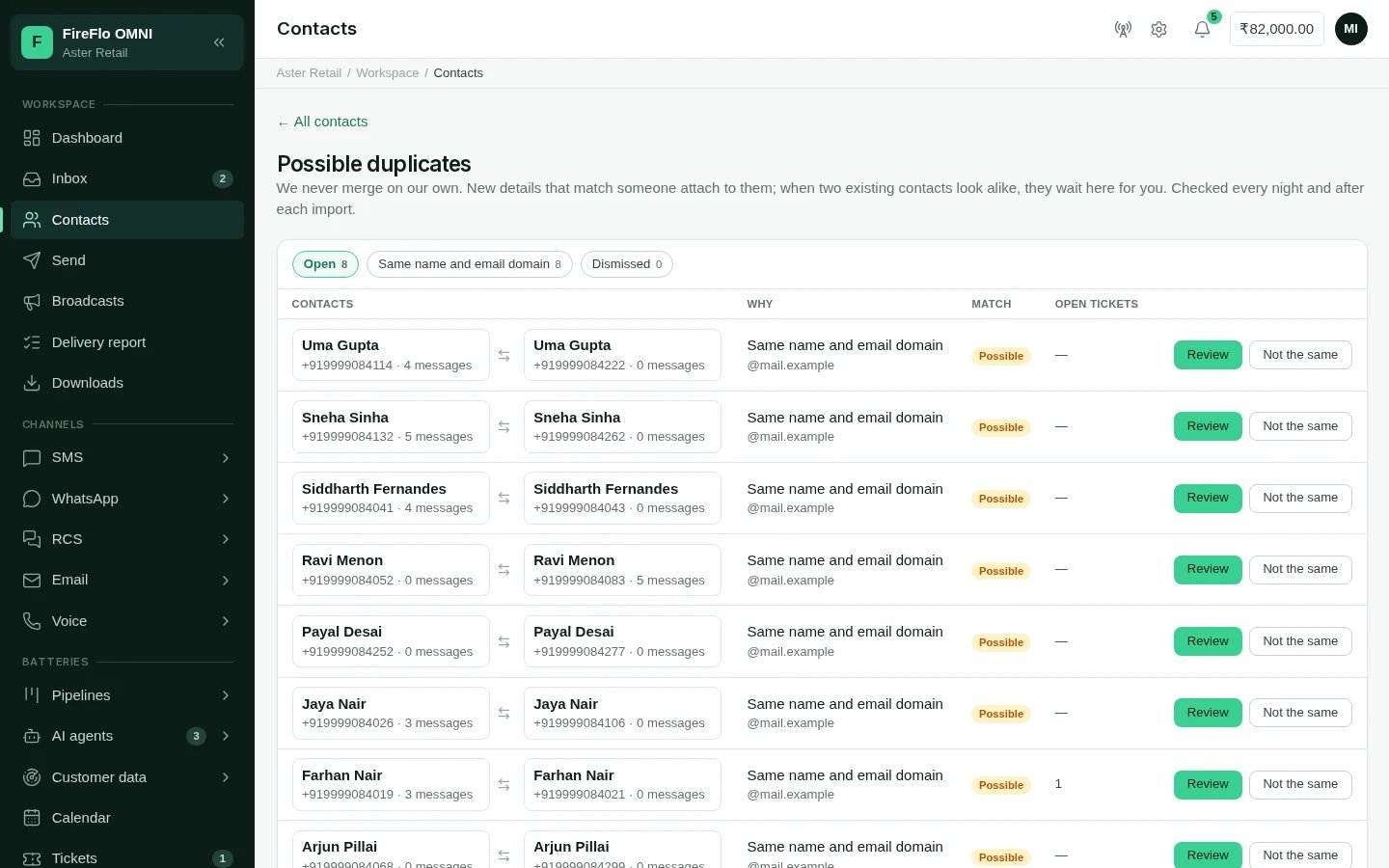
Possible duplicates
1
Open the pair
Choose Merge on the pair.
2
Pick what to keep
Where the two differ, pick which value to keep. Everything else from both is kept.
3
Merge
The other contact’s history moves to the one you keep. If both have an open ticket,
the older one is solved as merged.
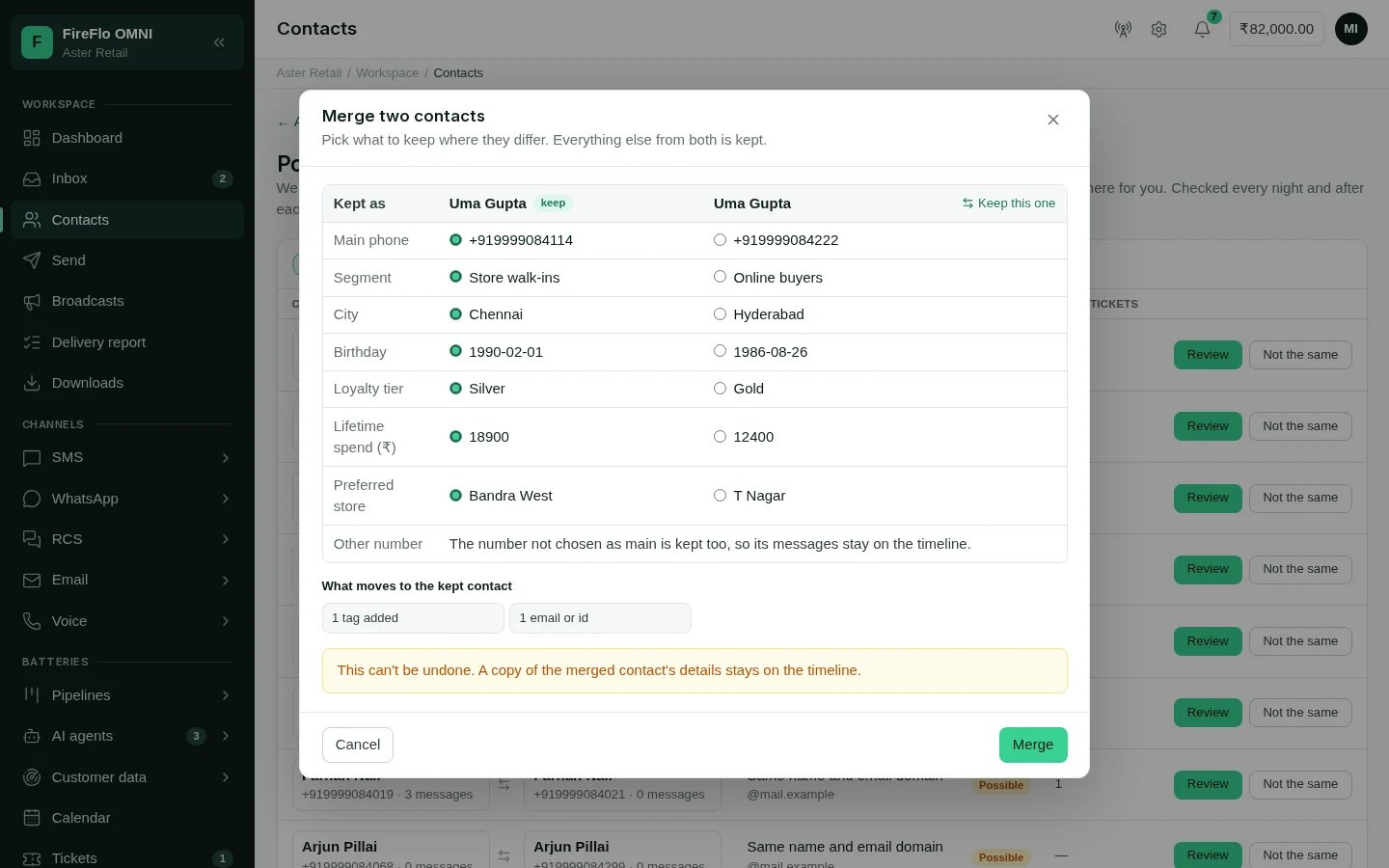
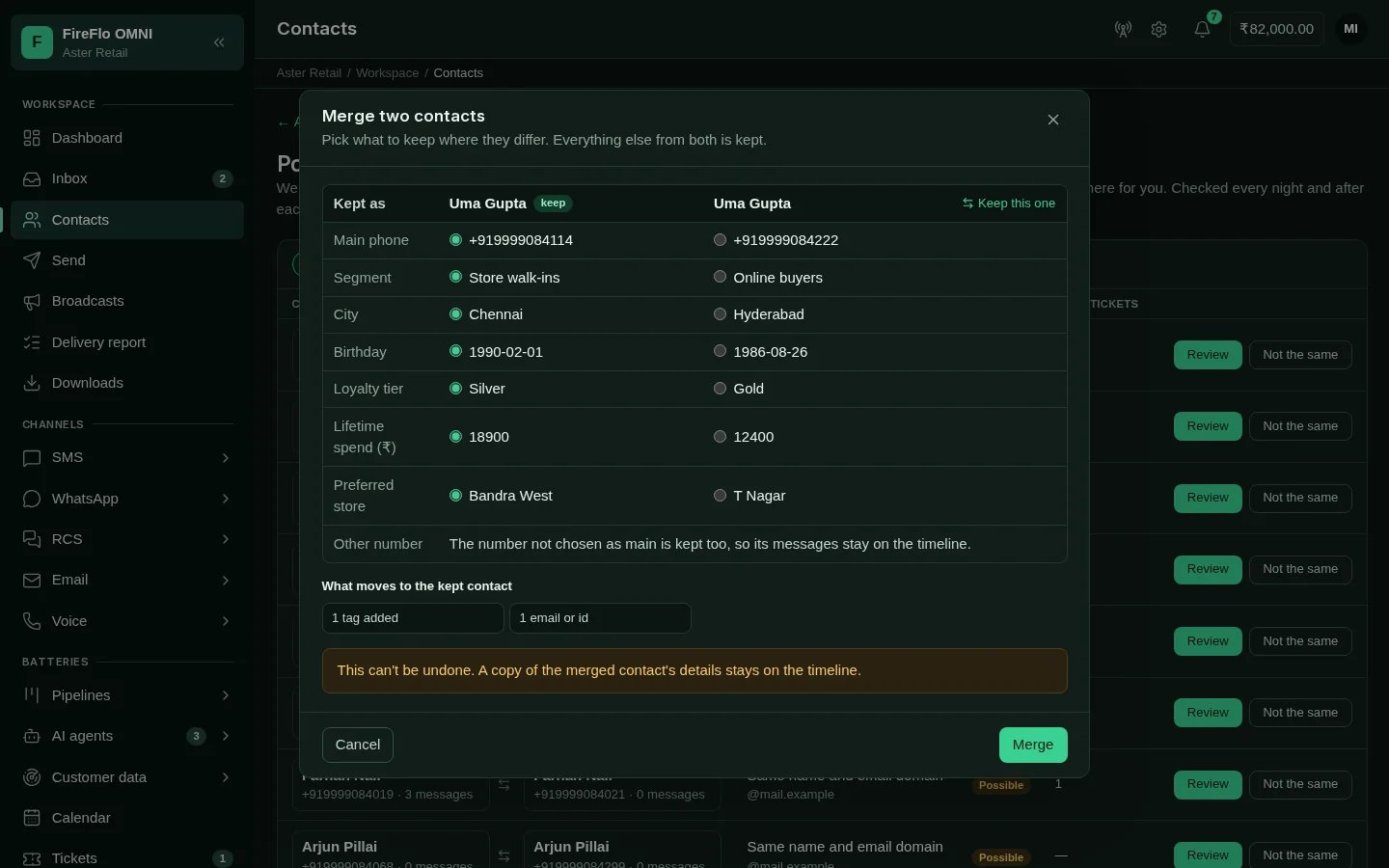
Merging two contacts: pick the values to keep where they differ.
Consent per channel
With Customer data, consent is kept per channel and per kind of message:- Marketing — campaigns, promotional templates, offers;
- Updates — replies, order and appointment updates.
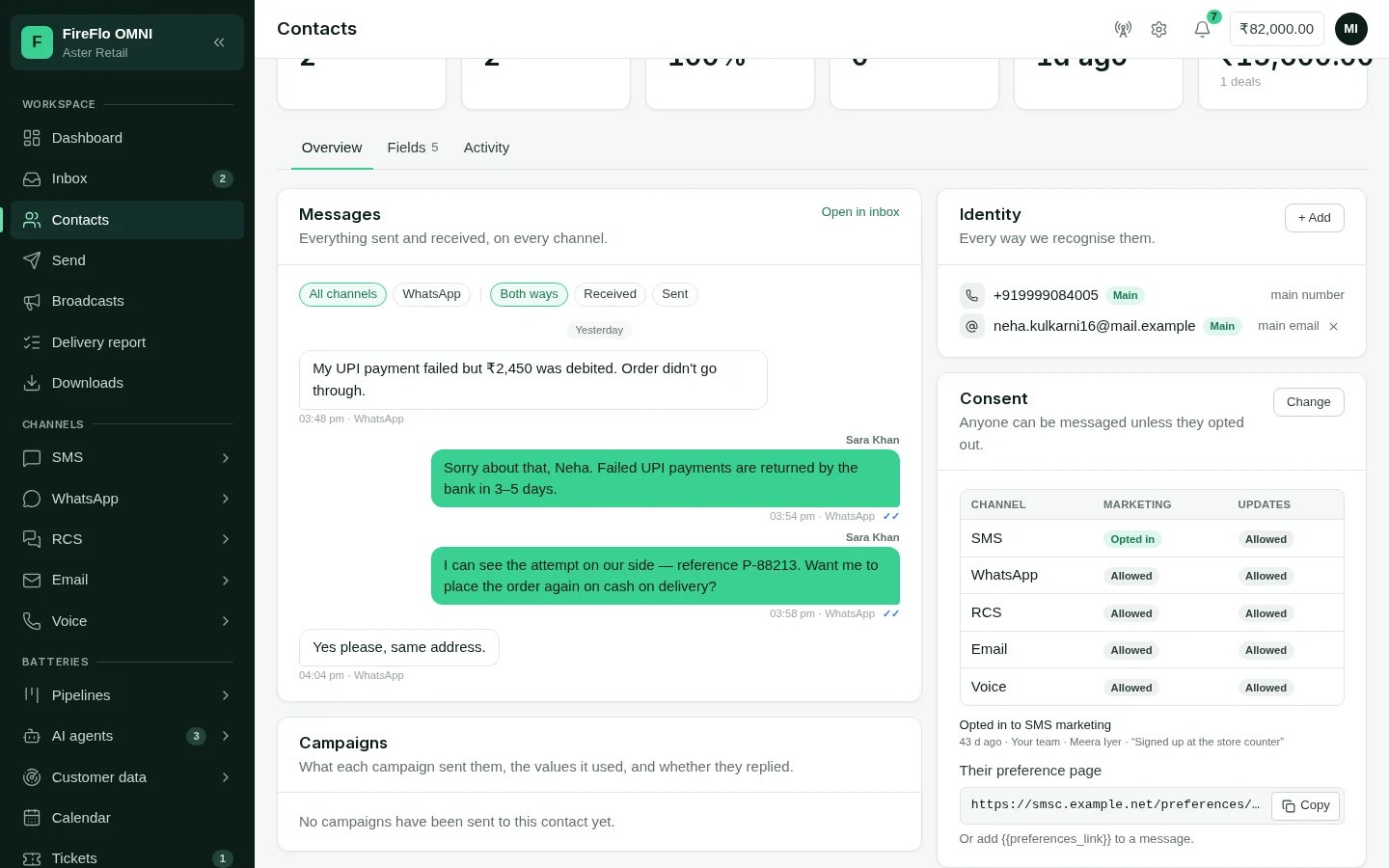
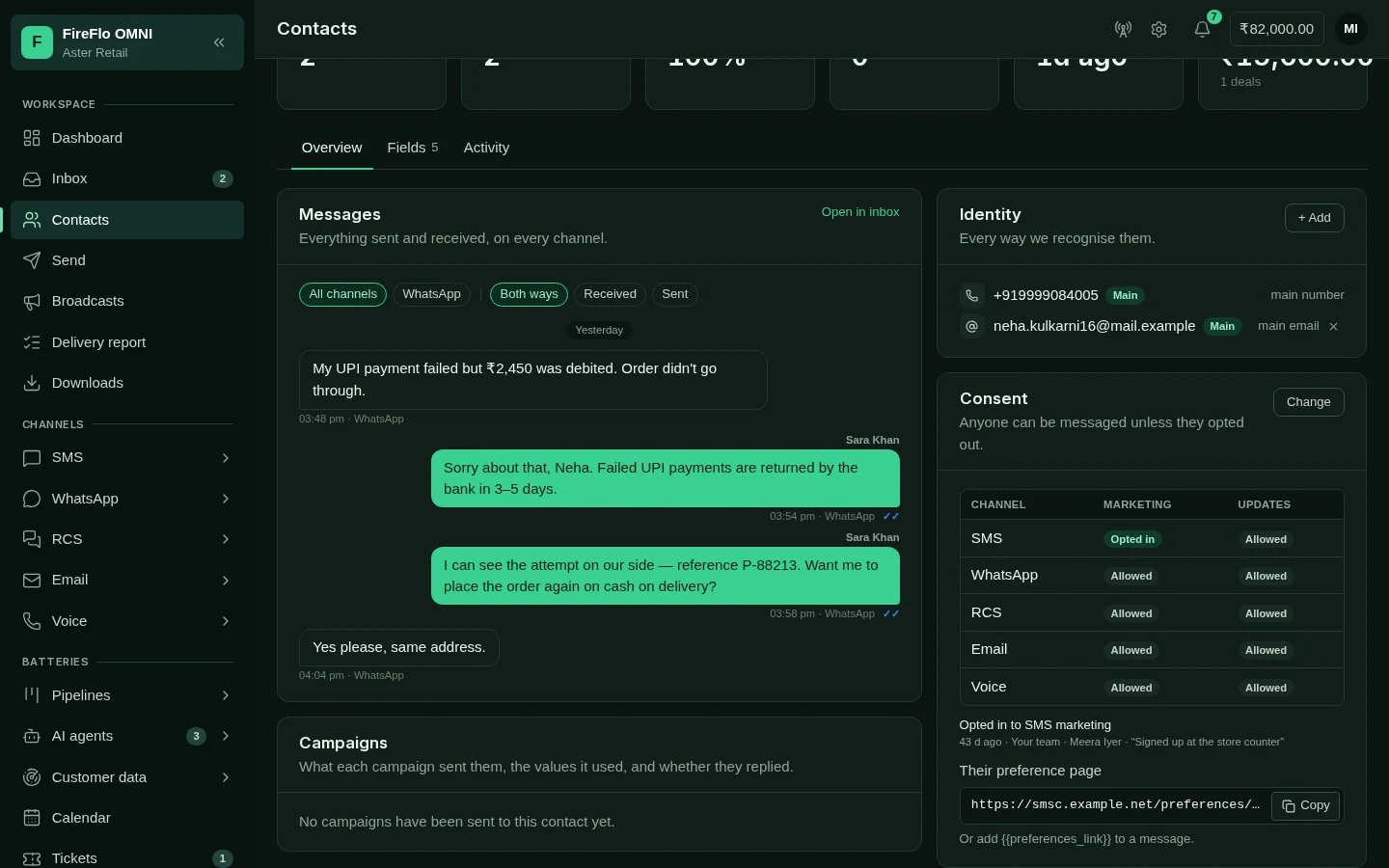
A contact's Consent card: where they stand on each channel, and every change.
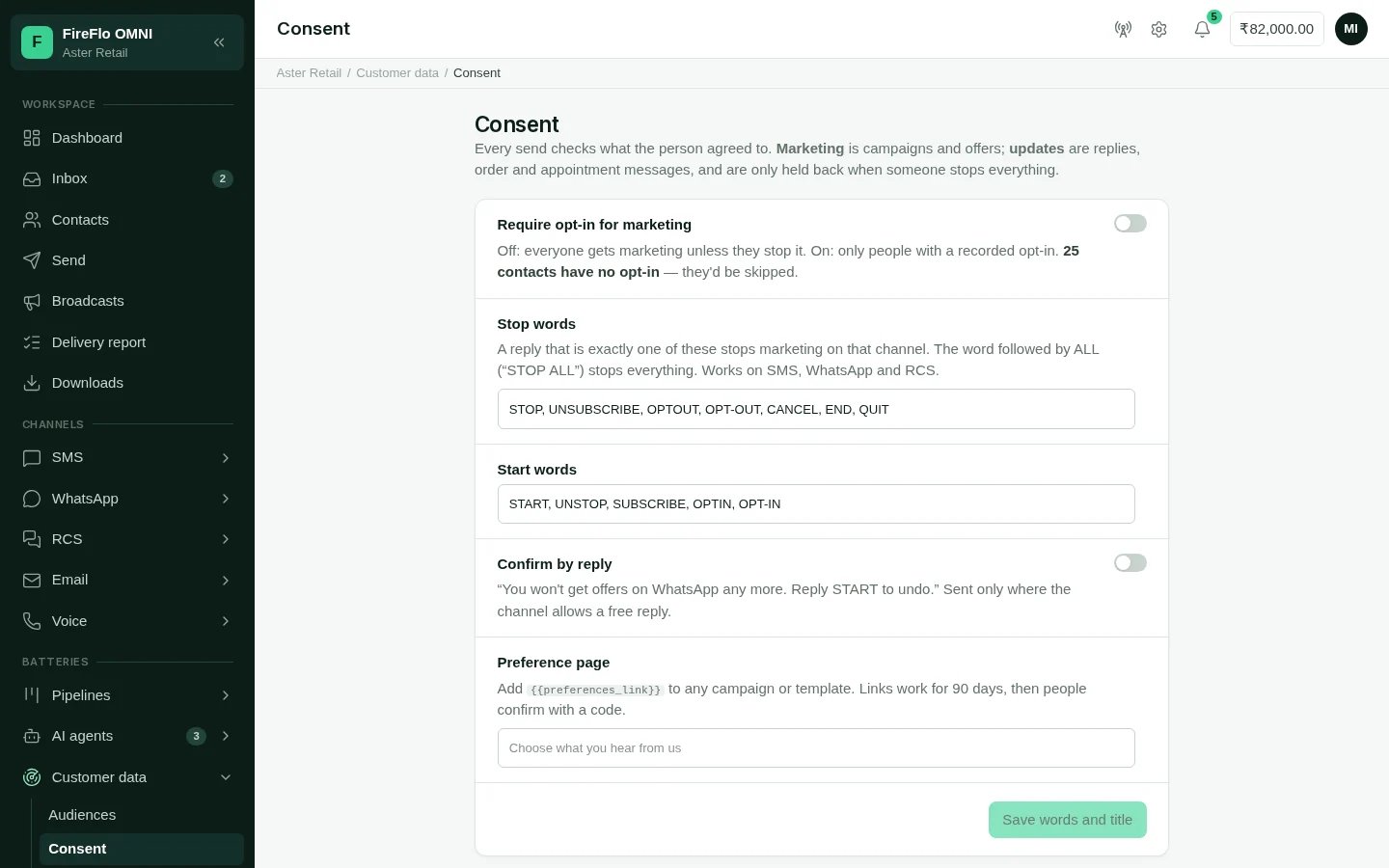
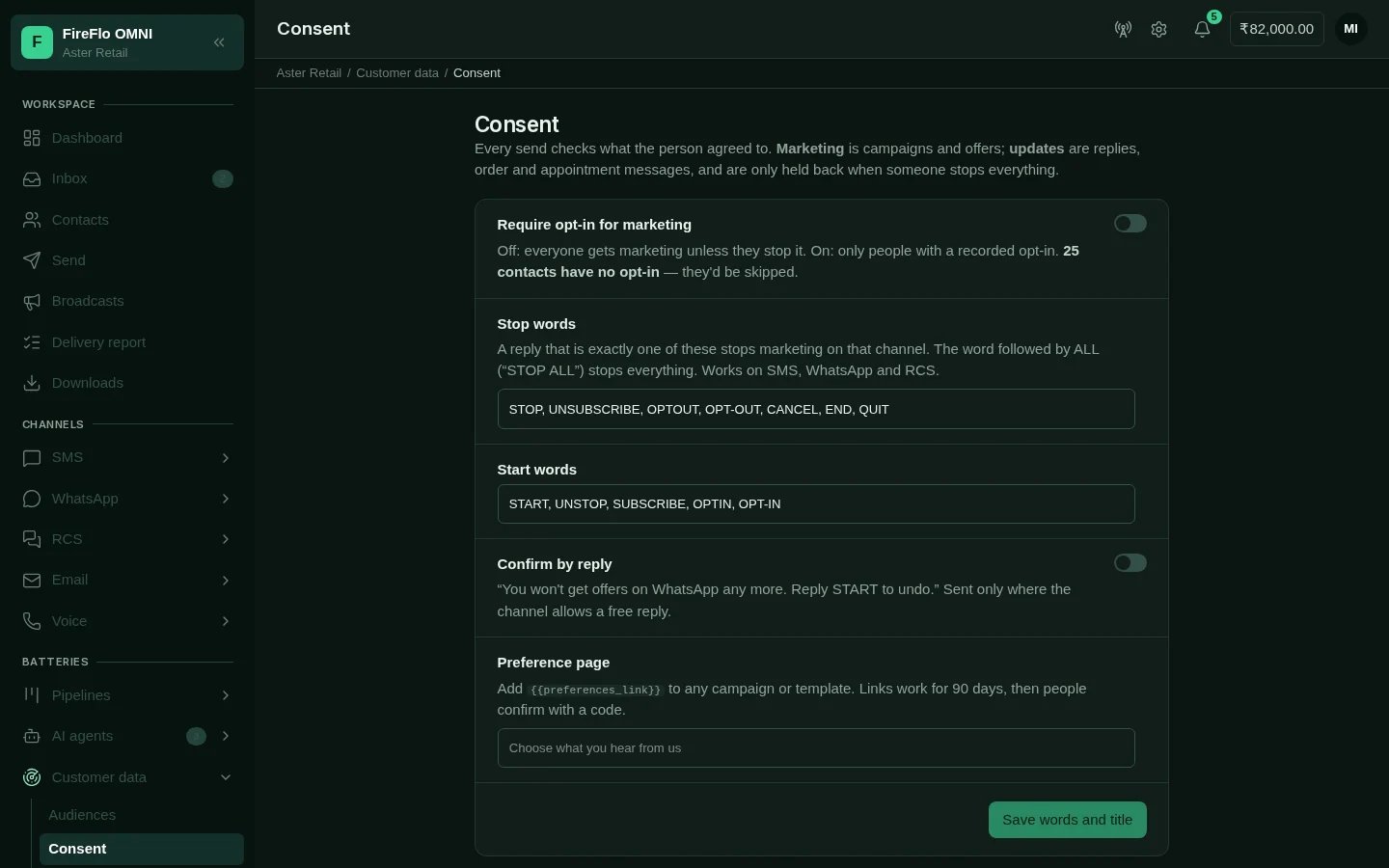
Consent settings
Held back · 7 days lists campaigns that skipped people who stopped or didn’t opt in.
The preference page
Add{{preferences_link}} to any broadcast or template. It opens a page where the person
chooses what they hear from you:
- Offers on each channel your account has, one switch each;
- Order and appointment updates, which are always on;
- Stop all messages.
Data sources
Settings → Data sources takes in what customers do on your website and in your own systems. Events join the contact they belong to and show on their timeline; they can feed audiences and custom traits.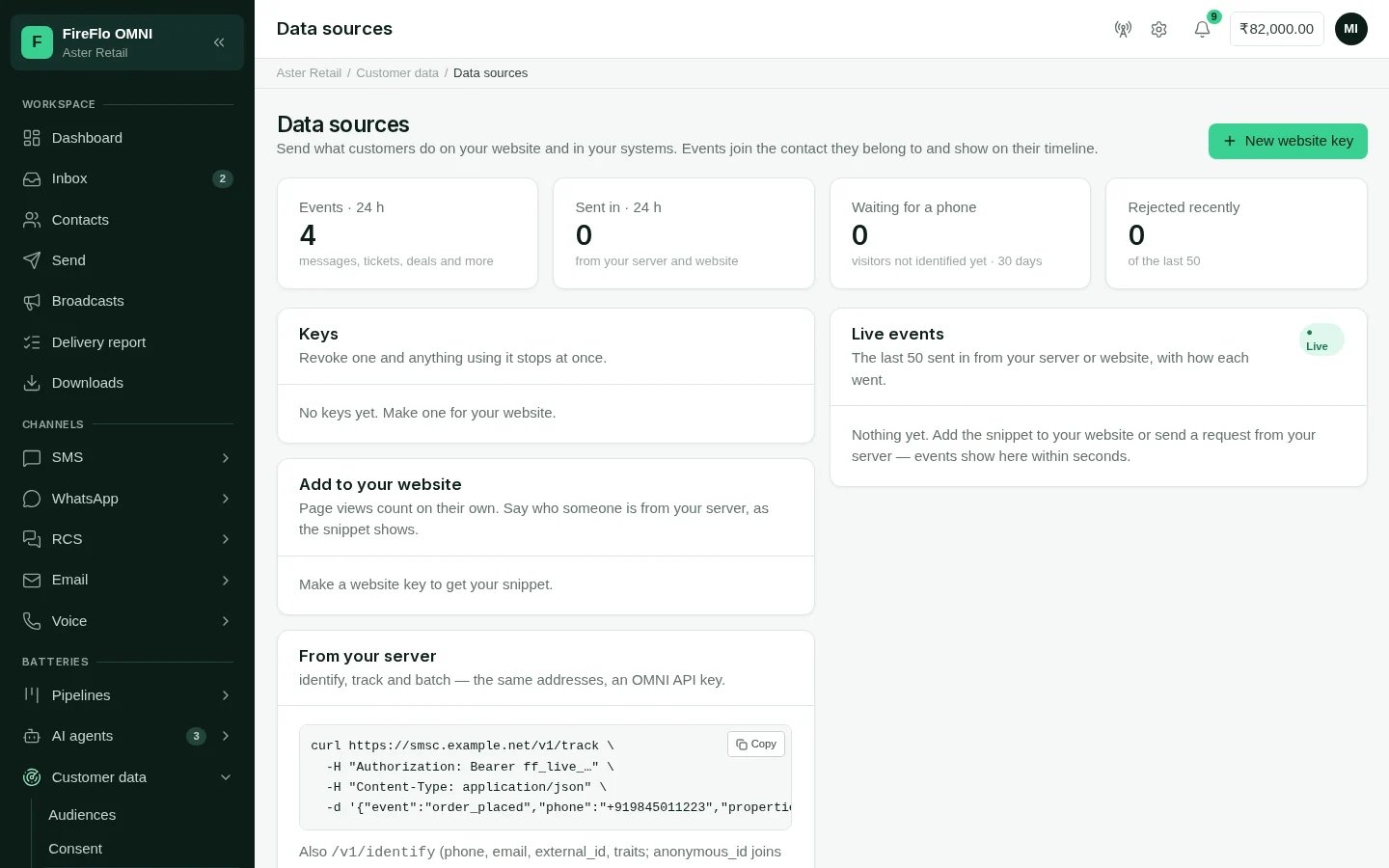
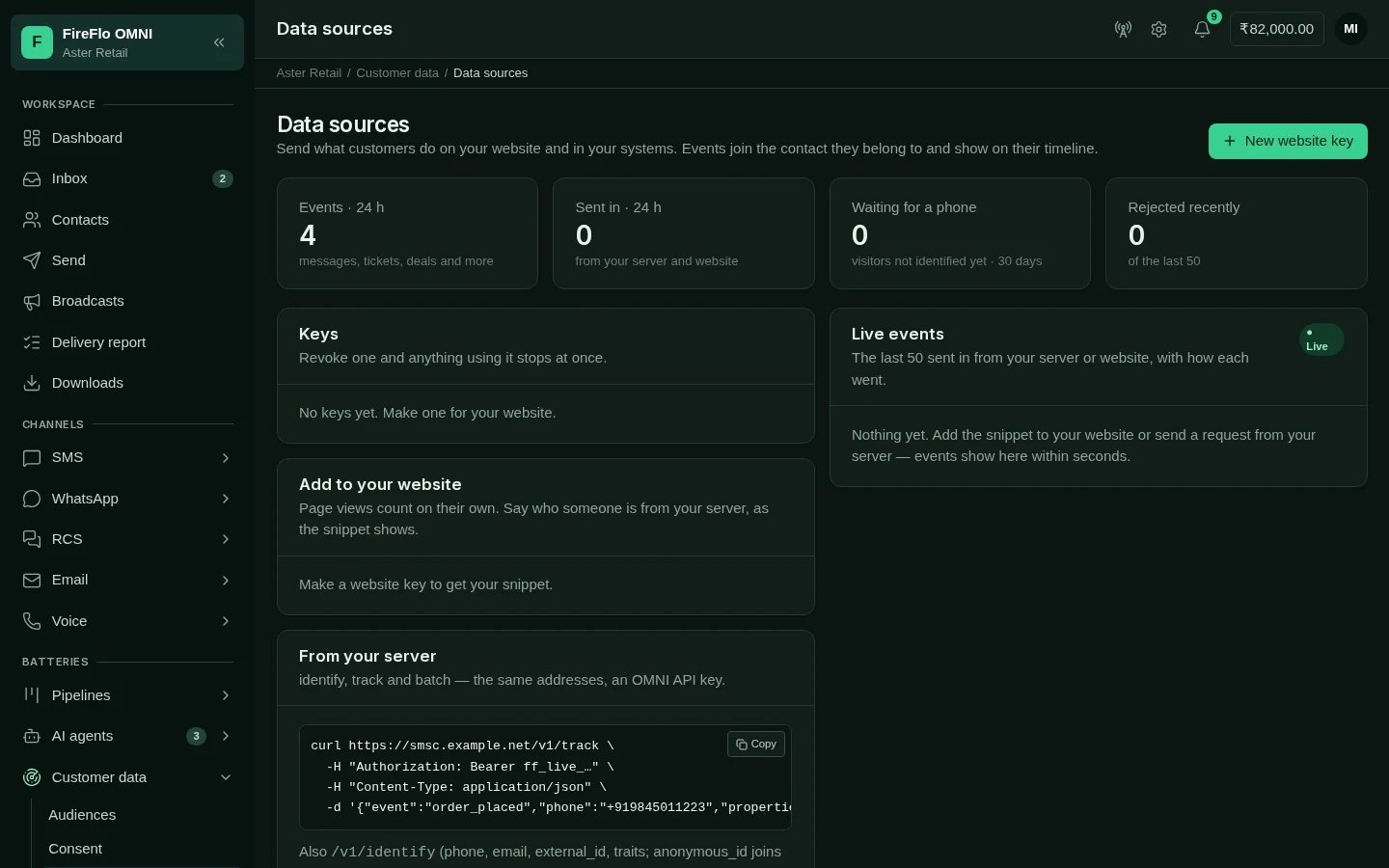
Customer data → Data sources: keys, the website snippet and the events coming in.
Keys
The keys on this screen are for websites. Choose New website key, name it and list the websites it may be used from. A website key sits in your pages’ HTML for anyone to read, so it works only from those websites — listing a domain also covers its subdomains — and it can only send events, never read anything. Revoke a key and anything using it stops at once.Your server sends events with an OMNI API key, not a key from this screen: make one in
Developer Tools → API keys with the scope
cdp.events:write. Server keys made here
before (sk_live_…) were retired and no longer work; requests that still use one are
refused. See Customer data on the API.Sending events
- From your website: make a website key to get your snippet, and add it to your pages. Page views count on their own. A website key records events for its visitor only: to say who a visitor is when they log in or check out, identify them from your server with the visitor’s id (see below).
- From your server: with an OMNI API key, identify people (by phone, email or customer id, with traits), send single events, or send up to 100 at a time — see Customer data on the API. This needs the OMNI API in your plan.
Who may use Customer data
An Owner or Admin can change these on the Roles screen. See
Team and roles.