
Plan
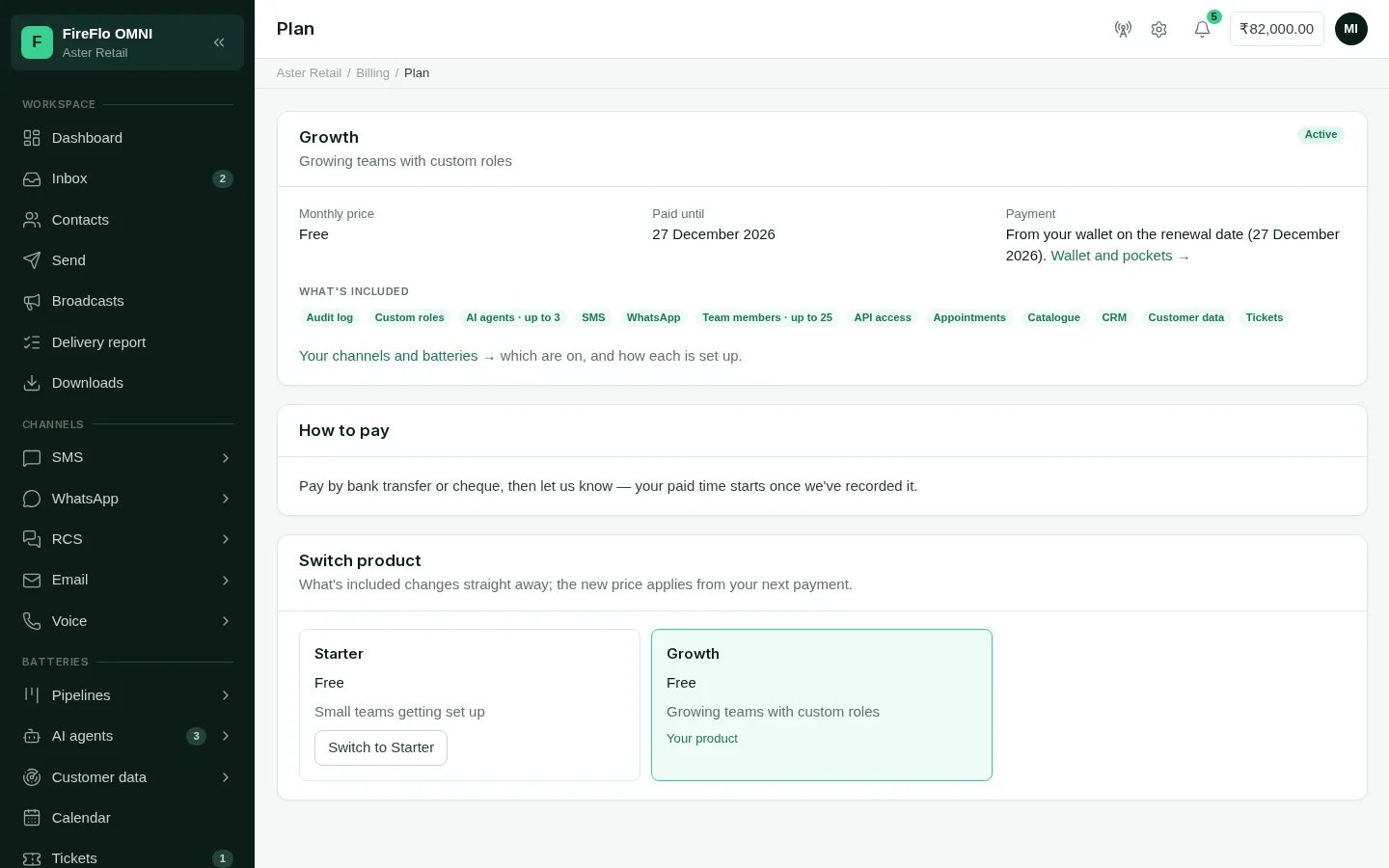
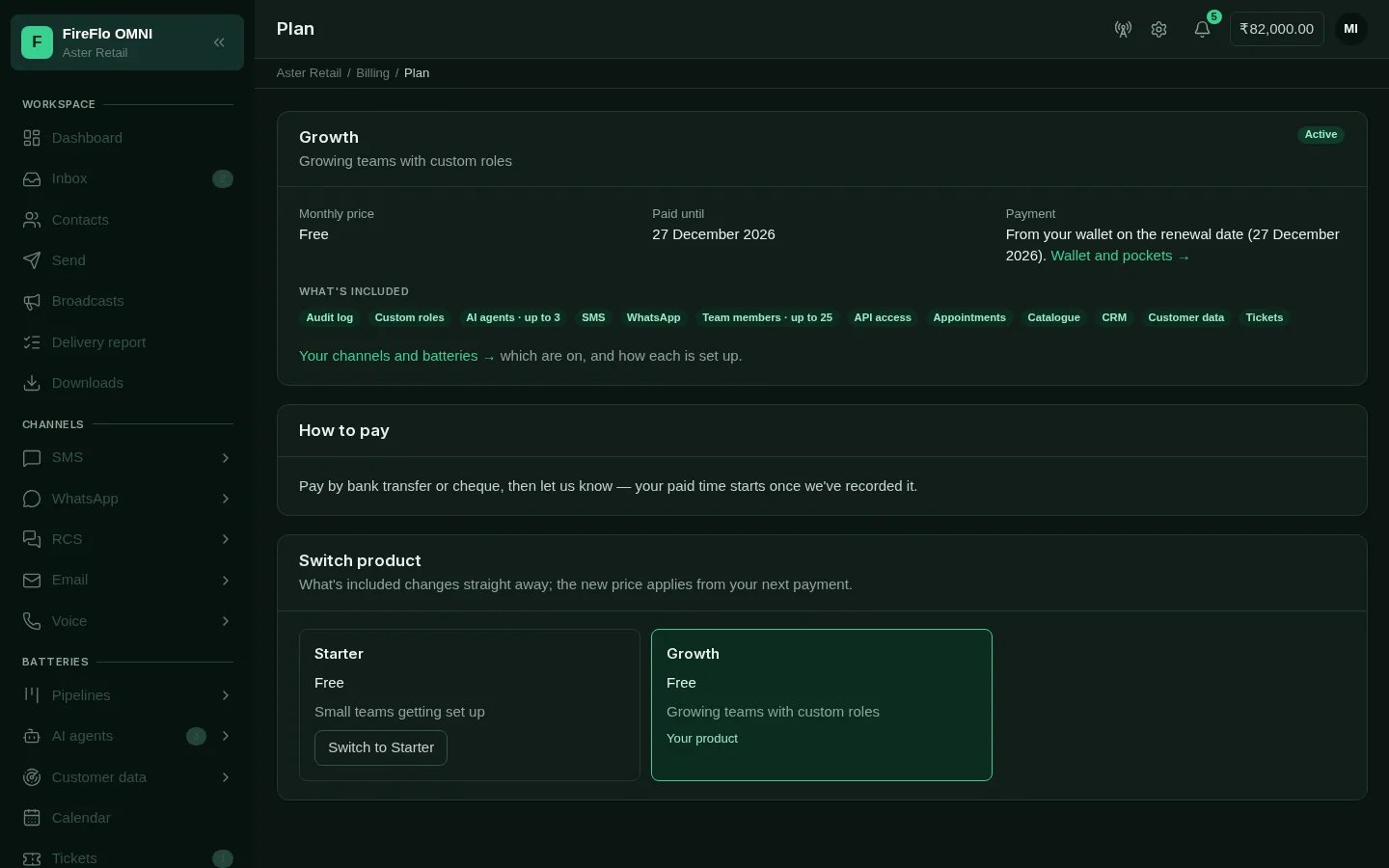
Plan: your product, its status, what it includes and how to pay.
- its name and description, with a status: Trial (with the days left), Active, Payment due, or Complimentary;
- the monthly price;
- when the trial ends or until when you have paid;
- payment: offline, by bank transfer or cheque;
- what’s included: each feature your account has, with its limit where there is one (“Team members · up to 25”).
Switch to another plan
When more than one plan is offered to you, Switch product lists them.1
Pick a plan
Choose the plan you want, and confirm.
2
What changes
What’s included changes straight away. The new price applies from your next
payment.
Modules
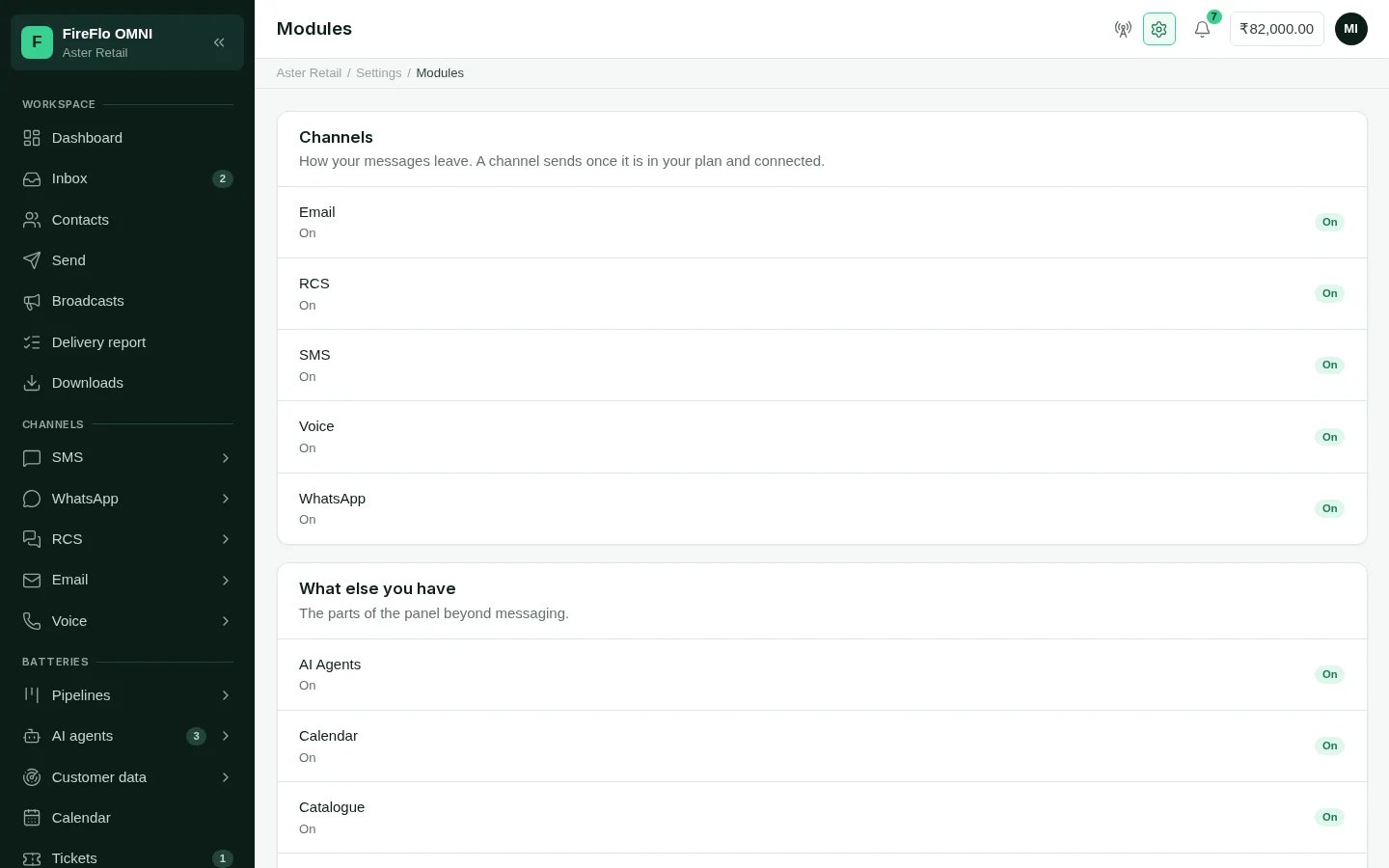
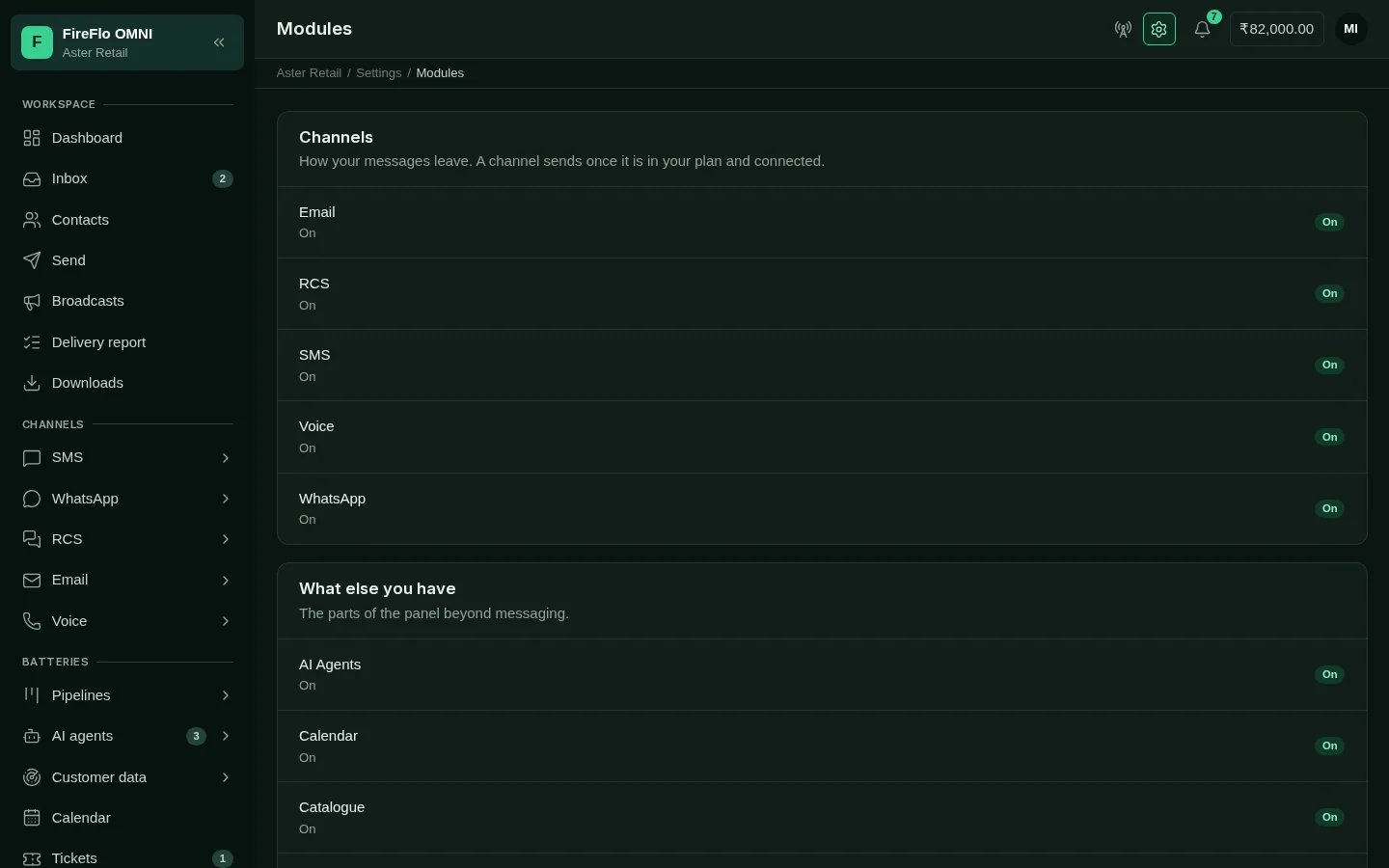
Modules: the channels and batteries this account has.
- Channels: how your messages leave. A channel sends once it is in your plan and connected.
- What else you have: the batteries, the parts of the panel beyond messaging.
- Platform modules, when your account has any: larger parts of the panel, those your plan includes and those on for everyone.
Things your account can’t have at all are left off the list.
Modules that need each other
Some modules need others to work. When a module is switched off, the modules that need it are switched off with it, and whoever switches it off is asked first and told which ones go. A module that is off only because something it needs is off says so on its line. Adding a channel is a change of plan. A battery can also be paid for month by month from your wallet — see Batteries on Billing — or switch plan above, or write to support@fireflo.au.Channels
SMS, WhatsApp, RCS, Email and Voice.
Batteries
AI Agents, Calendar, Catalogue, Customer data, Pipelines and Tickets.