
https://<short domain>/<7 characters> — on your platform’s short domain. When someone
opens it, the visit is counted and they are sent on to the real address.
Short links is a module. Your plan must include Short links, and your platform’s short
domain must be set up (see Setting up the short domain).
Until then, links in your messages go out as you wrote them.
What is shortened
Once Short links is on for your account, links are shortened by default on:- SMS, WhatsApp and RCS sends, from the Send page and in broadcasts;
- Inbox replies;
- automatic replies.
shorten_links: false sends a message or a broadcast with its links as written.
Your account can change its defaults on Short links → Settings, beside Links.
One link per address
Everyone in a broadcast shares one short link for each address in the message. So a broadcast’s figures are totals — how many visits — not who clicked. A one-off send, an Inbox reply and an automatic reply each get their own short link. An automatic reply rule reuses its link every time it answers.What is not shortened
- The fixed wording of an approved template — only the parts you fill in.
- One-time codes.
- Links on your account’s never-shorten list.
- By default, sends from a sender or template that carries operator registration stamps, until your platform’s staff mark the short domain as allowed for your account.
The Links page
Short links → Links lists every link, with:- where it goes;
- where it was used — a broadcast, an Inbox reply, and so on — and on which channel;
- visits, unique visits and the last visit;
- a switch to turn it on or off.
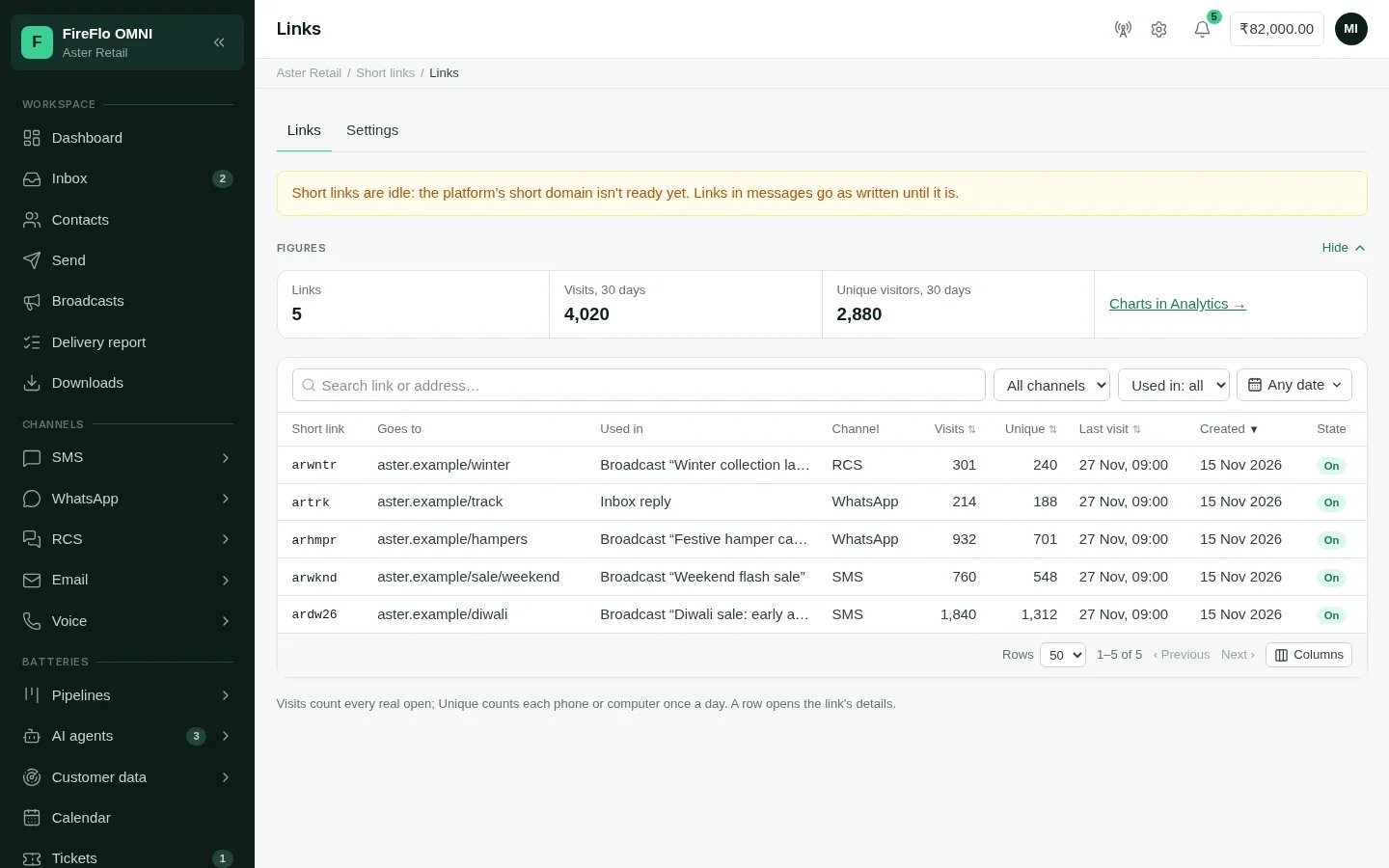
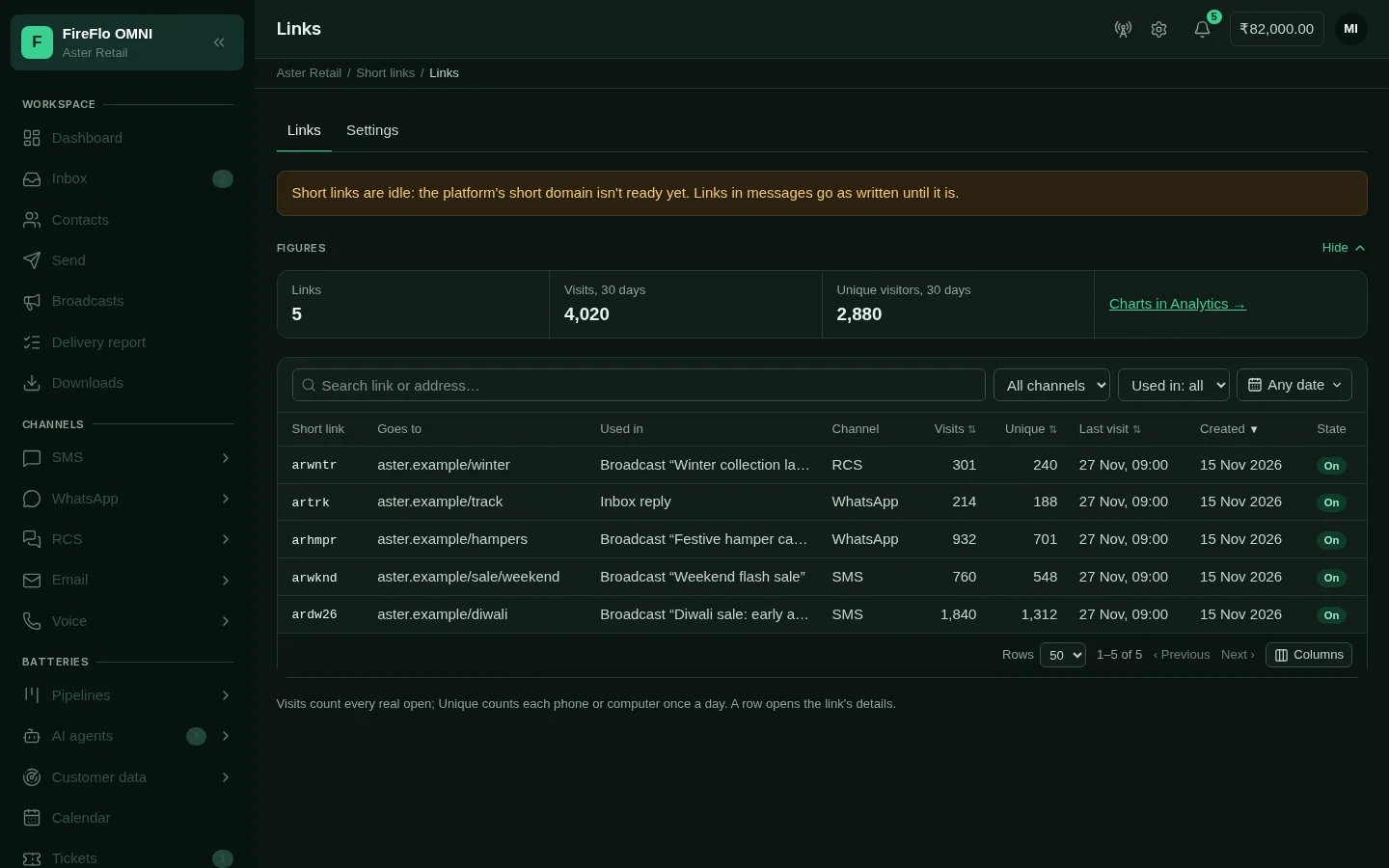
Short links → Links: every link with where it goes, where it was used and its visits.
- Change destination sends the link somewhere else — for every message already sent with it, too.
- Switch off stops the link. Someone who opens it then sees “This link is no longer available”.
- Open in Analytics opens its charts.
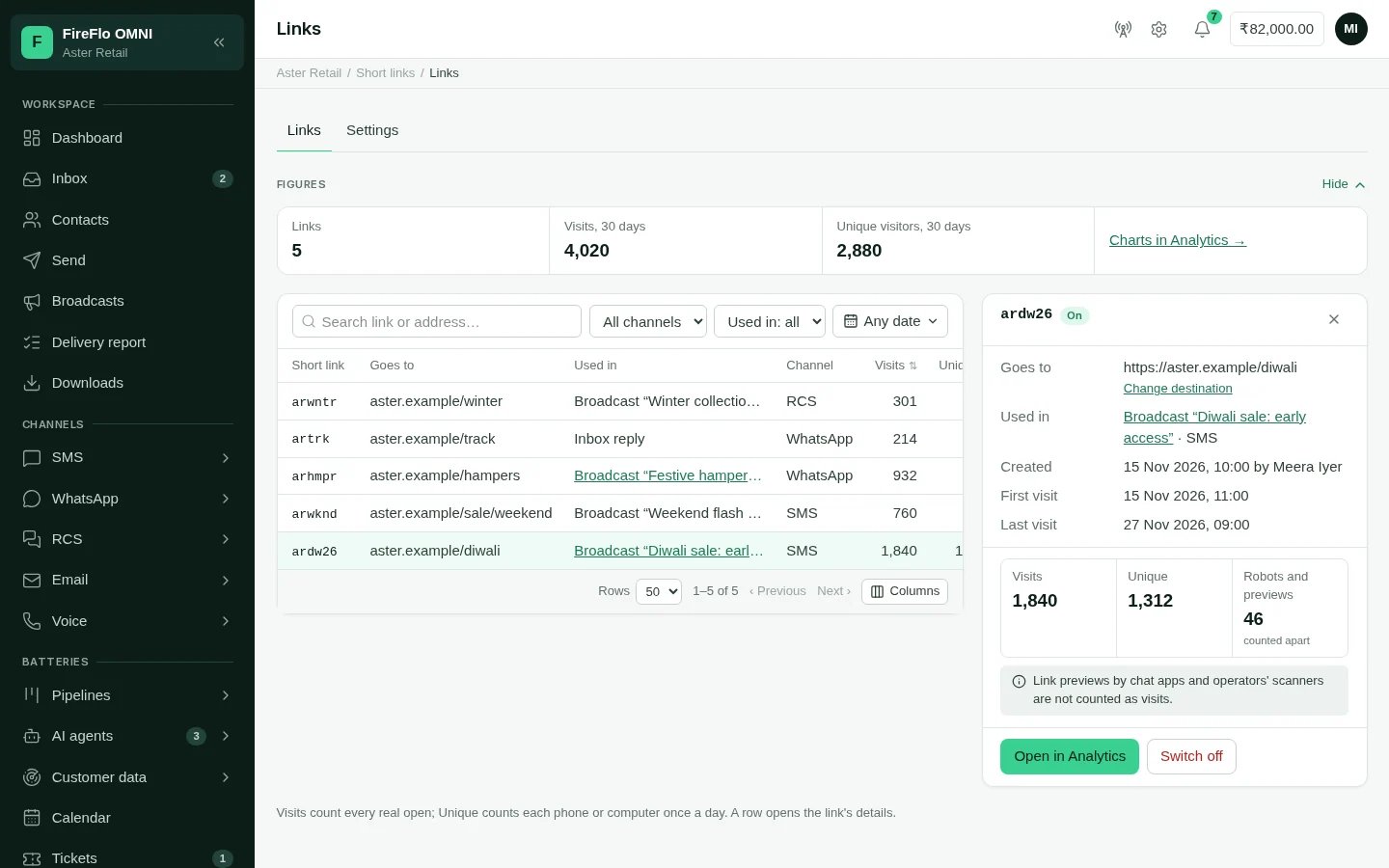
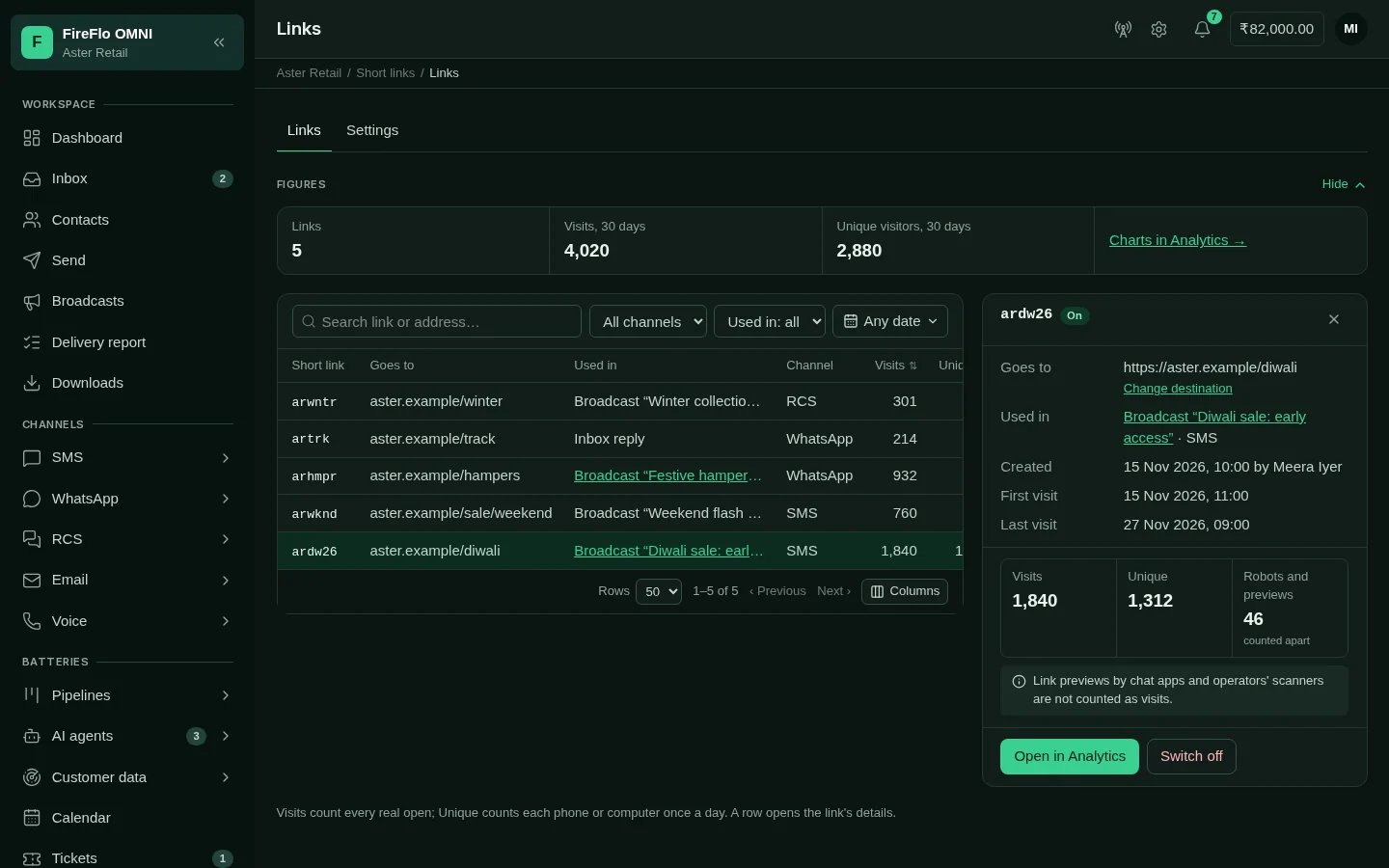
One link: where it goes, where it was used, its visits, and Switch off.
In a broadcast’s report
A broadcast’s report has a Links tab: each short link the broadcast carried, where it sat in the message, its visits and unique visitors, the share of recipients who visited, visits by hour or day, and devices. Visited a link joins the report’s top figures. See Broadcasts.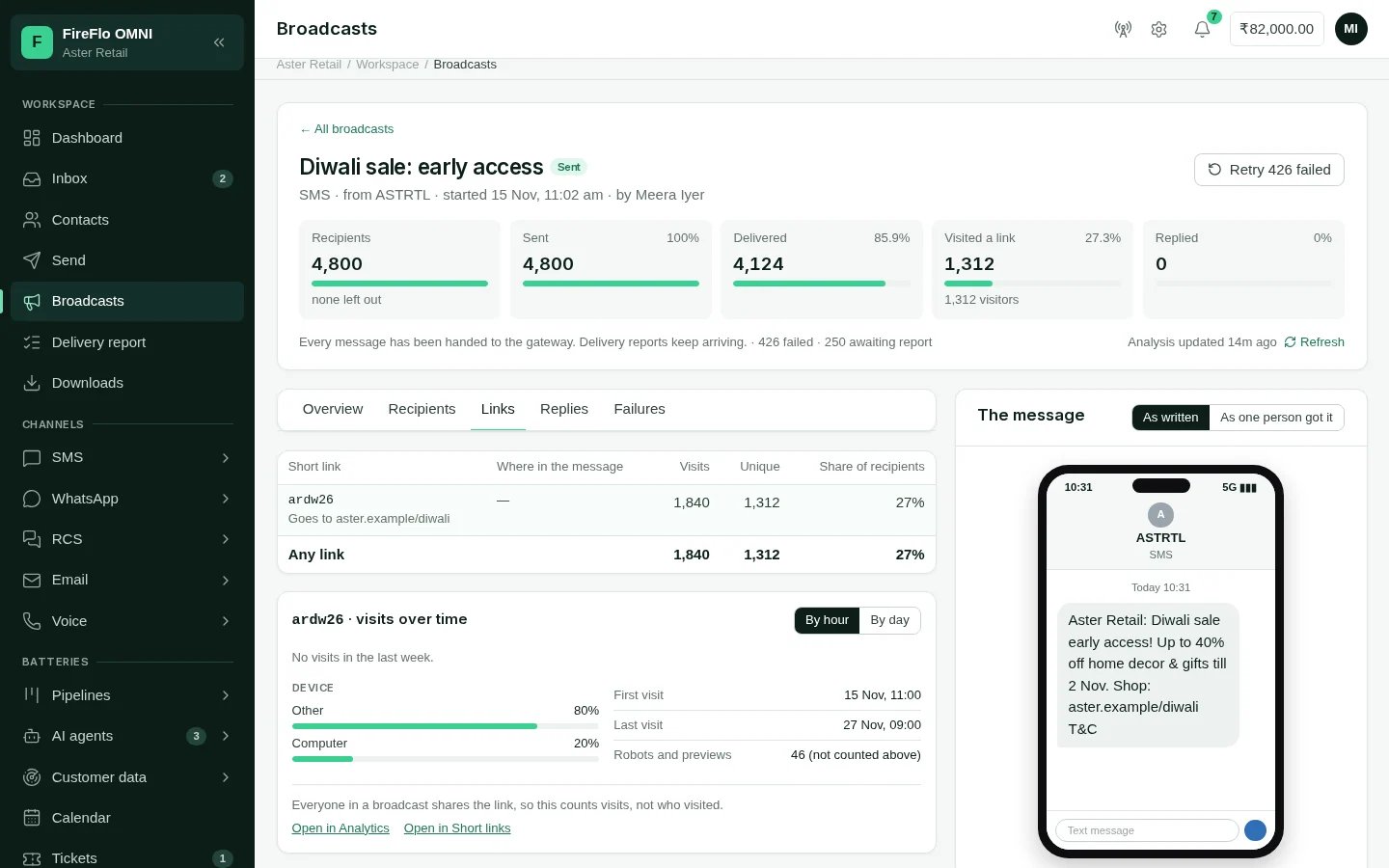
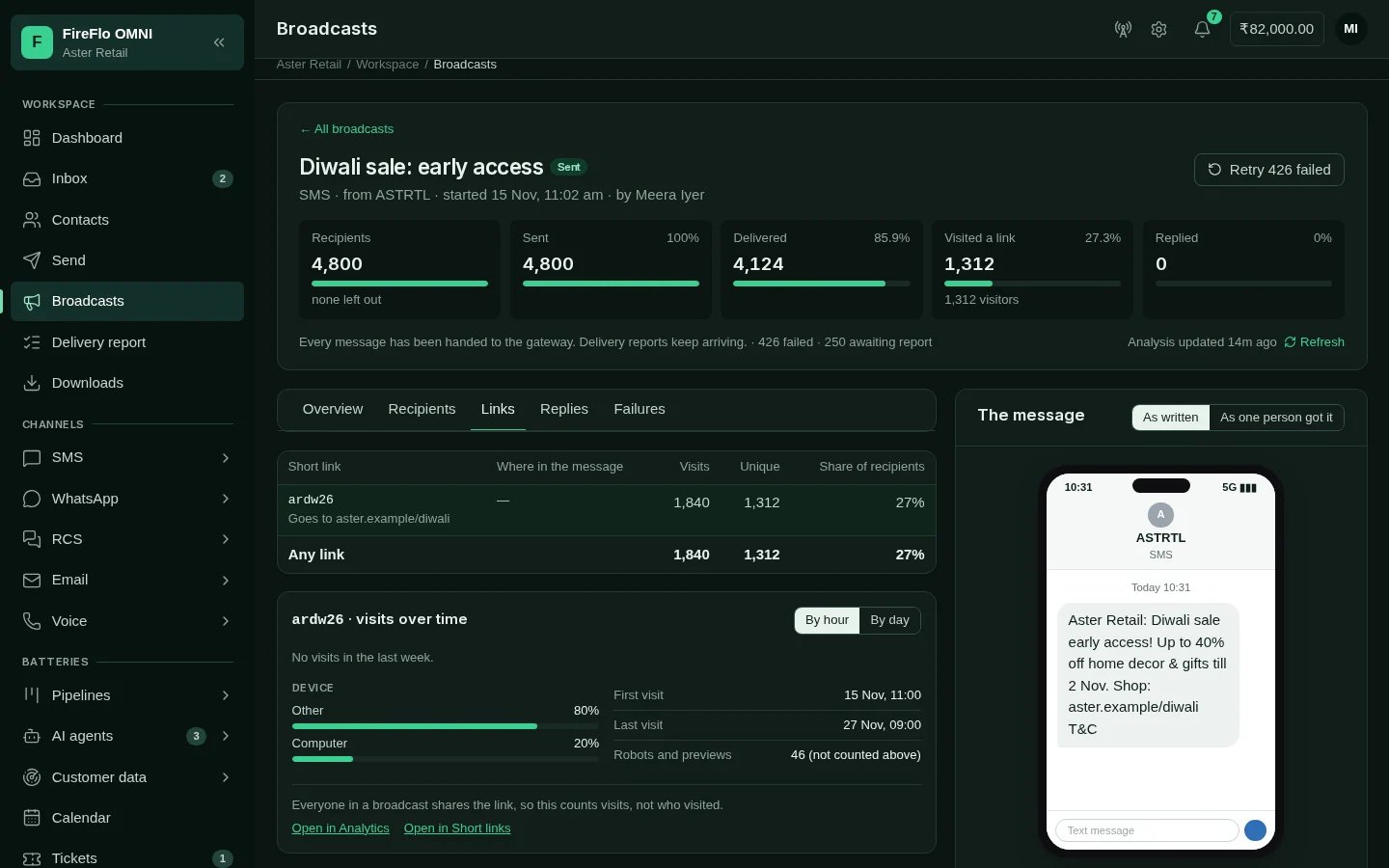
A broadcast's Links tab: each link it carried and the share of recipients who visited.
What a visit records
For each visit, OMNI keeps:- the time;
- the device, its system and its browser;
- whether it was a robot or a link preview — chat apps and scanners open links to show a preview. These are counted apart from real visits.