
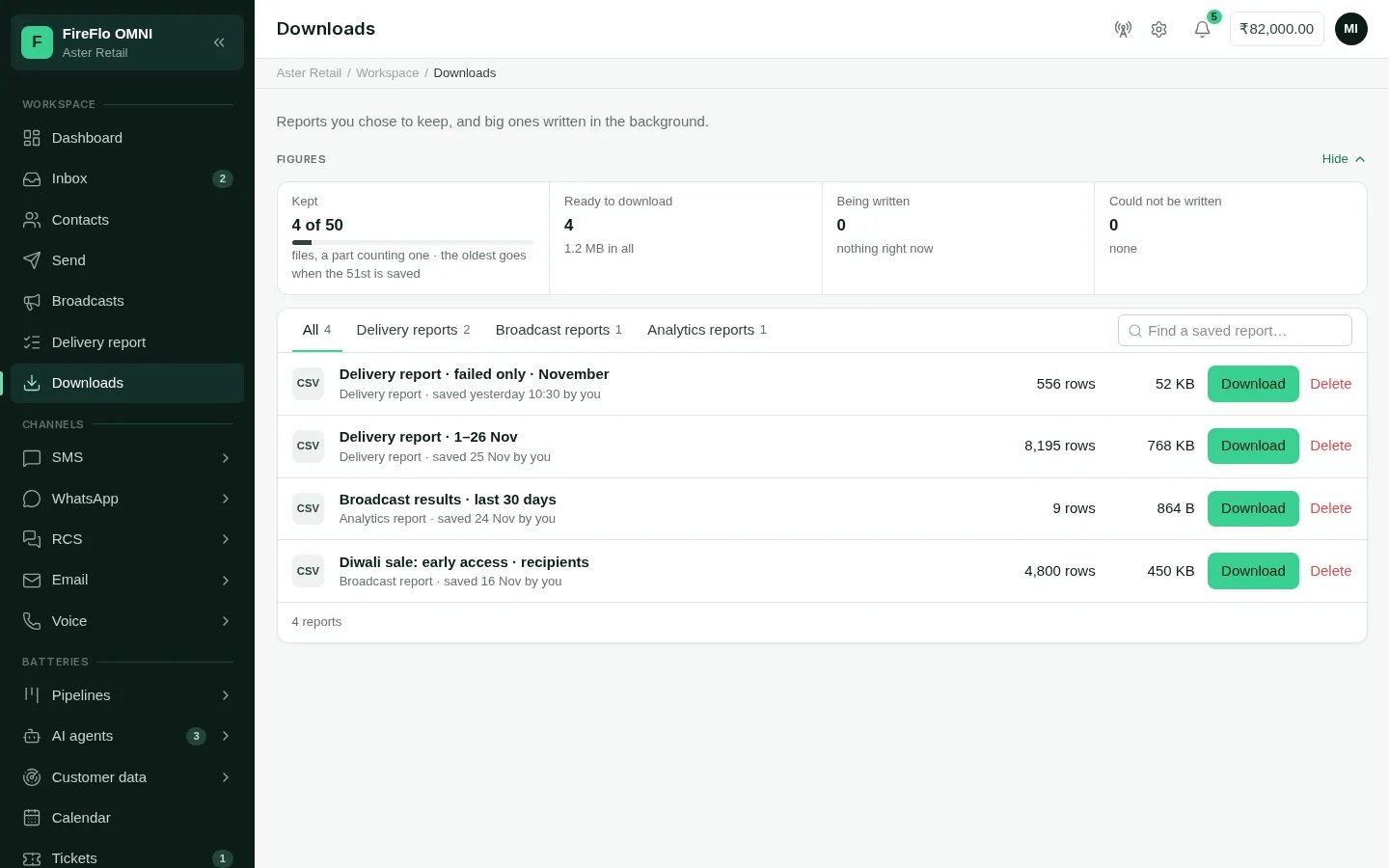
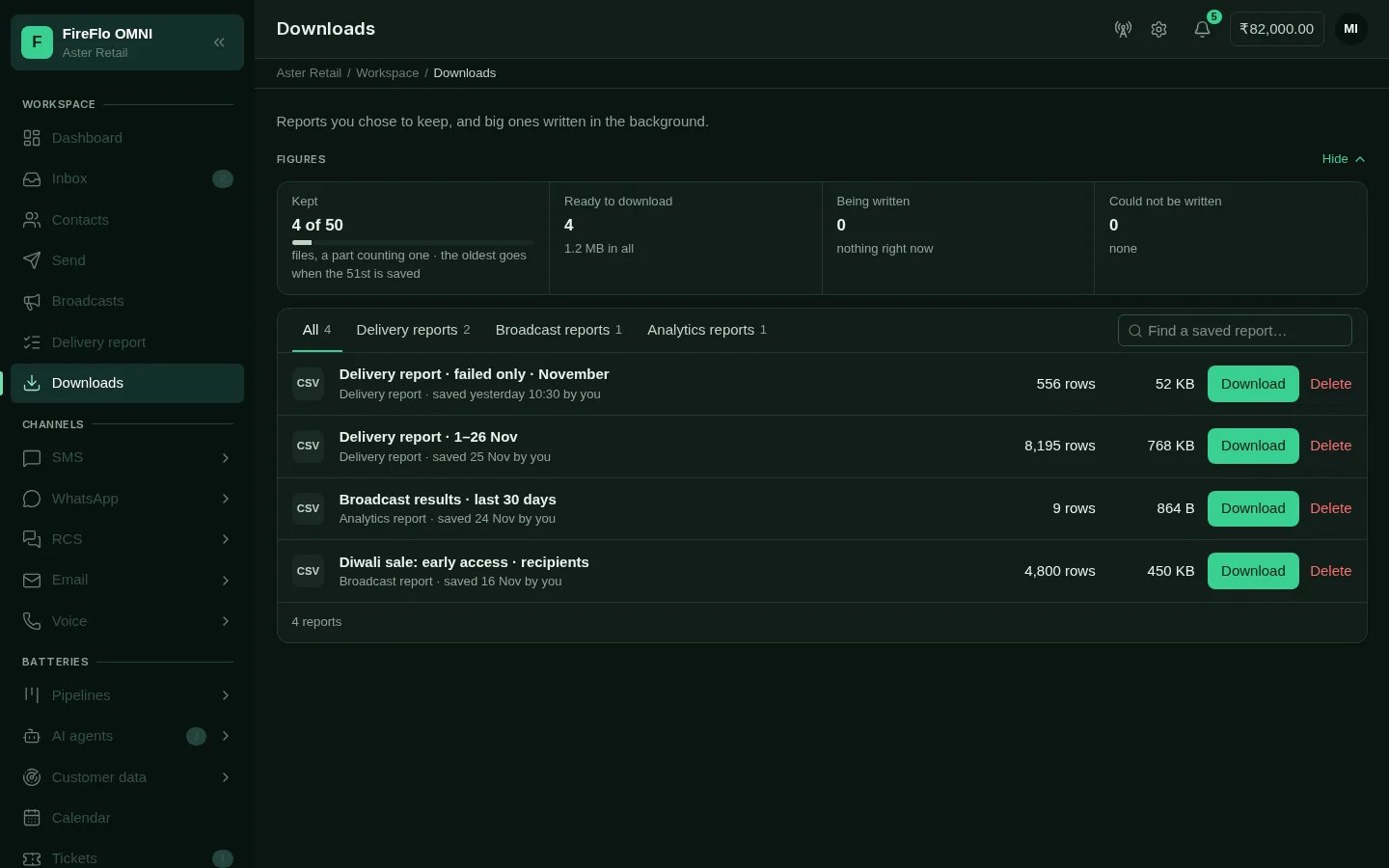
Downloads: how many files are kept, what is being written, and each saved report.
What ends up here
Most exports go straight to your browser and are not kept. A report lands in Downloads when:- someone chooses Save to downloads on the Delivery report;
- a contacts export is too large to download at once, and is saved here instead;
- someone saves a broadcast’s report (Broadcasts). A very large report is split into parts;
- someone exports an Analytics report, or a schedule sends one.
Text that a spreadsheet would read as a formula is written with a leading apostrophe:
a name or note that starts with
=, +, - or @. This applies to every export,
whether saved here or sent straight to your browser. Plain numbers and phone numbers
are left as they are.Using it
Figures at the top say:- Kept: how many of the kept files are used (“4 of 50”); a part counts as one file;
- Ready to download: how many, and their size in all;
- Being written: what is being written now, with its progress;
- Could not be written: reports that failed.
- Download fetches it;
- Delete removes it.
50 files are kept per account. When a new one is saved beyond that, the oldest are
removed, and the page says which files the next save will remove. Download anything
you need to keep.