
Numbers and IVRs
Where each number’s calls go, the IVRs that answer them, and ringing someone into an
IVR.
Calls
The call log, recordings and what was said, click-to-call, voice broadcasts and
voice agents.
Shared organisation or your own
Open Voice → Settings. Under Connection, choose one of two:- FireFlo's Voice
- My own Voice
Included; nothing to set up. You call through FireFlo’s organisation, on the numbers
FireFlo gives your account. FireFlo also designs your IVRs, sets each person’s phone
extension and connects your full call log — ask support@fireflo.au.
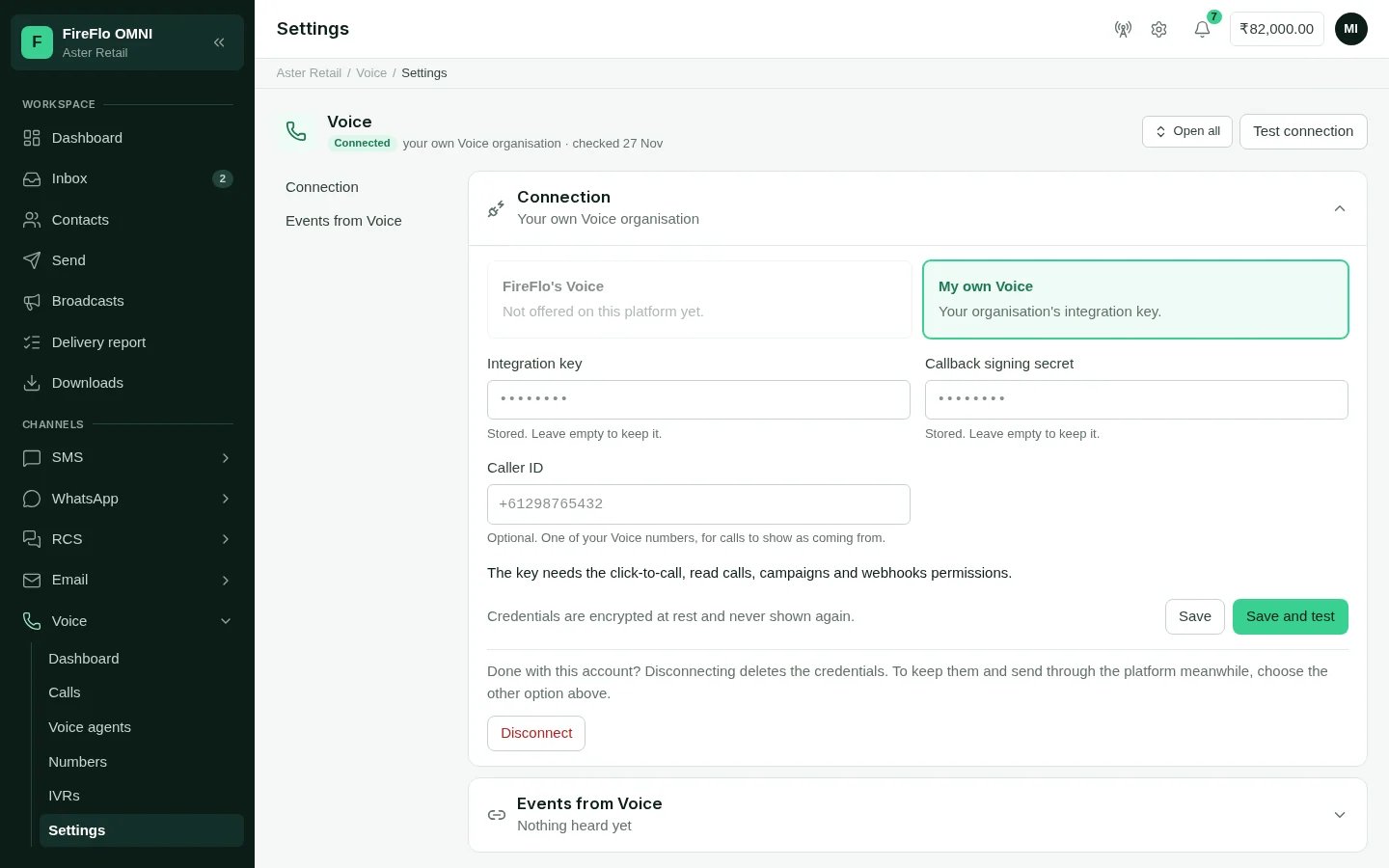
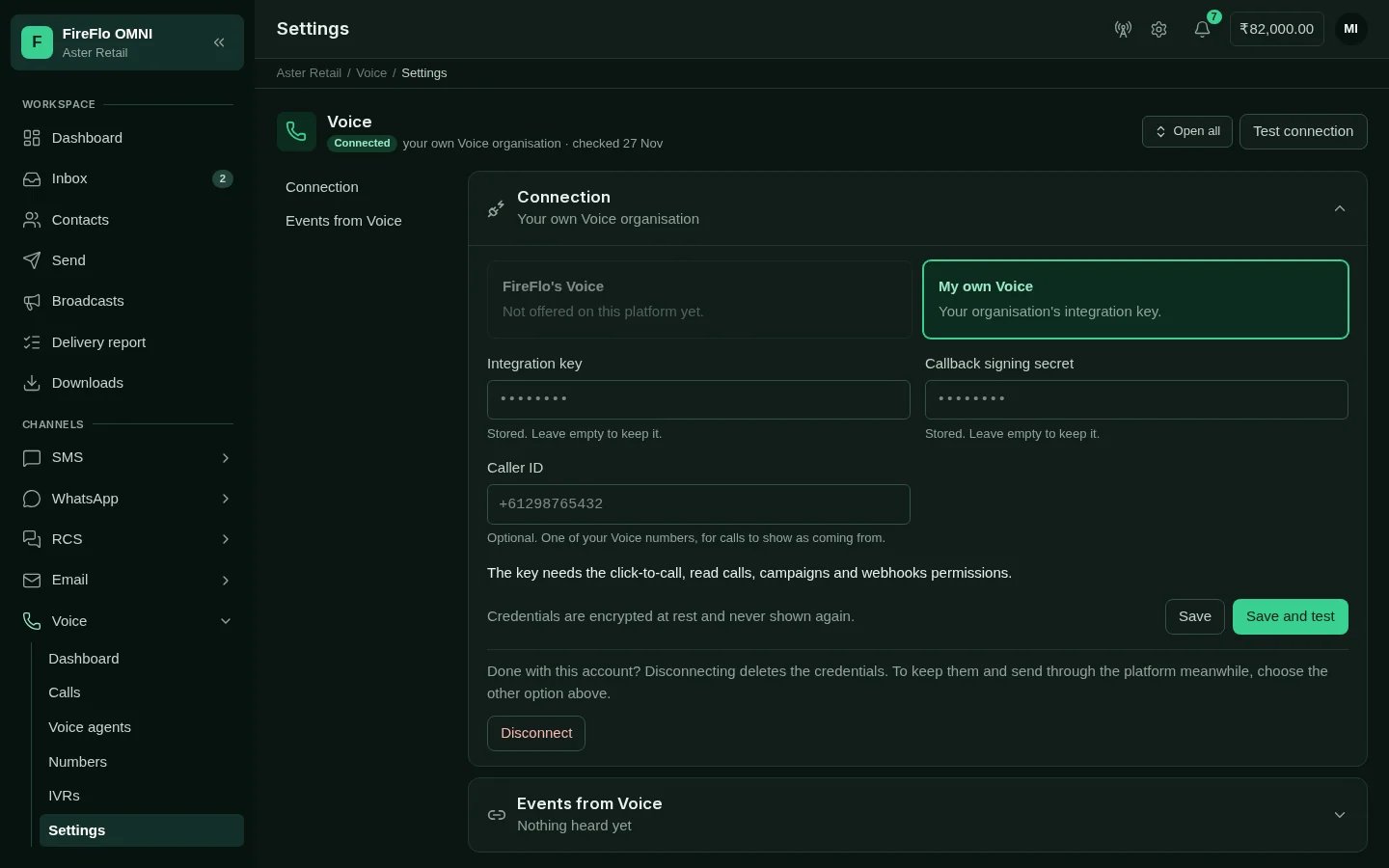
Voice settings: the connection and the events heard from Voice.
What needs your own voice organisation
Most of Voice works the same on either connection. Two features need your own Voice organisation, because Voice bills the organisation that places the calls:- Voice broadcasts — ringing a whole audience into an IVR.
- Voice agents — an AI voice that calls a contact for you.
The Voice dashboard
Voice → Dashboard reports on the call log on the same layout as every channel’s dashboard: pick Today, 7 days, 30 days or Custom.- The figures: Calls (in and out), Answered %, Missed, and Talk time with the average length, each compared with the period before. On your own organisation it adds what Voice charged, shown only to people who may see Billing.
- An attention line when something needs action, as a sentence such as “4 missed calls in the last 7 days have not been called back.”
- A chart of incoming, outgoing and missed calls per hour or day, and the path from ring to conversation.
- The breakdowns: calls and answers by kind, by your number, by IVR and by agent (a person or a voice agent).
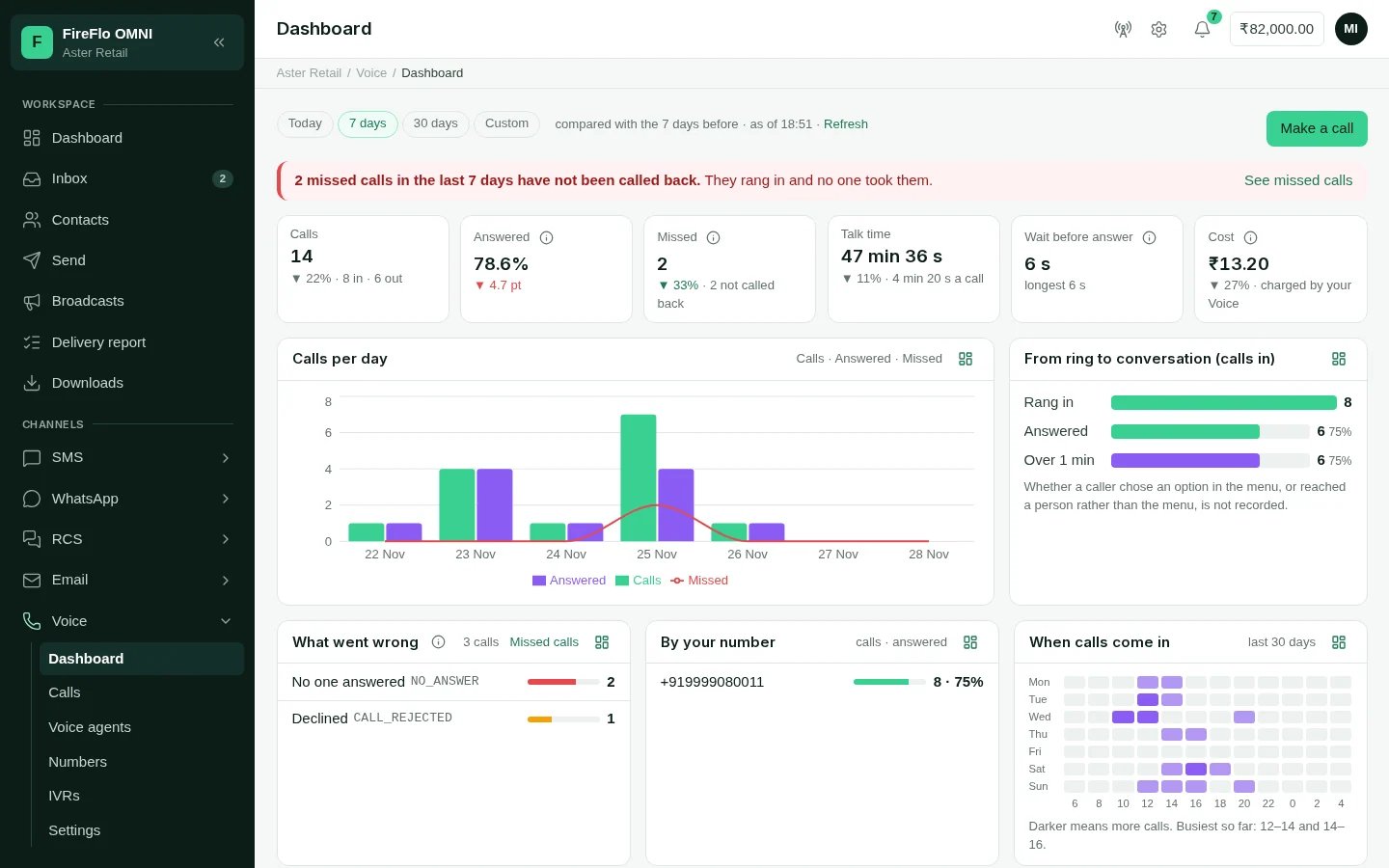
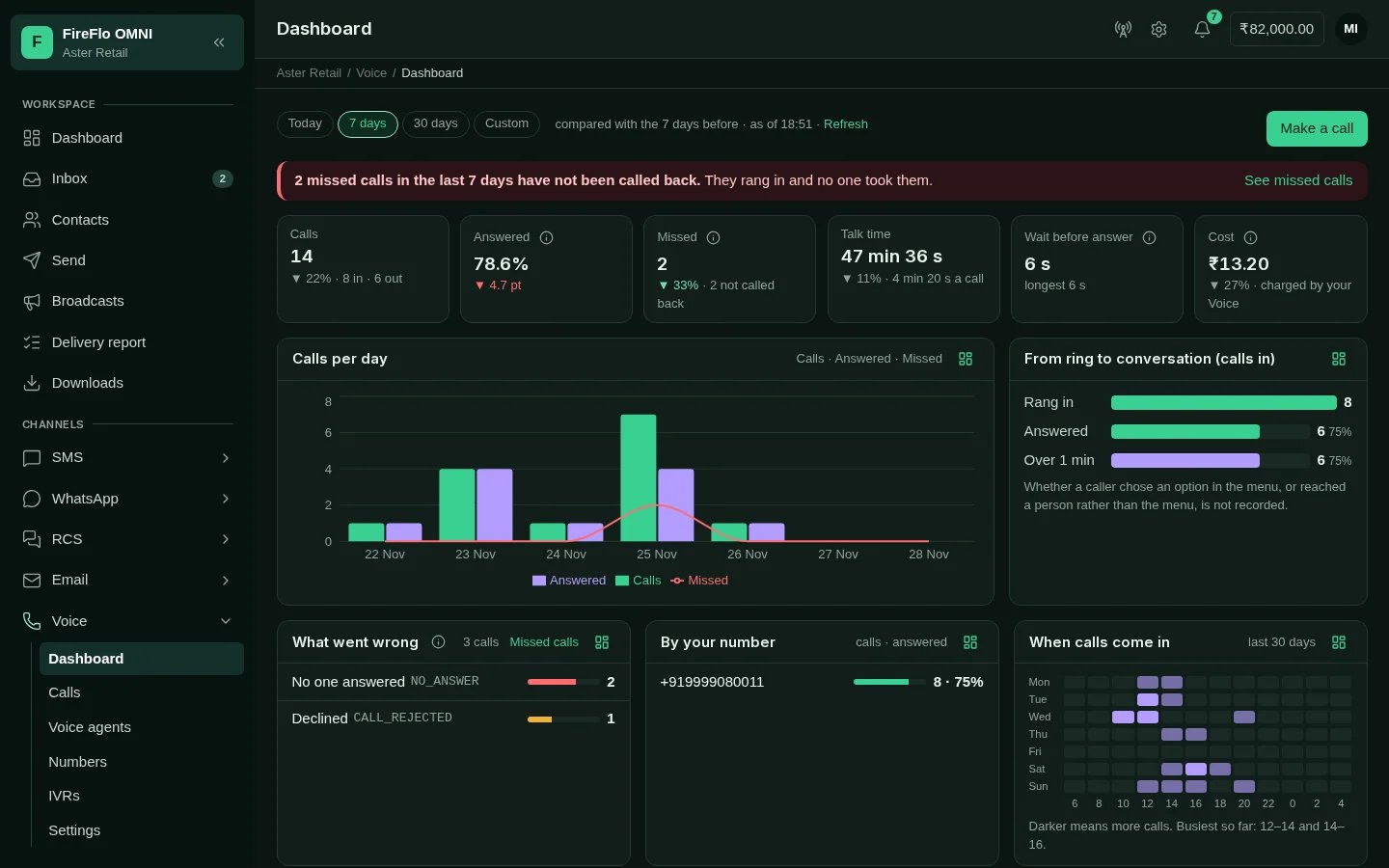
The Voice dashboard: how calls went over the period, and what needs a call back.
Who can be called
Voice is a channel people can stop, like any other.- Ringing someone into an IVR and calling with a voice agent are screened for opt-outs, do-not-contact and quiet hours.
- Voice broadcasts leave out people who opted out or are marked do-not-contact, and ring only within the broadcast’s calling hours.
- Click-to-call, where you talk to the person yourself, reaches anyone except a contact who asked never to be contacted. A STOP to messages doesn’t stop you calling them.