
Your plan must include Tickets.
How a ticket moves
A ticket opens when the customer writes, when someone on your team starts one, or when an
AI agent does. A reply to a broadcast can open one too; a broadcast itself never does.
On its own, OMNI also:
- solves a pending ticket when the customer hasn’t replied for a while;
- closes a solved ticket after a while, so it can no longer reopen.
Tickets in the Inbox
In a conversation, a bar above the thread shows the live ticket: its number, subject, status and category. Change any of them there — set a ticket to Pending from the bar, for example. The ticket’s assignee and priority are the thread’s own, set in the conversation’s header.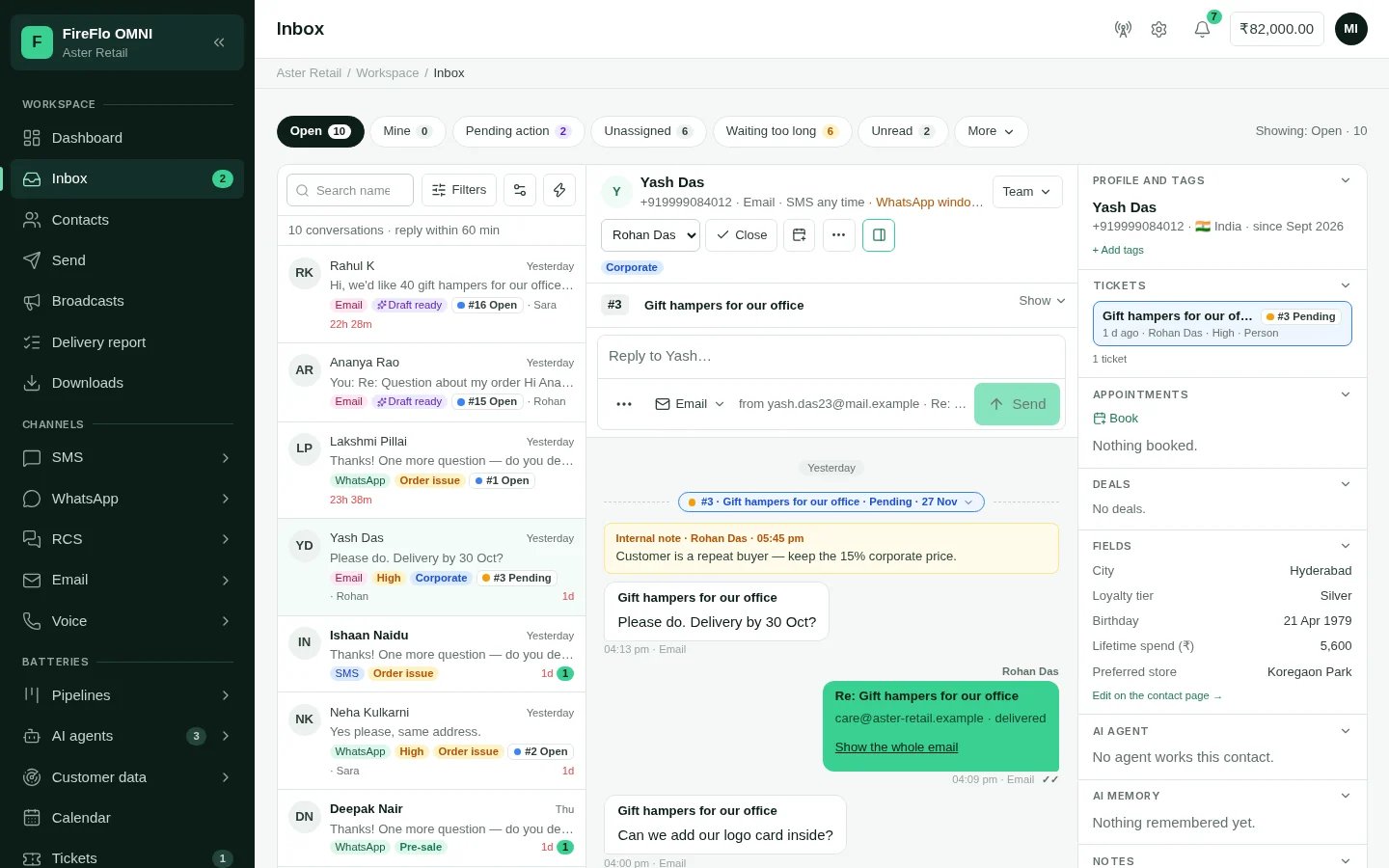
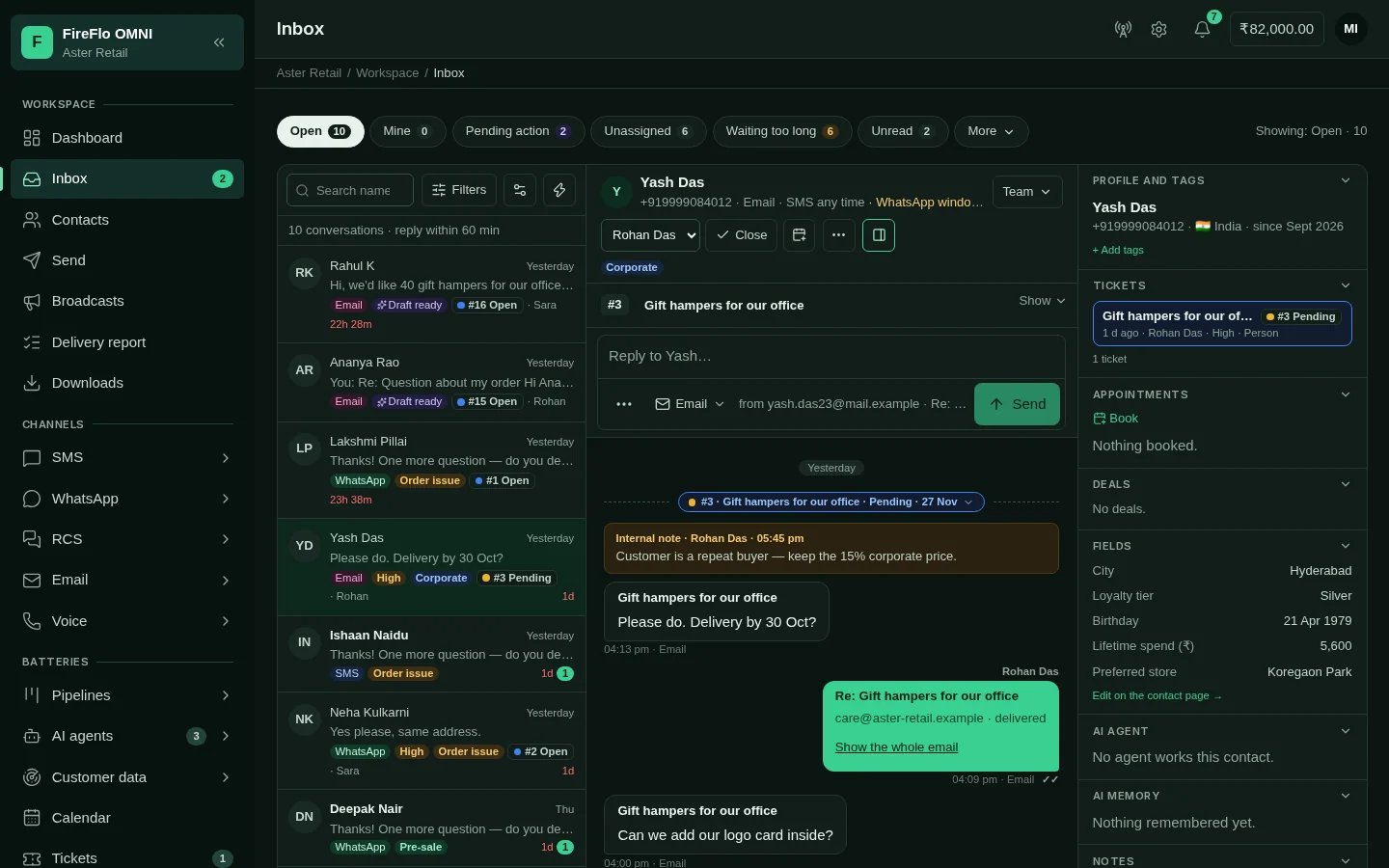
The ticket bar above the thread, with an internal note from the team.
- New ticket asks first. It says which ticket will be solved to make way for it, and takes the new ticket’s subject, category and priority.
- Close and Reopen on a conversation ask first too, and say what happens to its ticket.
- A solved ticket can be reopened from its bar.
- Internal note adds a note only your team sees.
The tickets list
Tickets lists every ticket, a view at a time. A row opens the person’s thread in the Inbox.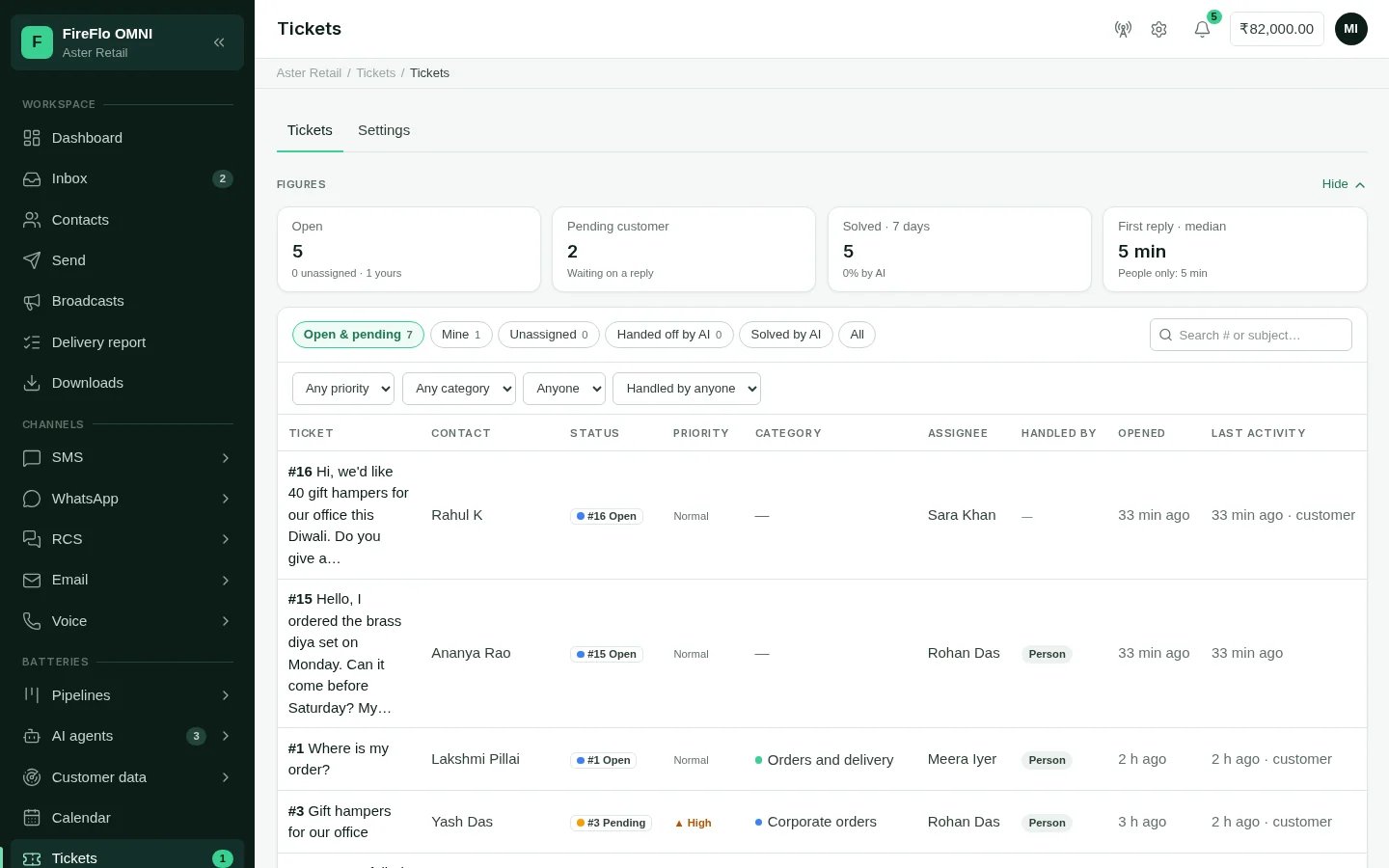
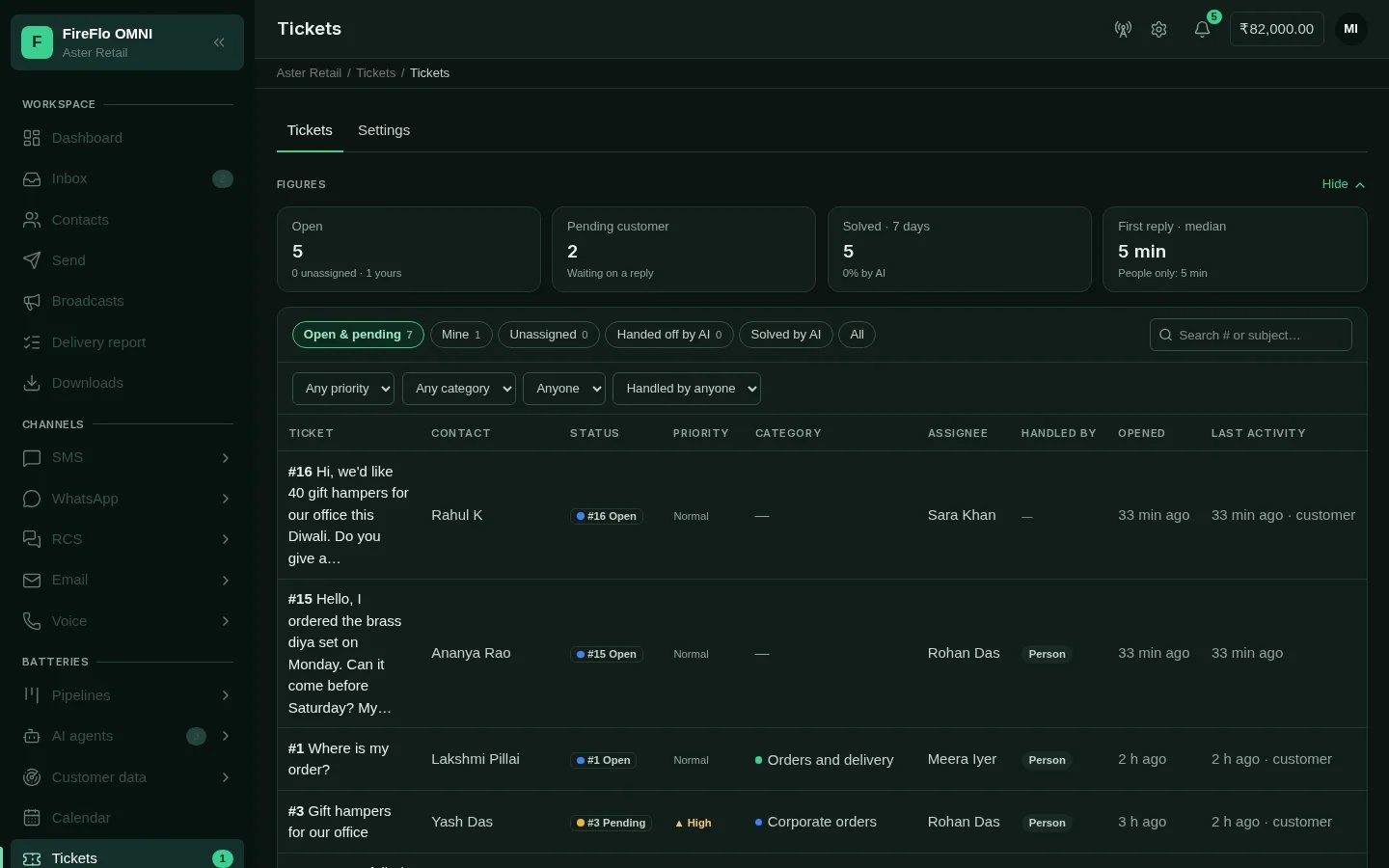
The tickets list
- Open — with how many are unassigned and yours;
- Pending customer — waiting on a reply;
- Solved in the last days — and how many of them by AI;
- First reply · median — over the last 7 days, and for people only.
Settings
Tickets → Settings sets how threads are split into tickets.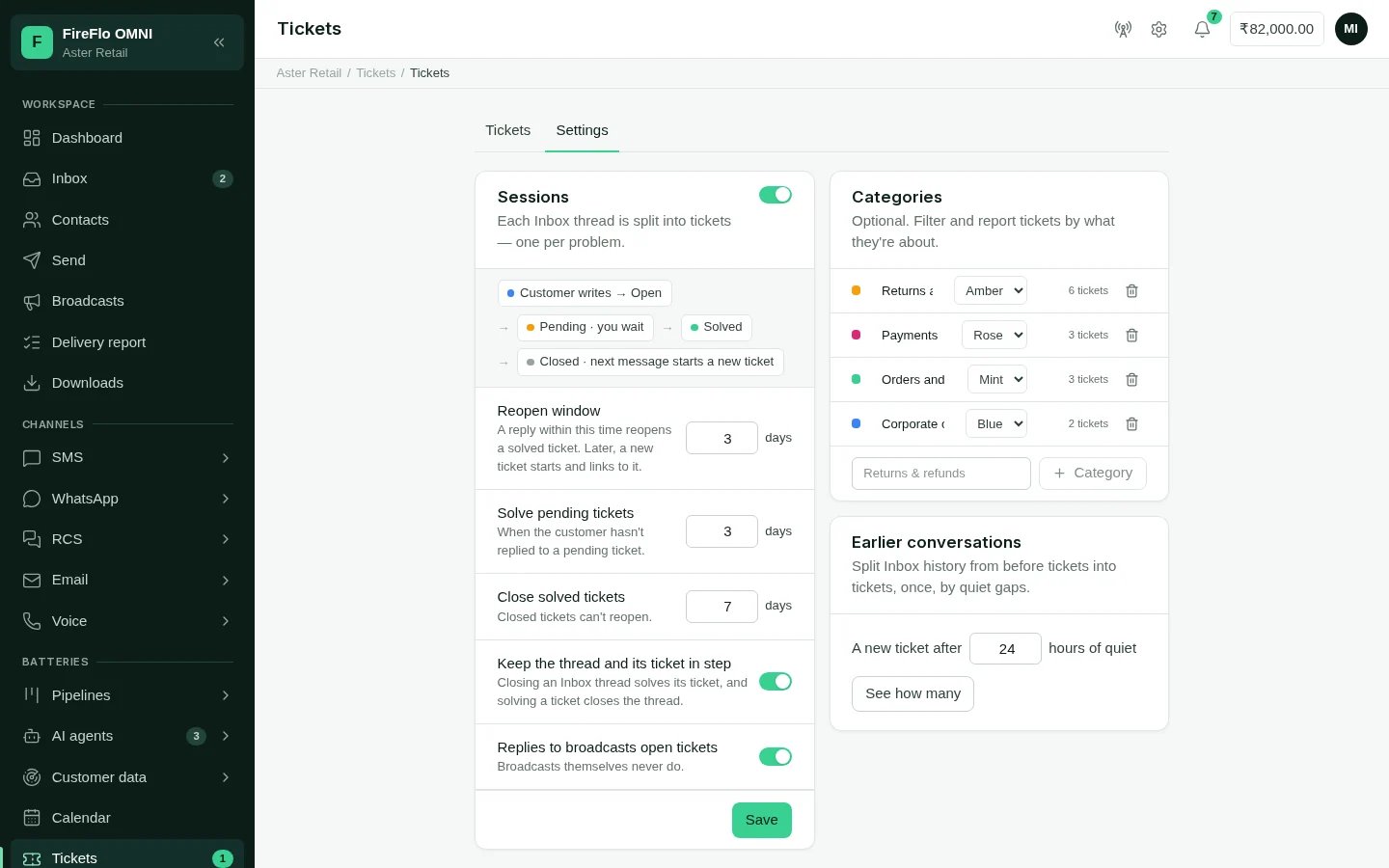
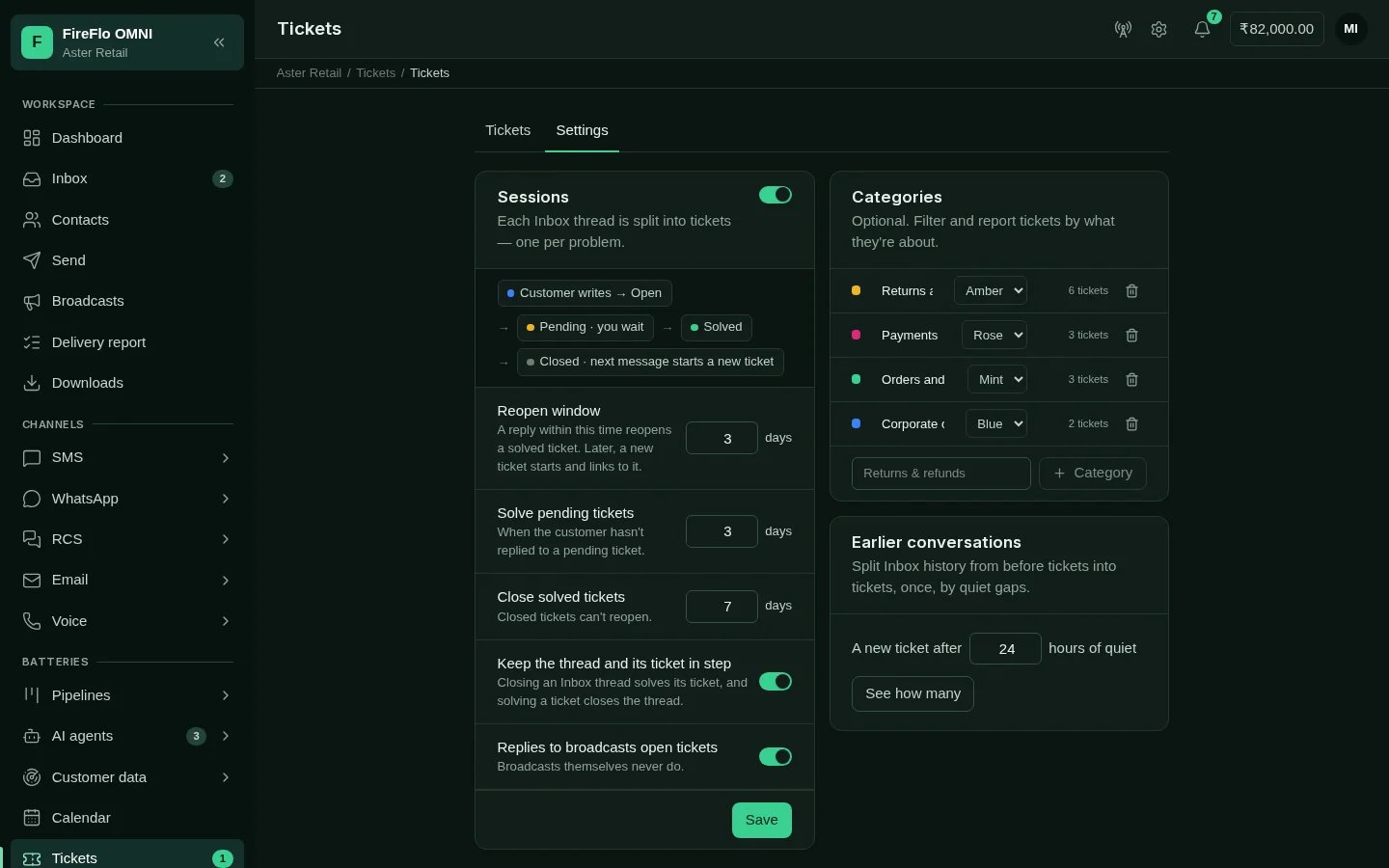
Ticket settings: the reopen window, when pending tickets are solved, and categories.
Categories
Categories are optional. Use them to filter and report tickets by what they’re about — “Returns & refunds”, say. Give each a name and a colour. Deleting a category keeps its tickets; they just lose the category.Earlier conversations
Conversations from before you had Tickets can be split into tickets once, by quiet gaps.1
Choose the gap
Say how many hours of quiet start a new ticket.
2
See how many
See how many tells you how many tickets would be made from how many conversations.
3
Split
Split earlier conversations runs in the background. Past tickets are marked closed,
and you get a notice when it’s done.
With AI agents
When your plan also includes AI Agents:- An agent gives the live ticket a clear subject, priority and category, and solves it once the customer’s problem is really settled. Support agents do this on their own by default.
- When an agent hands a conversation to a person, it writes a short summary on the ticket as a note, and the hand-over goes to whoever you chose with the fewest open tickets.
- Workflows gain Ticket is (new, reopened, ongoing or no ticket), Set ticket and Add ticket note blocks.
- Solved tickets can suggest new FAQs for Knowledge.
Who may use Tickets
An Owner or Admin can change these on the Roles screen. See
Team and roles.