
Enabling the module
Queues isn’t loaded until you ask for it, on the server:The dashboard
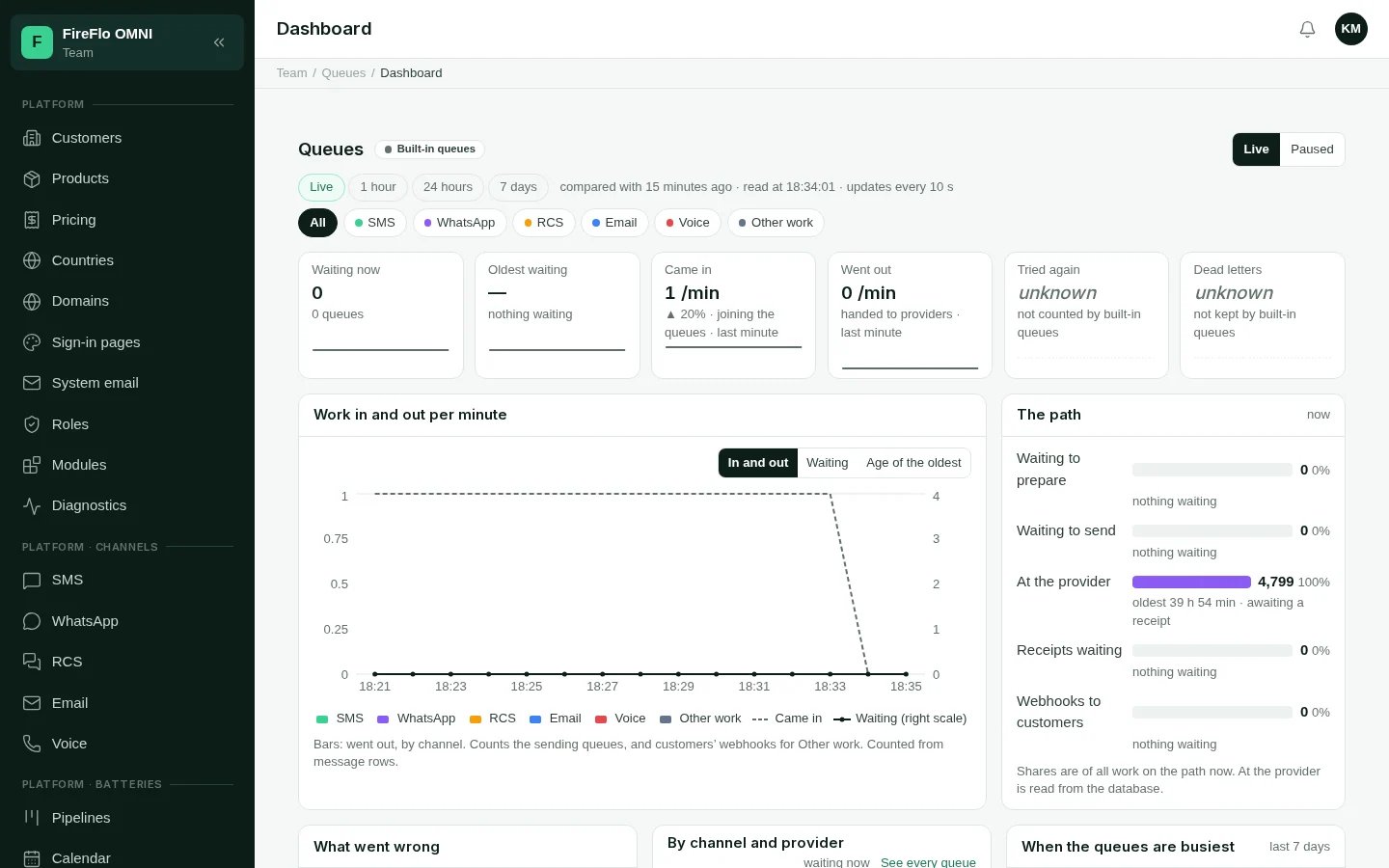
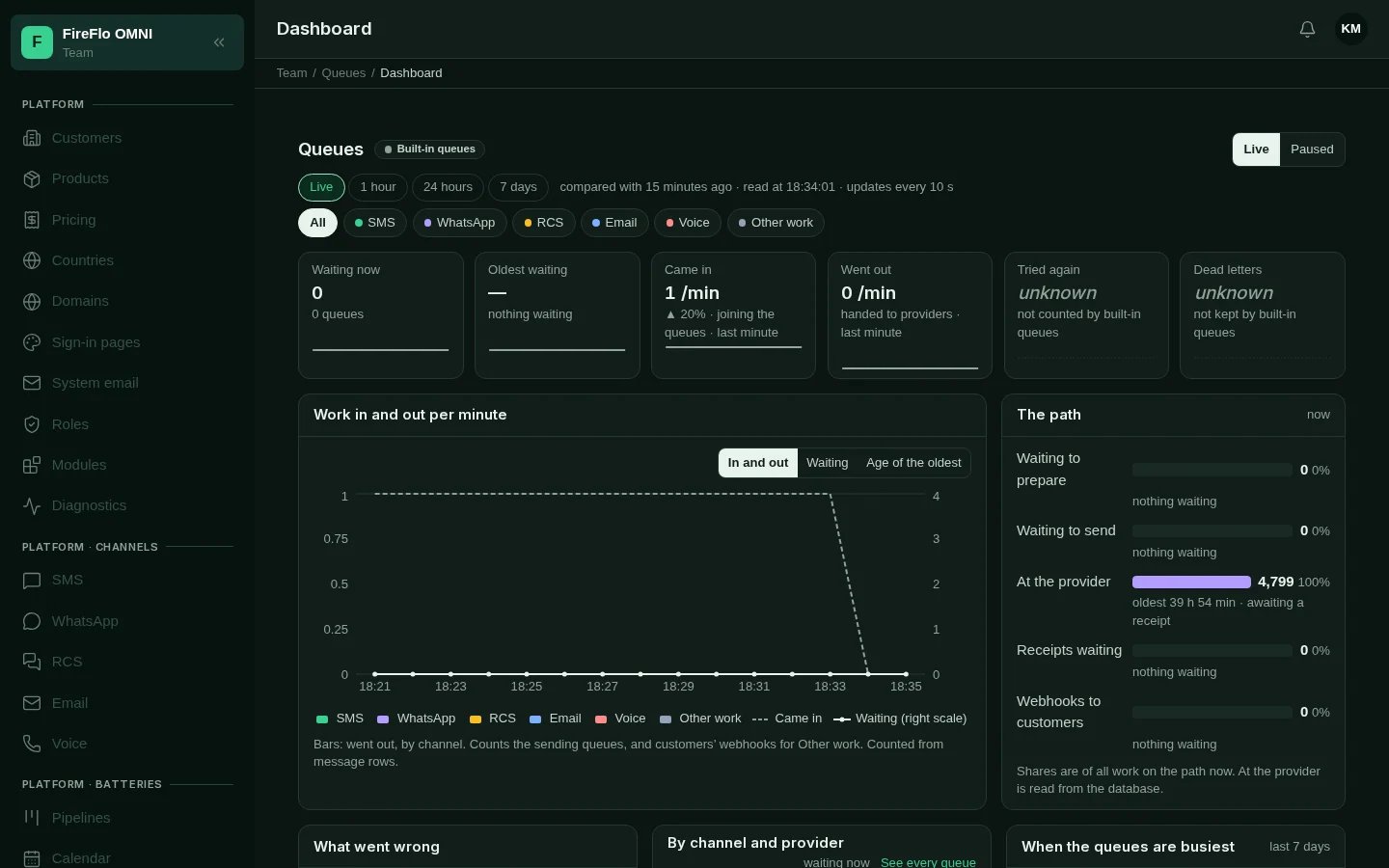
Platform → Queues: the path of work, work in and out, and every queue.
- The engine in use: built-in queues or Kafka, beside the title.
- Period: Live, 1 hour, 24 hours or 7 days. Live updates by itself; Paused stops it. Live rates are taken over the last 10 seconds.
- Channel: all work, or SMS, WhatsApp, RCS, Email, Voice or other work.
- Figures: waiting now, the oldest waiting, what came in and went out, what was tried again, and dead letters.
- Work in and out per minute, with Waiting and Age of the oldest as other views.
- The path: from waiting to prepare, to waiting to send, at the provider, receipts waiting, and webhooks to customers waiting.
- Every queue: one row per queue, for each channel and provider, with how much is waiting, the oldest, in and out per second, its workers and its state. A queue opens in a panel of its own.
- Jobs and workers.
Set-up
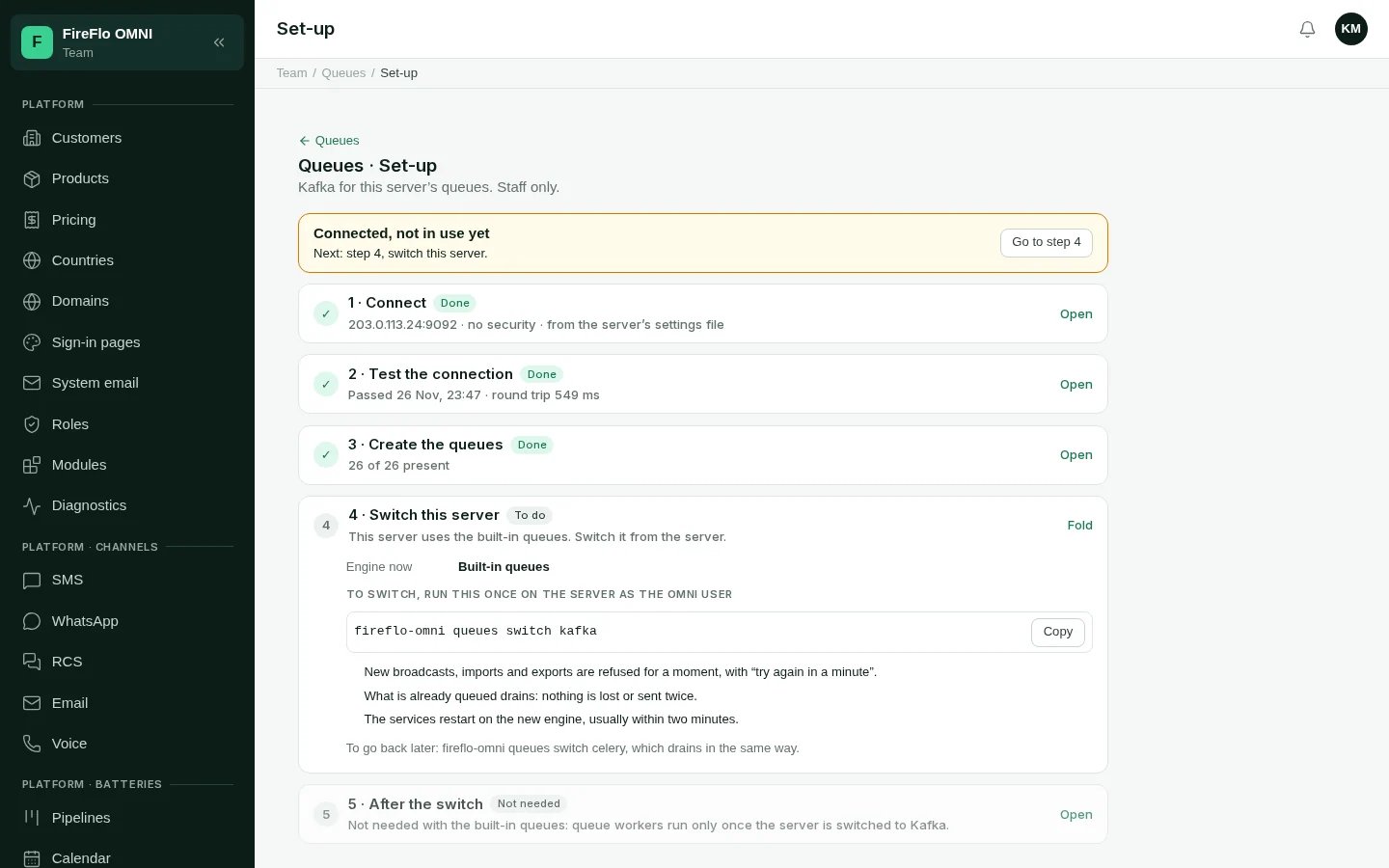
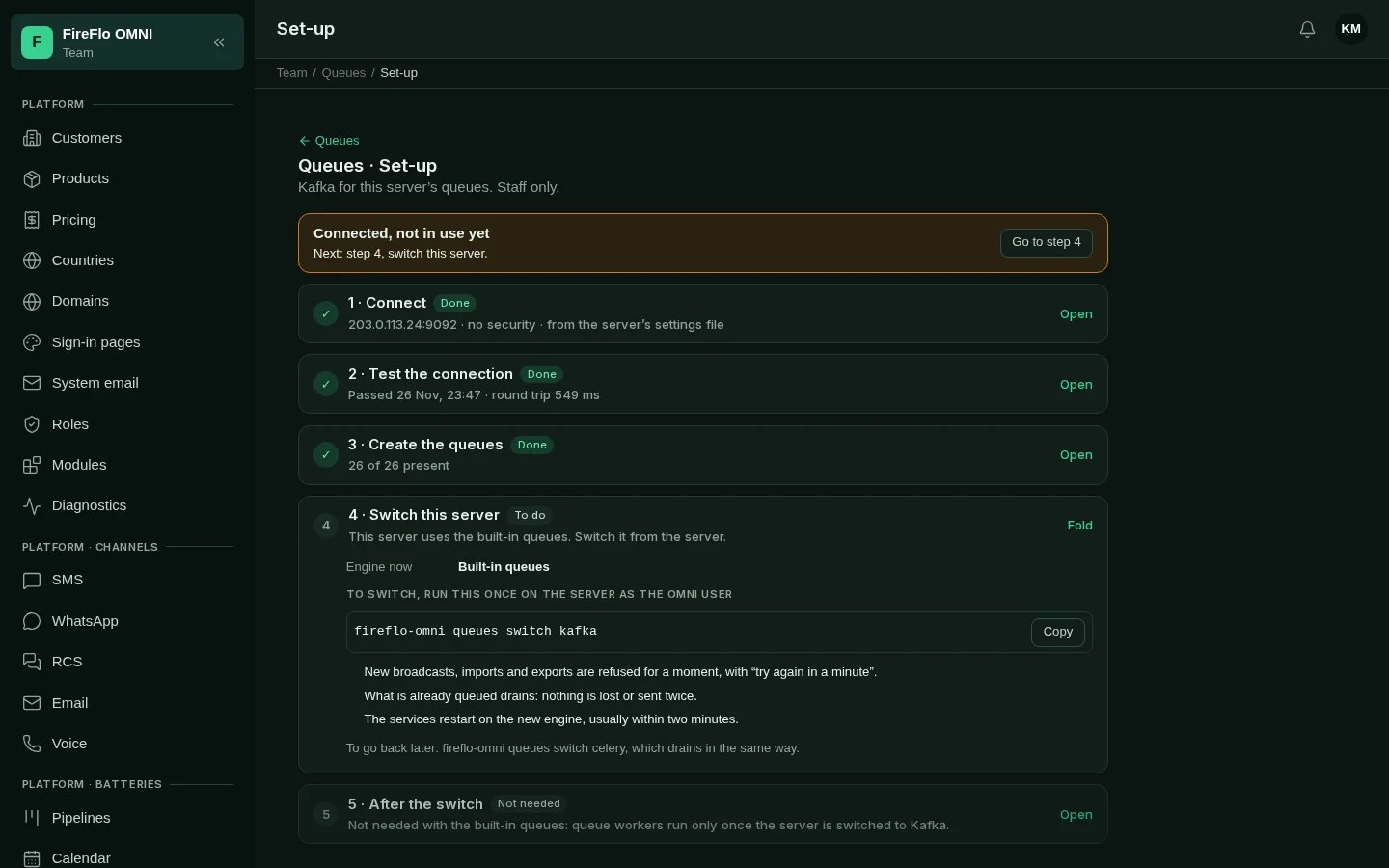
Set-up: five numbered steps, with the one command that switches the server.
1
Connect
The Kafka connection: the broker’s address, its security and the sign-in. OMNI keeps
it, with the password protected, or reads it from the server’s settings file.
2
Test
Test connection runs each step in turn: reach the broker, sign in, read what is
there, make and remove a throw-away queue, check that OMNI’s queues are present, and
send one test record and read it back. Each step shows a tick or a cross with one
plain sentence. A connection can be tested before it is saved.
3
Create the queues
Create the queues is a button of its own. The step shows how many of OMNI’s
queues are present.
4
Switch
The command that switches this server, with Copy. Switching is never a button:
see Switching the engine.
5
After the switch
The queue workers, which run only once the server is switched to Kafka. On the
built-in queues this step reads Not needed.
Switching the engine
Switching is a command, run on the server as the OMNI user:omni-queue-send,
omni-queue-ingest, omni-queue-jobs and omni-queue-prepare) and restarts. While it
runs, starting a broadcast, an import or an export answers “Queues are being switched;
try again in a few minutes.” Nothing is lost or sent twice.
Going back works the same way:
- Without
--restartthe command says that nothing reads the new engine’s queues until the services are restarted, and exits with an error. - Going back doesn’t wait for customers’ webhooks sitting in the long “try again” queues: the other engine finds each one again in its own time. Records that exist only on the broker (receipts, incoming provider webhooks) are waited for, and named with when they are due.
queues switchandqueues drainstop at once on a held queue, or a queue no worker reads, name it and say what to run.
What differs on Kafka
- One queue per kind of work: preparing; sending, per channel and provider (SMS by gateway kind, WhatsApp, each RCS provider, Email by SES and by SMTP, Voice); SMS receipts; incoming provider webhooks, per channel; customers’ webhooks; imports; exports; six “try again later” queues; and dead letters. Every name starts with the server’s prefix, and OMNI never reads another product’s queues on a shared broker.
- The database stays the truth. A record read twice does nothing the second time; one that is lost is found and published again.
- No silent fallback. With the broker away, new broadcasts are refused before anything is charged, and what is already queued waits.
- Each provider has its own backlog. A broadcast’s messages go on their provider’s queue as they are prepared, so a slow provider holds up no other. A queue more than the “behind” limit late refuses new broadcasts for that provider.
- No queue worker, no new broadcast. While no queue worker is running for its queue, a new broadcast is refused (“Queues are not being read: no queue worker is running for … Start the queue workers (fireflo-omni restart) and try again.”), and an import or export started then ends as failed with the same sentence. Incoming provider webhooks and receipts are still accepted and kept.
- No limit of two broadcasts at a time per account: each account keeps its order and its turn inside a provider’s queue.
- Imports and exports run one at a time per jobs worker, with no 30-minute limit.
- A provider’s webhook is answered at once and applied by a worker. When the broker refuses it, it is answered 503, so the provider tries again.
- A customer’s endpoint that doesn’t answer delays that endpoint’s other webhooks in the same batch.
- Memory: on a small server the four queue workers use about 0.6 GB together. A busy server should give Kafka memory of its own.
Paused, failed and held queues
- Pause a queue: staff can pause a queue with a reason, and resume it.
- Dead letters: a record that failed for good is kept as a dead letter with its reason, and can be replayed.
-
A held queue: a queue whose place is lost is held, never rewound. A worker that has
never read a queue needs nothing: it reads what waits there. A held queue says so in
fireflo-omni queues holds, in the worker’s log, and on the dashboard’s attention line and To do. To read the records waiting there:--to latestwould skip them. The command says when no worker is running to apply it.
fireflo-omni queues commands are test, describe, lag, holds, init,
anchor, drain, switch and replay.