
Logs
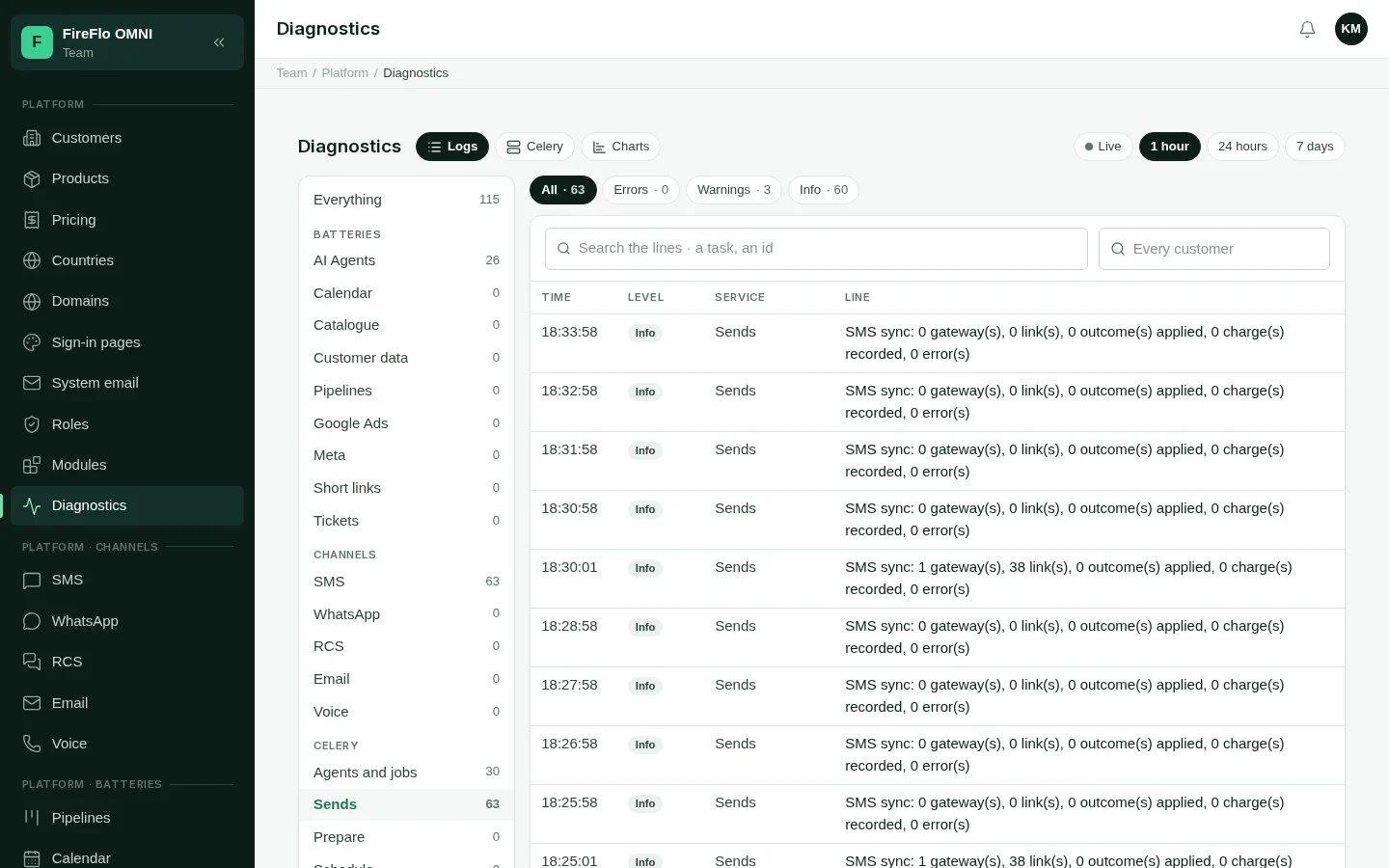
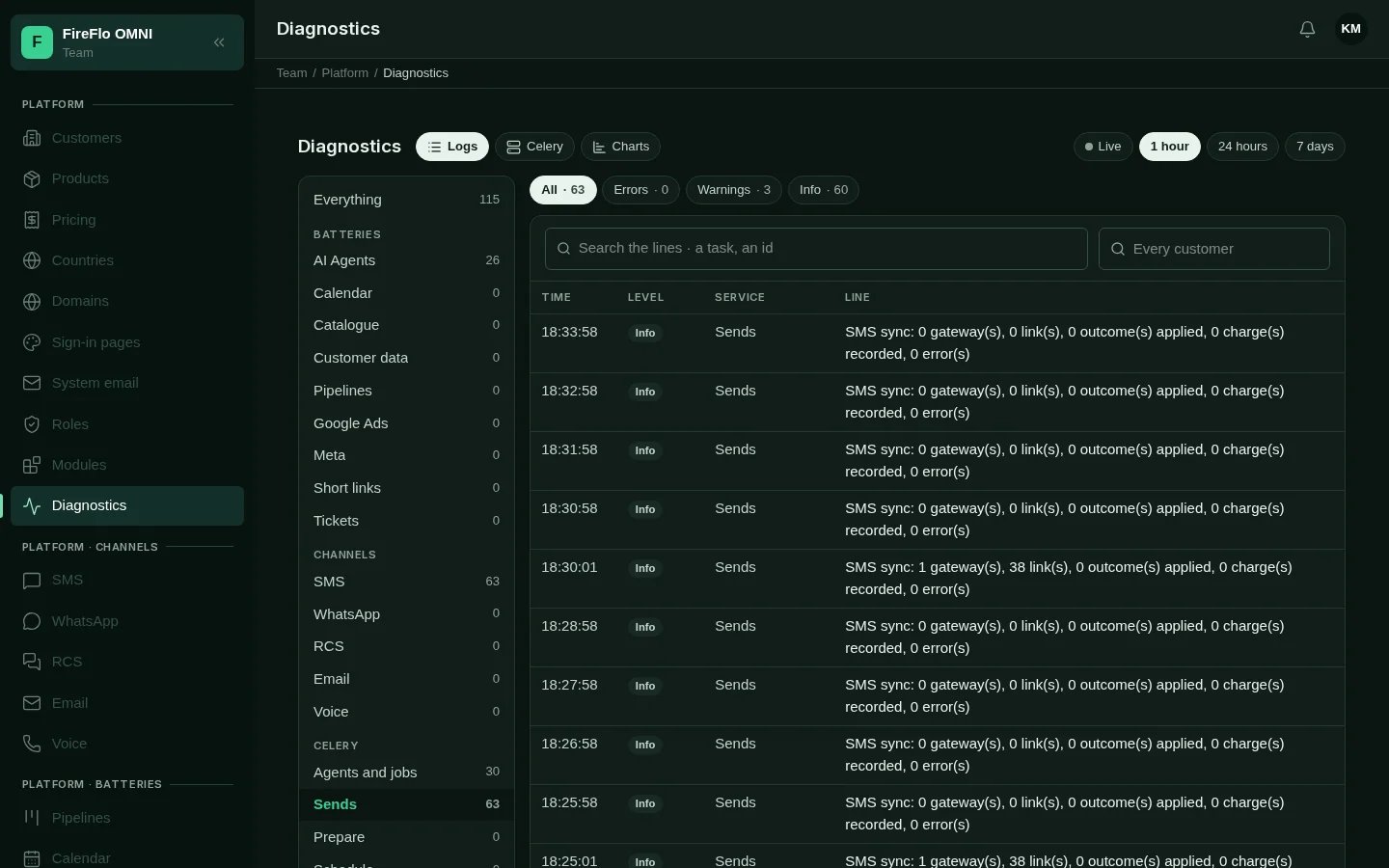
Logs: the sources on the left, and the lines by time, level and service.
- Sources, down the left: Everything, then each module (every battery, channel and plugin, and the core) and each service, with how many lines each has.
- Level: All, Errors, Warnings or Info, each with its count.
- Search the lines for a task, an id or any text, and narrow them to one customer.
- Each line shows its time, level, service and text. A line opens with its traceback.
- Live follows new lines as they are written. Lines from several services are listed newest first.
Celery
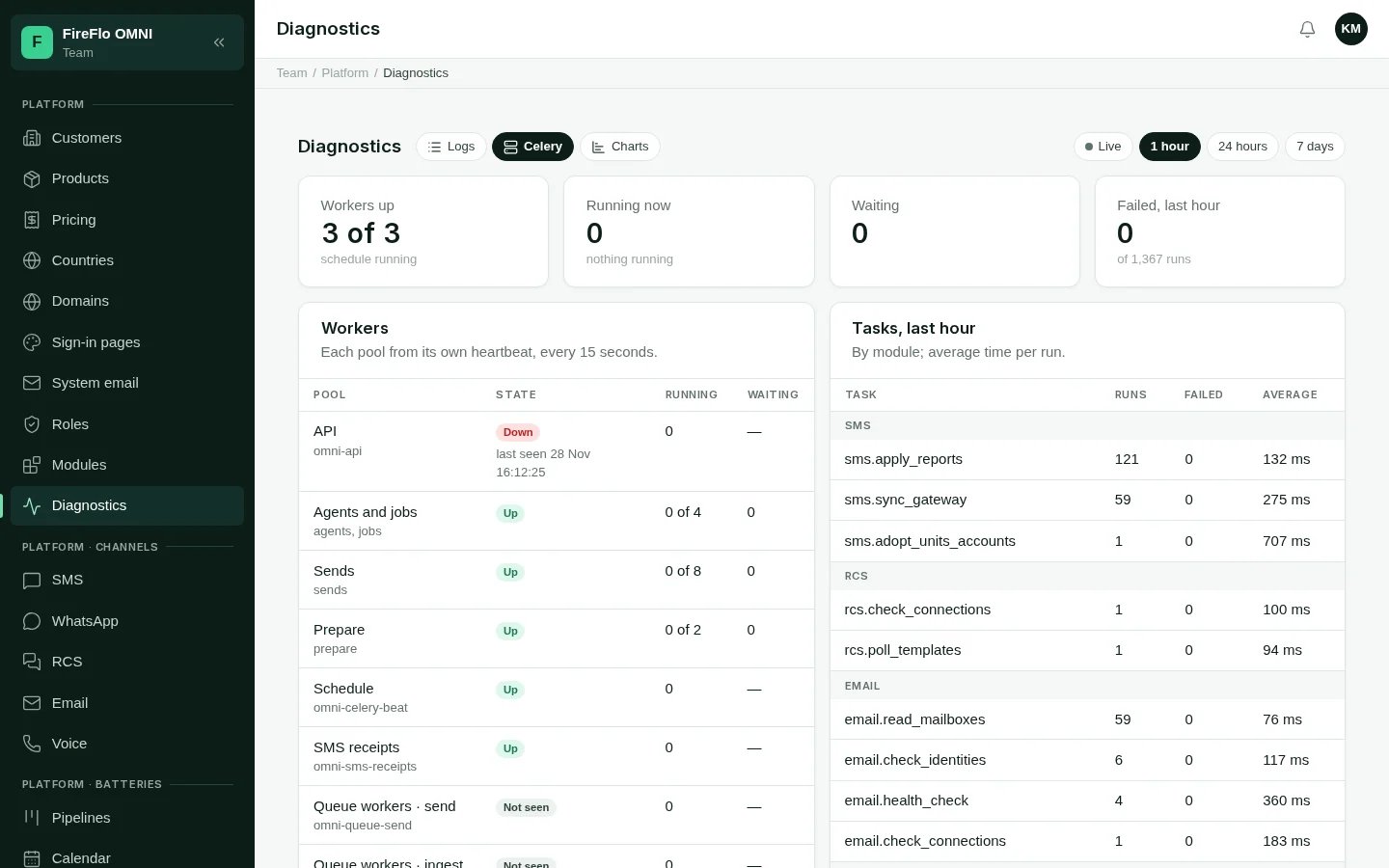
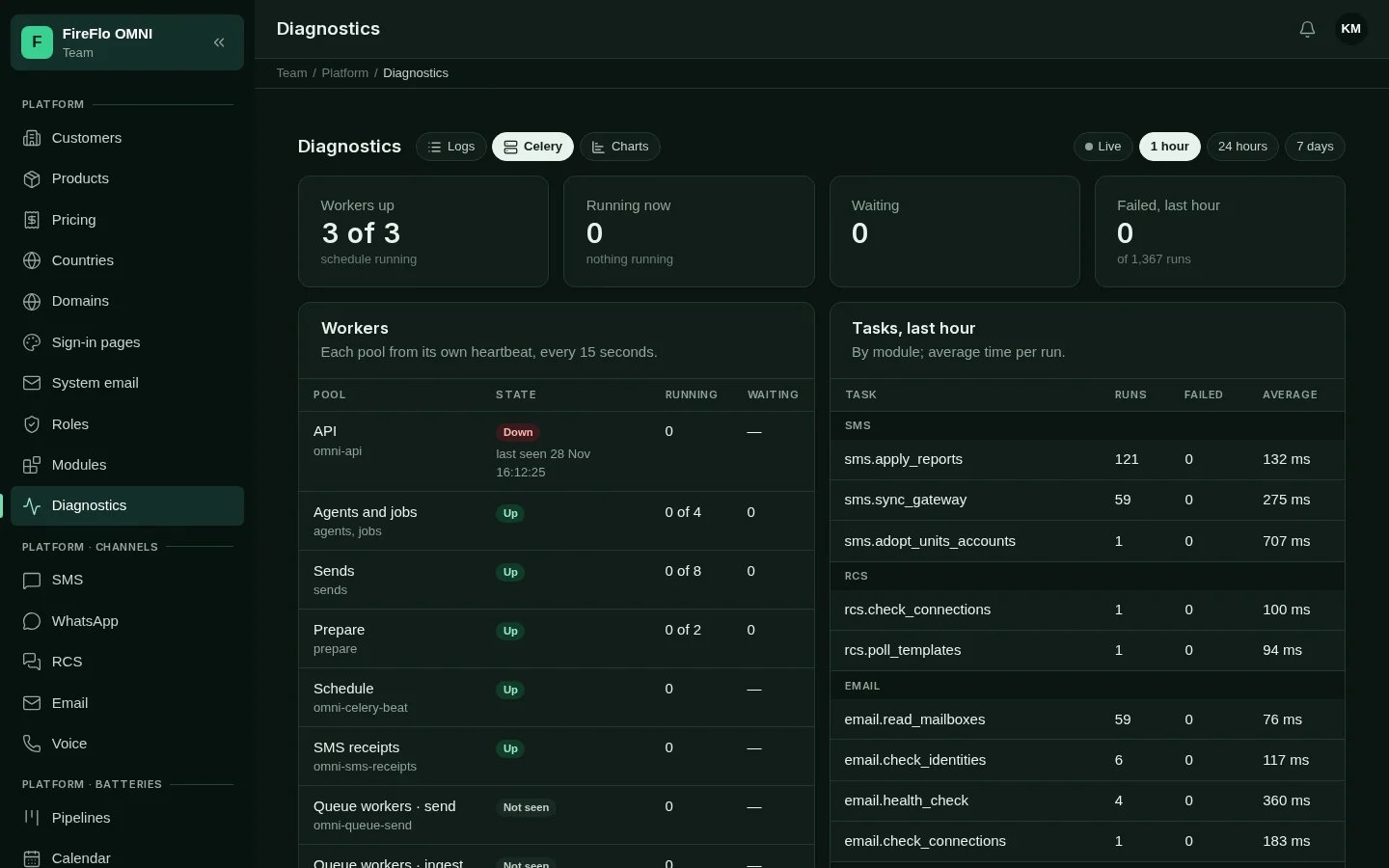
Celery: the worker pools, the tasks of the last hour, and the schedule.
- Figures: workers up, tasks running now, tasks waiting, and failures in the period out of how many runs.
- Workers: each pool, read from its own heartbeat, with its state (Up, Down or Not seen), how many tasks it is running and how many wait.
- Tasks, by module: each task with its runs, its failures and its average time.
- The schedule: each periodic job under its own name, with its last and next run.
- Recent failures.
What is kept
Every OMNI service writes its log lines, tagged with the module, the task and the customer, to a folder on the server, as well as to its usual log.- 7 days, and at most 200 MB in all.
- Secrets are masked before a line is written: passwords, tokens and keys. Masking goes by a value’s shape and the name in front of it, so a bare key with no name before it, or a token inside an address, is not masked. The value after “code” is masked too, so “Error code: 0x45” loses its value in the kept lines.
- Only the service user and its group can read the kept files.
- One server. Diagnostics shows the lines kept on the server it runs on.