
Campaigns
Open a project and its Campaigns tab. Each campaign shows its platform, state, ads, spend, leads and cost per lead; All platforms narrows the list to one platform.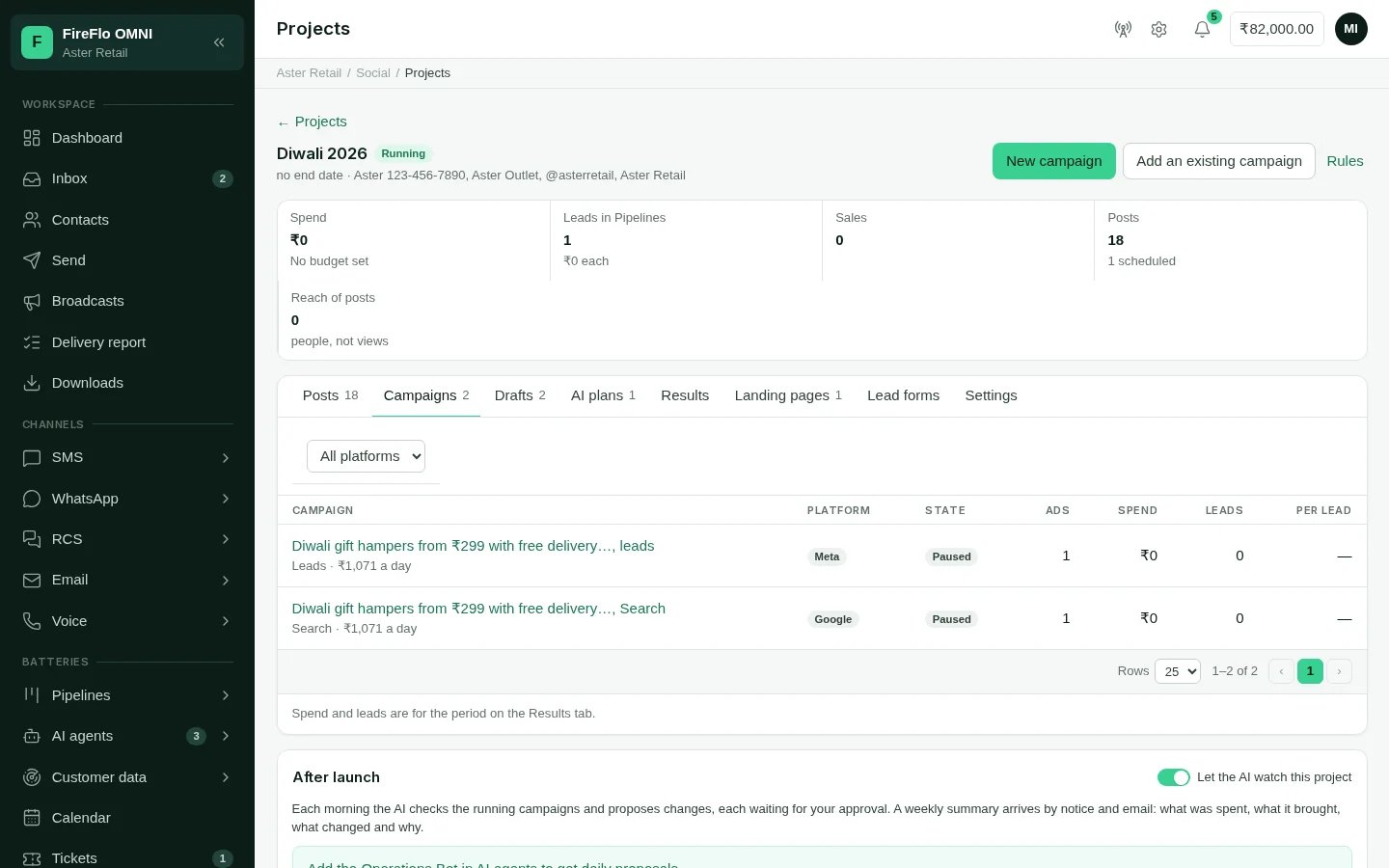
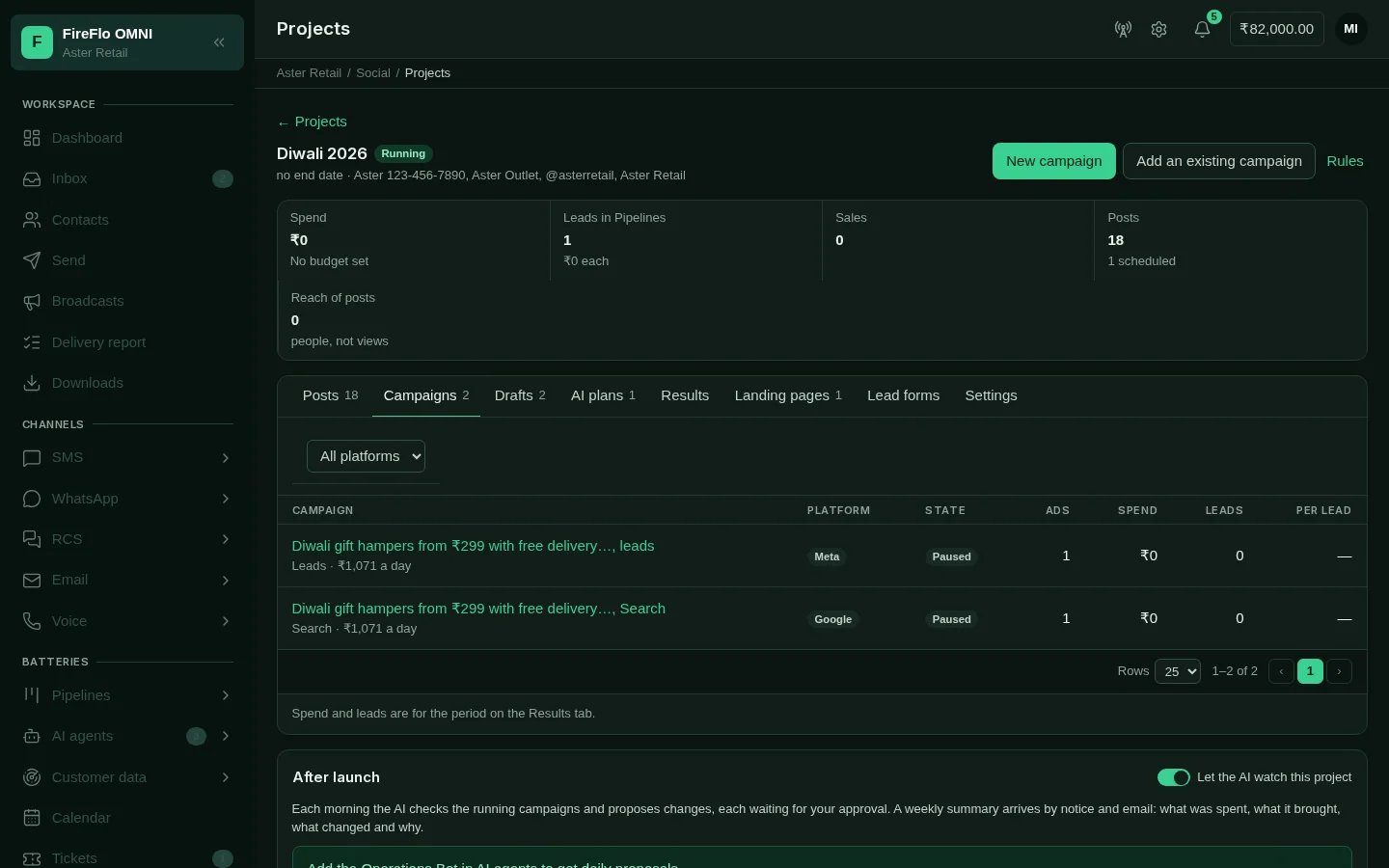
A project's Campaigns: each campaign's ads, spend and leads.
- New campaign builds a campaign in OMNI as a draft. It is created on the platform paused, so nothing spends until you start it.
- Add an existing campaign places a campaign from your ad account in the project. Campaigns not yet placed wait under Unsorted on the projects list.
- Rules opens the project’s rules (see Rules).
A campaign
Open a campaign to see its monthly cap and how much of it is used this month, and its spend, leads, cost per lead and reach for the period you pick. Its tabs hold its Ad sets, Ads, Breakdown and History.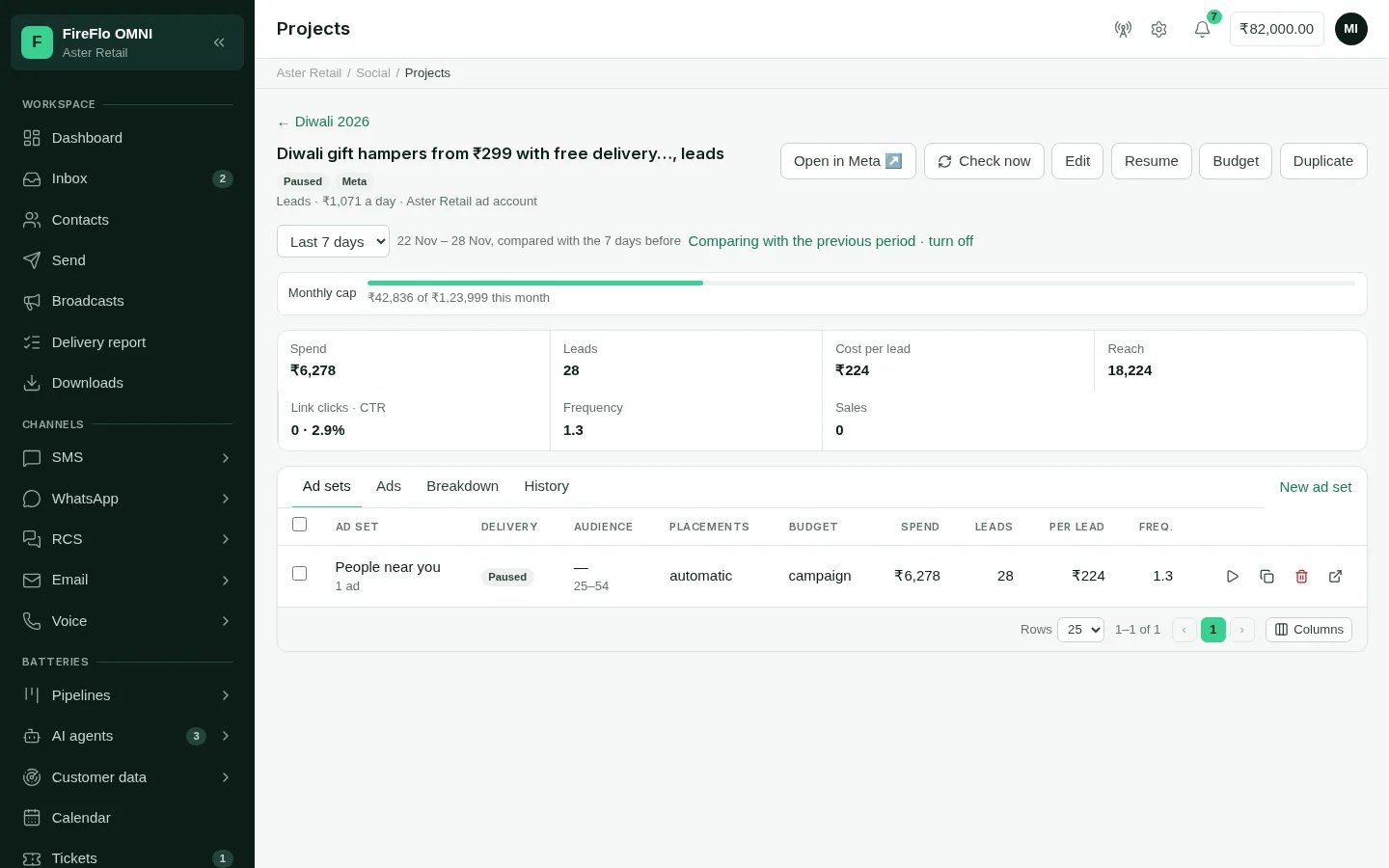
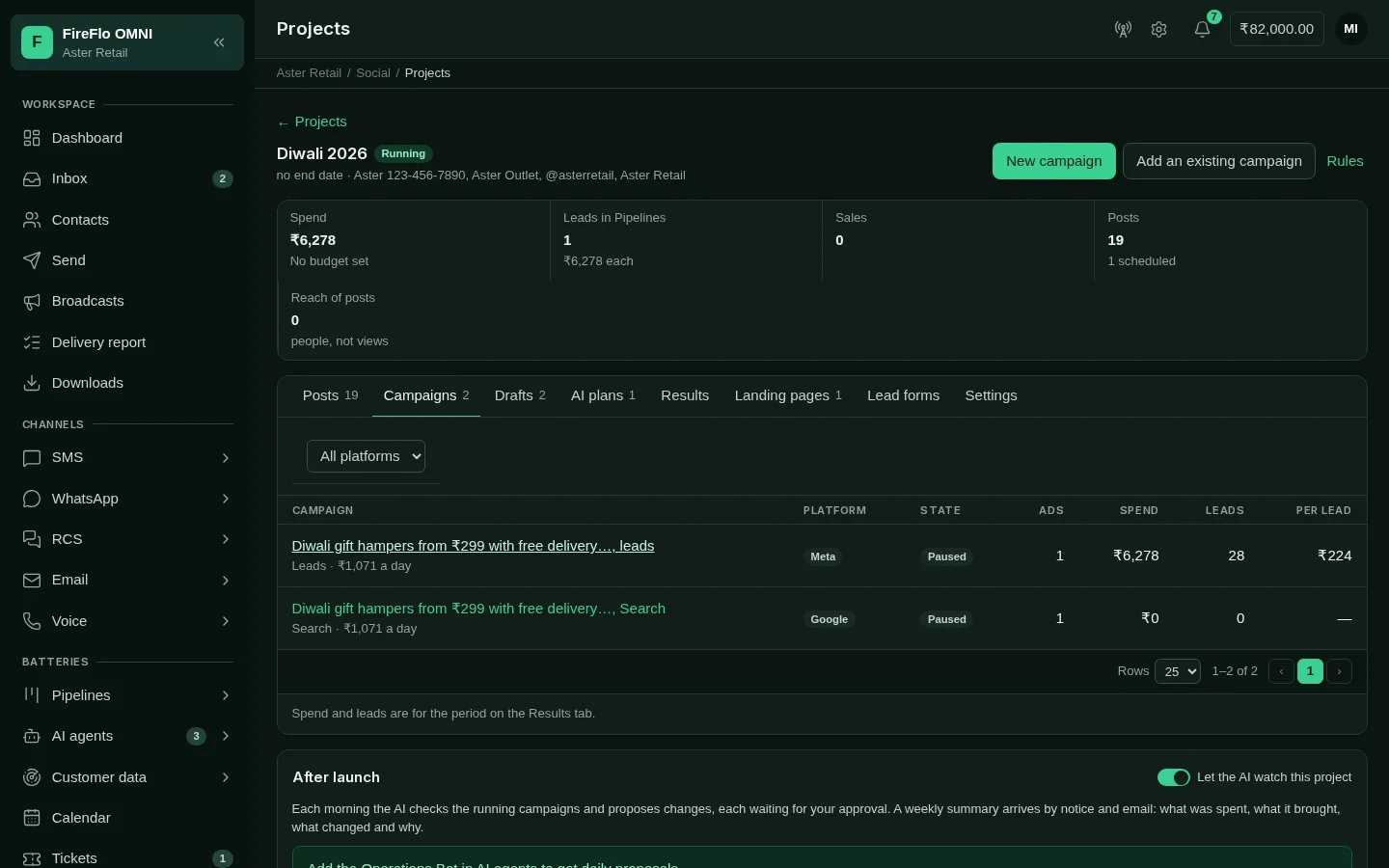
A campaign: its monthly cap, its figures for the period, and its ad sets.
Change a budget
Choose Budget, type the new daily budget, and Save budget. A higher budget is checked against the ad account’s monthly cap first.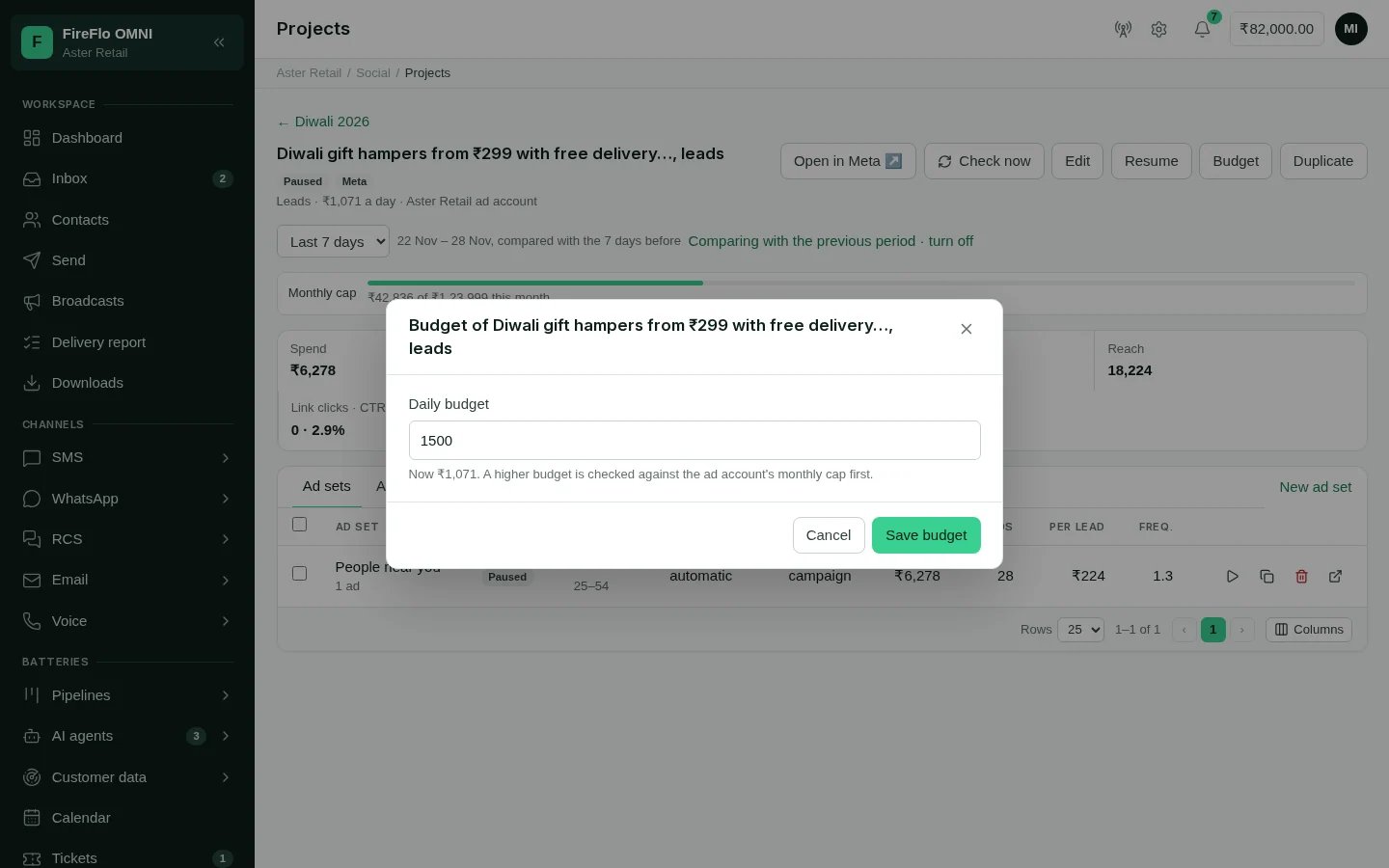
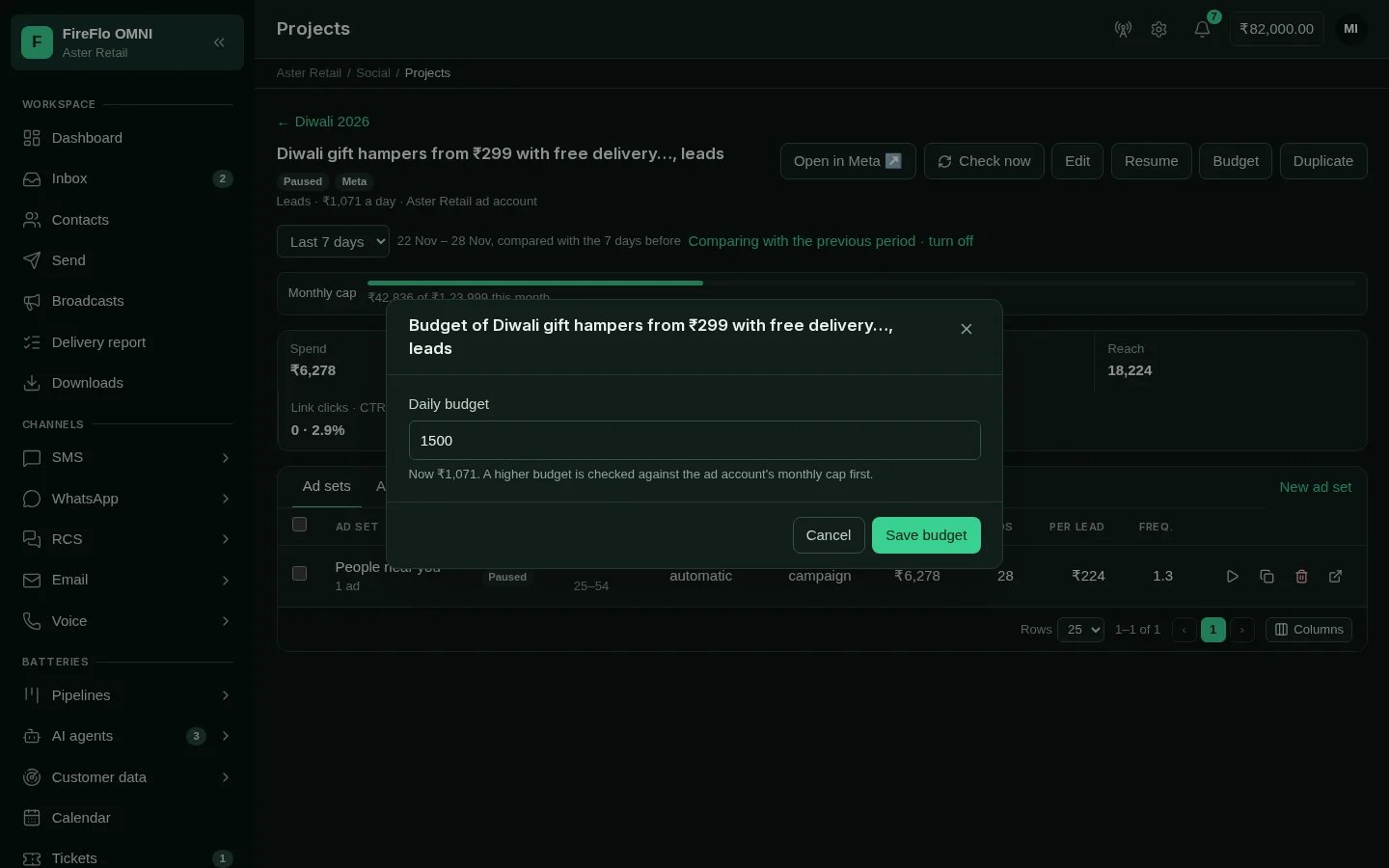
Change budget: a new daily budget, checked against the monthly cap.
Monthly caps
A monthly cap limits what an ad account may spend in a month. A change that raises spend is refused when the ad account has no monthly cap, or when it would go past the cap. A campaign’s page shows how much of the cap is used this month.Rules
A project’s Rules watch its figures. When a figure crosses a line, a rule can tell you, pause an ad or change a budget. New rule adds one; each rule can be switched on or off, edited or deleted. What the rules did lately lists what they did and when.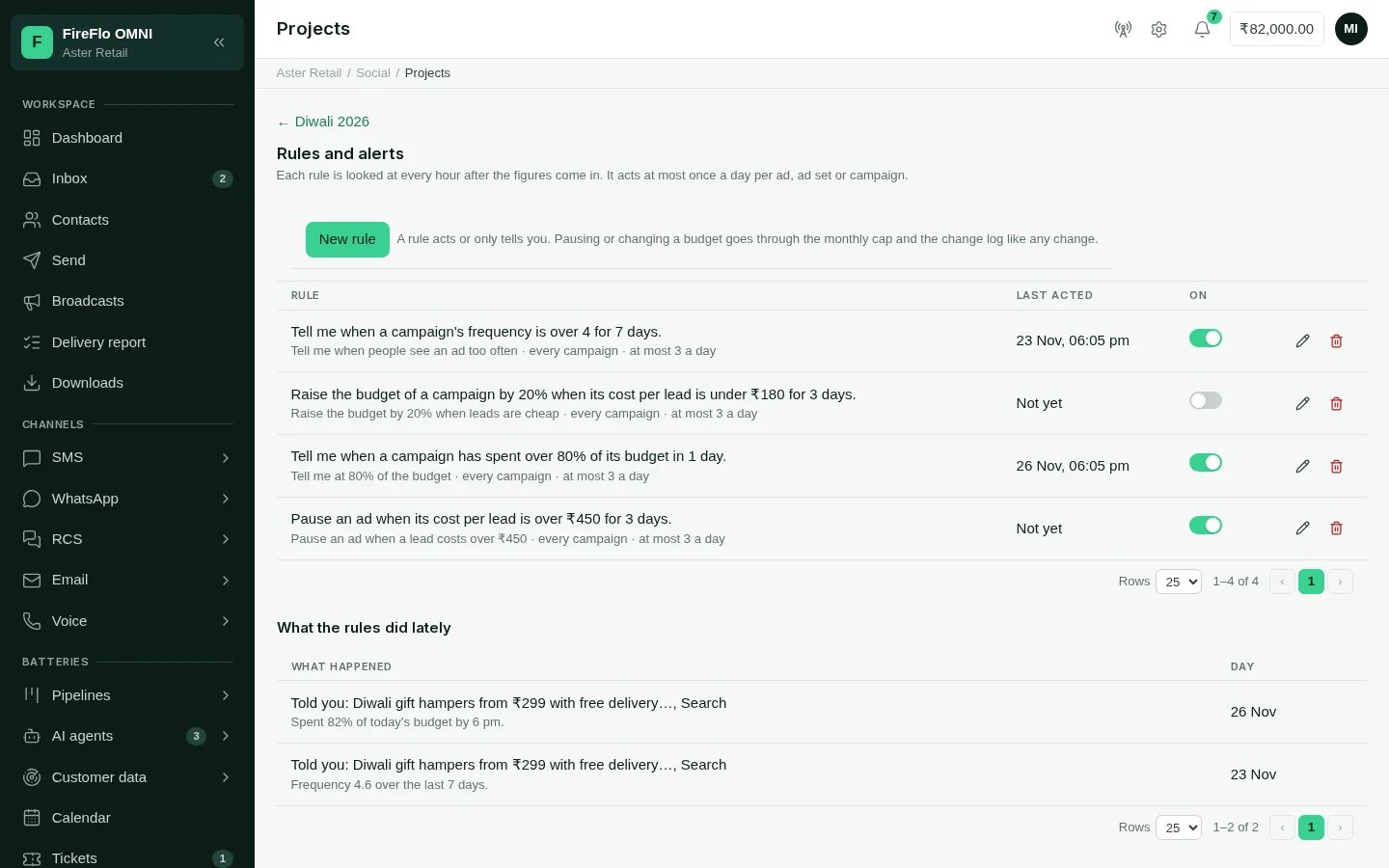
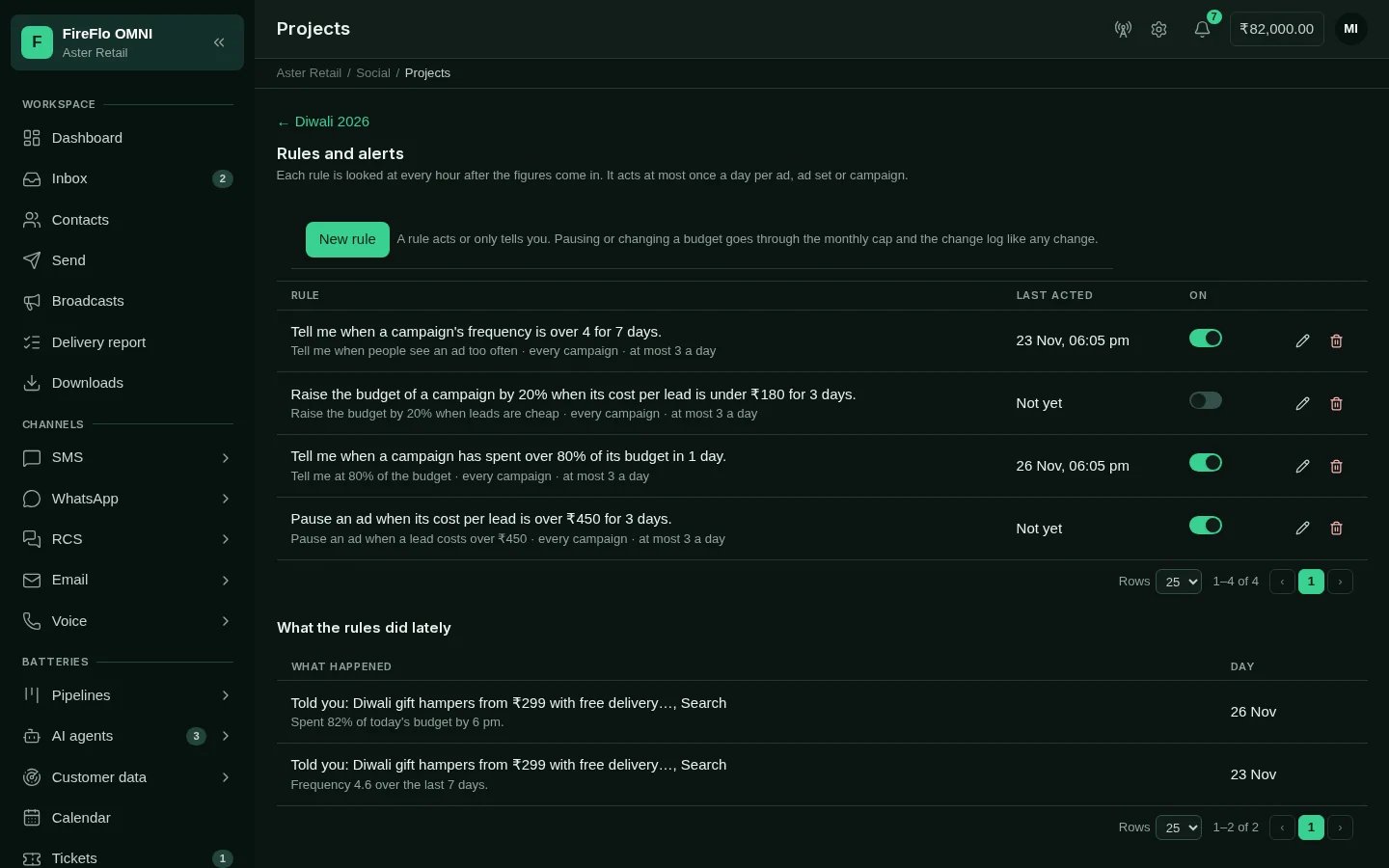
Rules: tell you, pause an ad or change a budget when a figure crosses a line.
Landing pages
Social → Landing pages lists the pages OMNI hosts for you, with their project, state, visits, leads and score. New landing page starts one.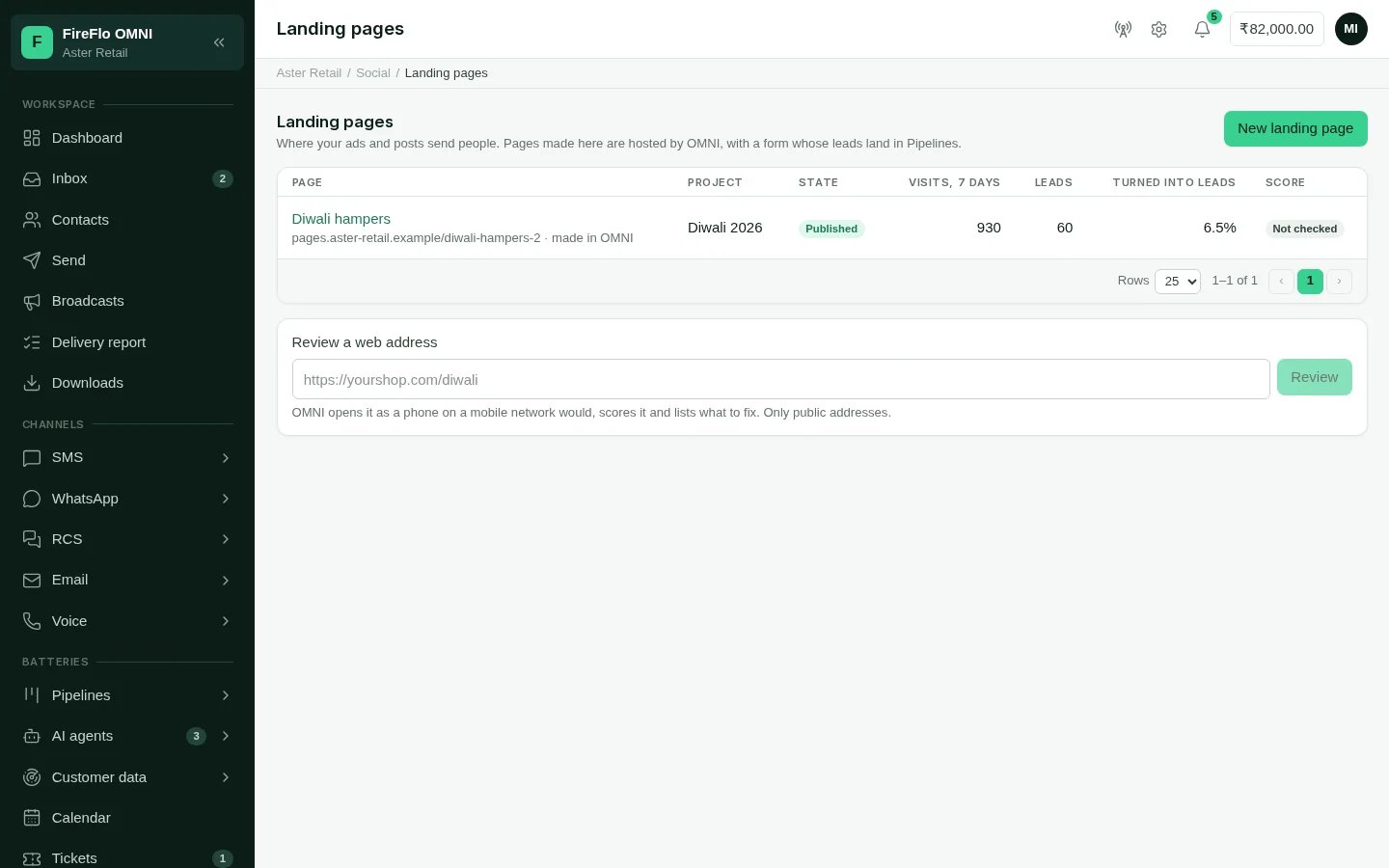
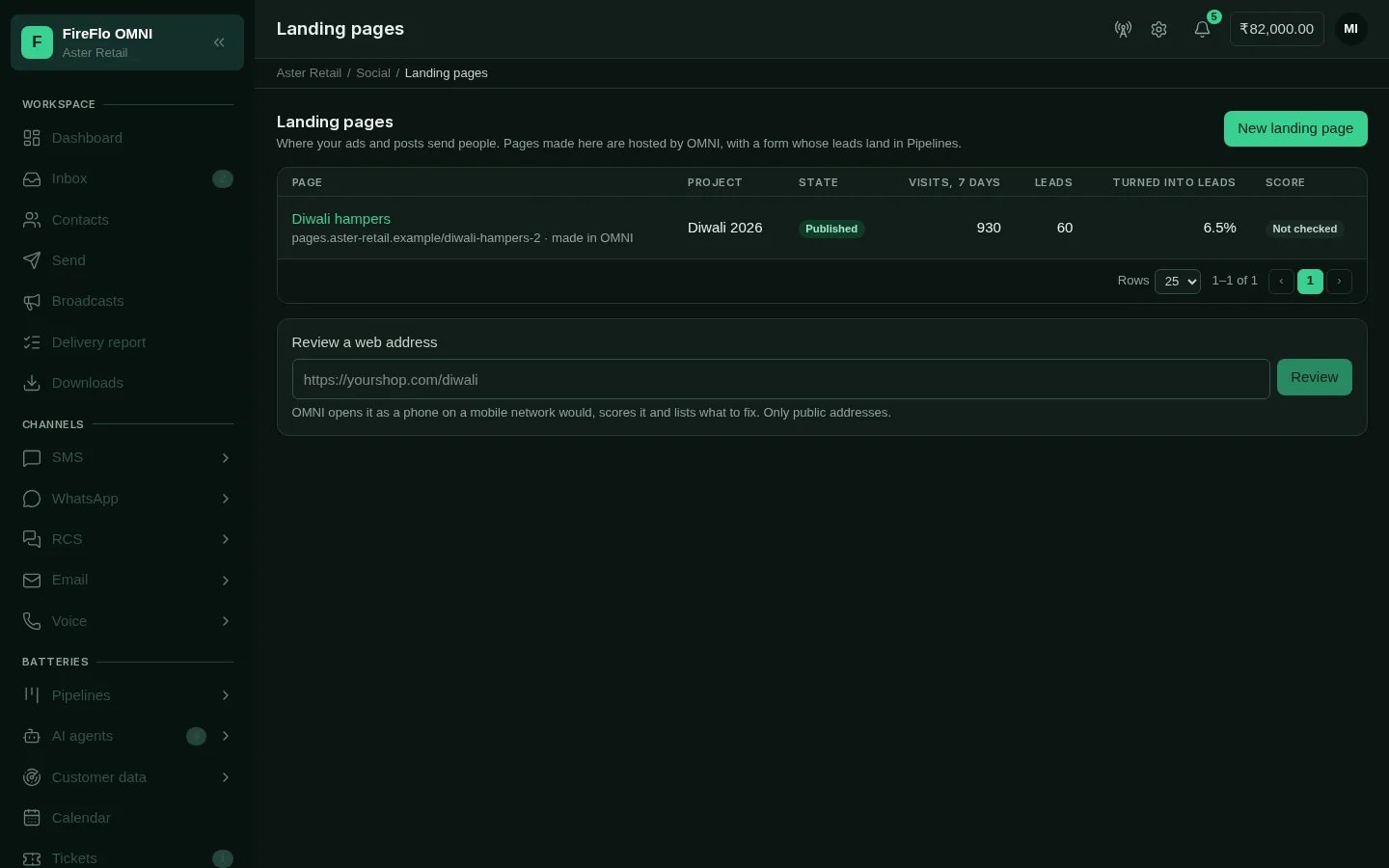
Social → Landing pages: each page's project, state, visits, leads and score.
Start a page
Pick your industry and a layout, then choose how to start: From a brief, From a campaign, or Blank: I’ll fill it in.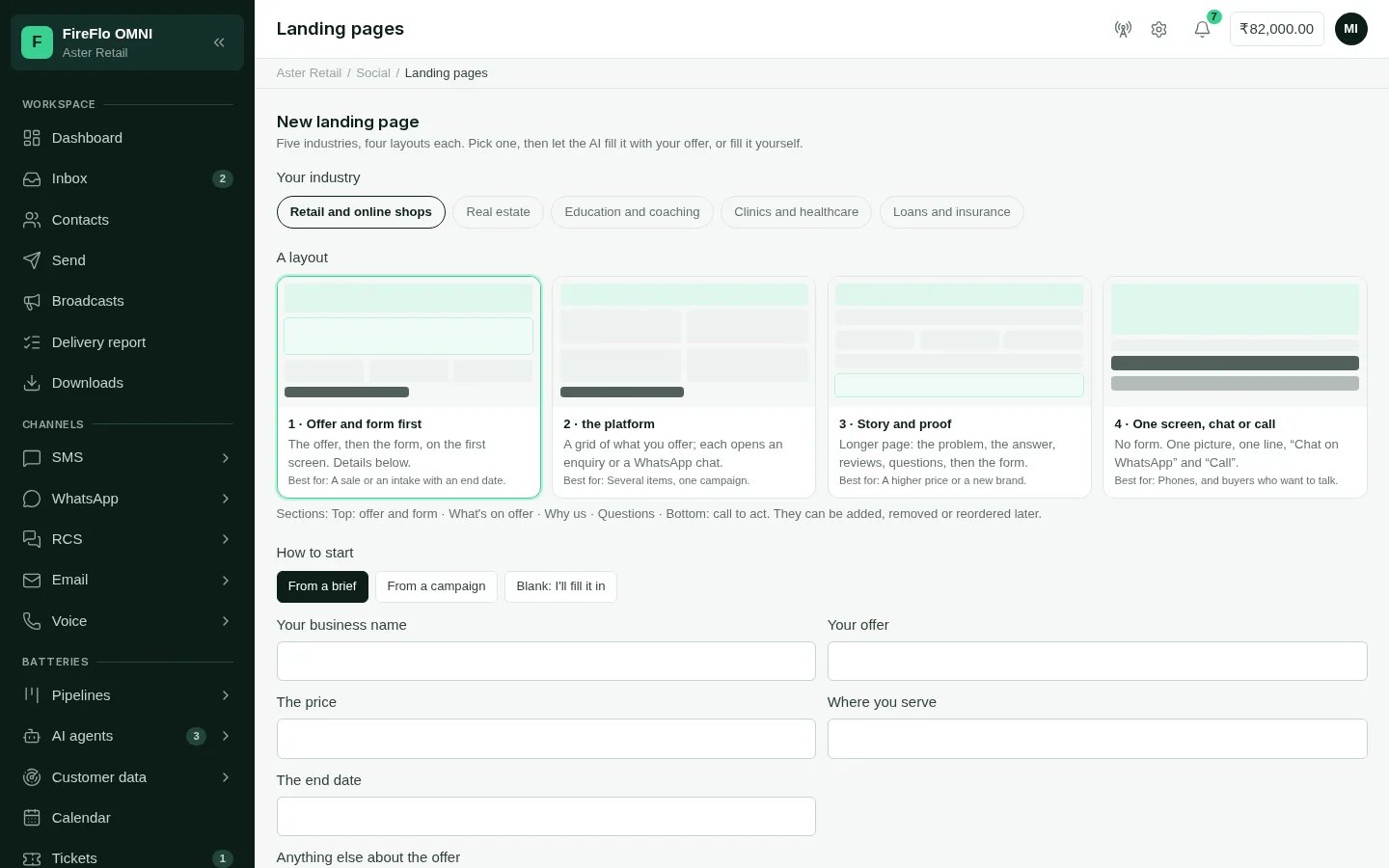
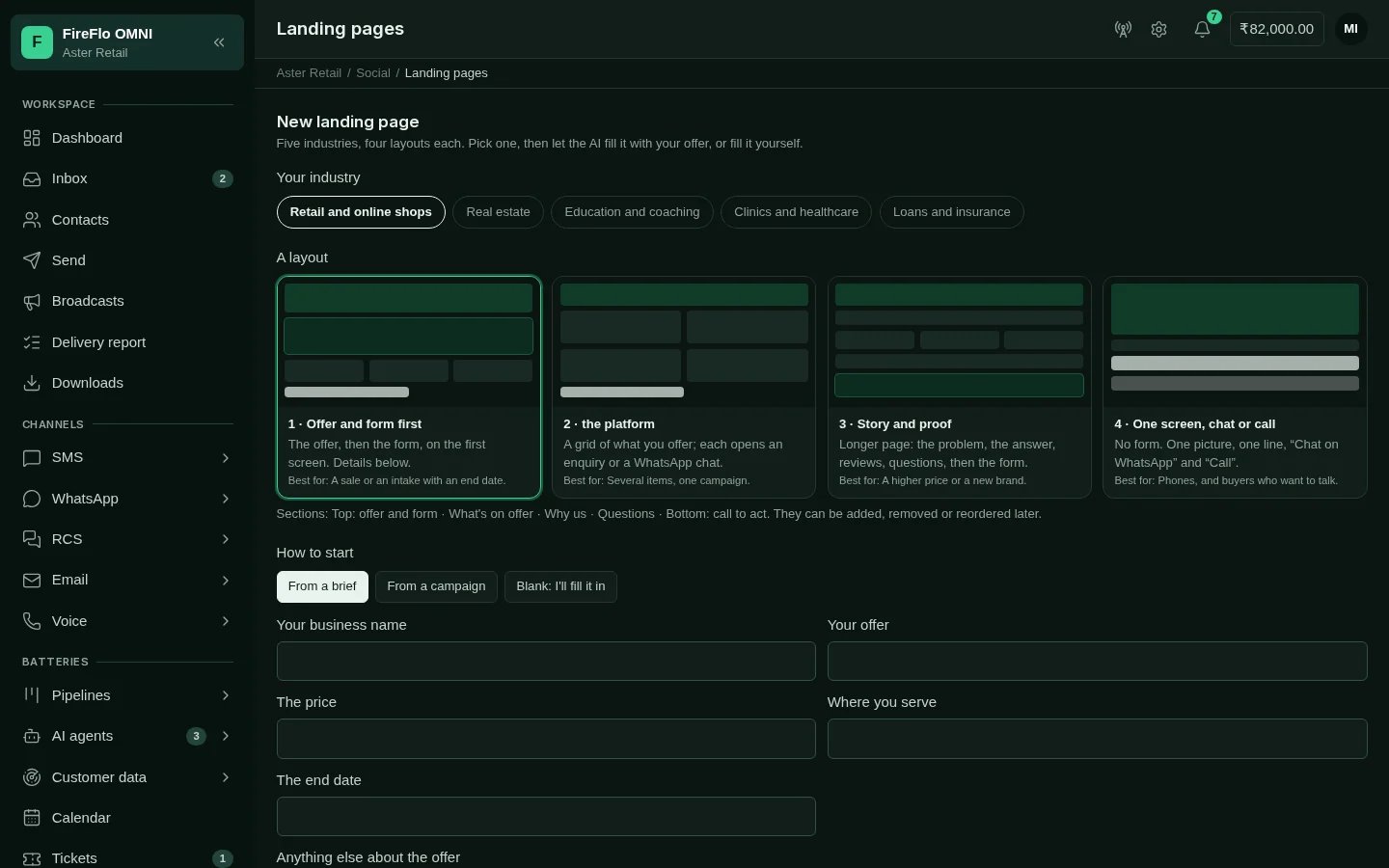
New landing page: an industry and a layout, then a brief, a campaign or blank.
Edit the page
The editor shows the page beside its look, form and address settings. Work through its steps — Brief, Edit, Form and tracking, Address and publish — then Publish, or Save draft to come back later. A page can run one A/B test at a time. OMNI never switches to the winner by itself; you choose.Form and tracking
On Form and tracking, pick the lead form the page uses, the number its WhatsApp button opens, and the tracking tags. The tags load only after a visitor allows them.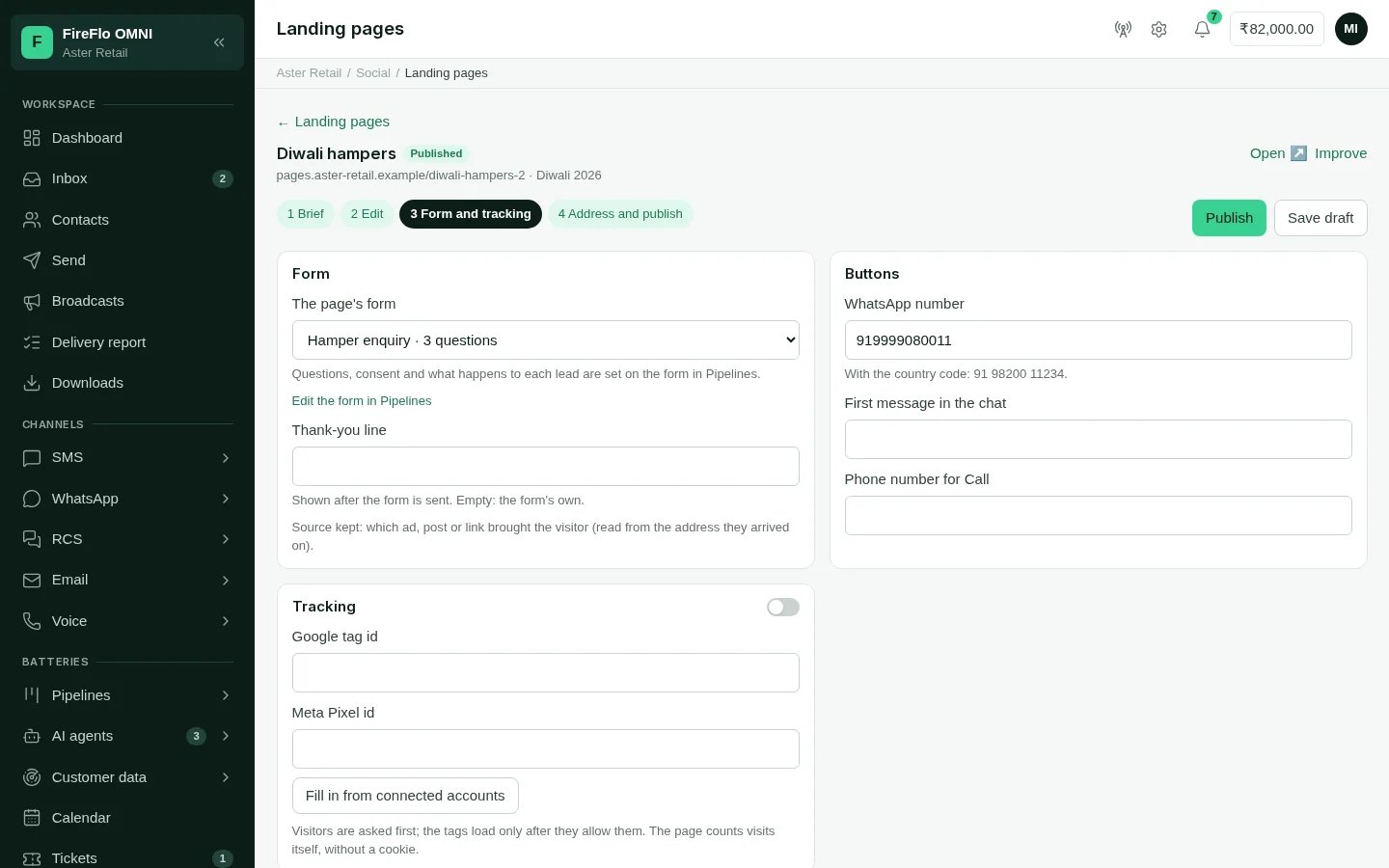
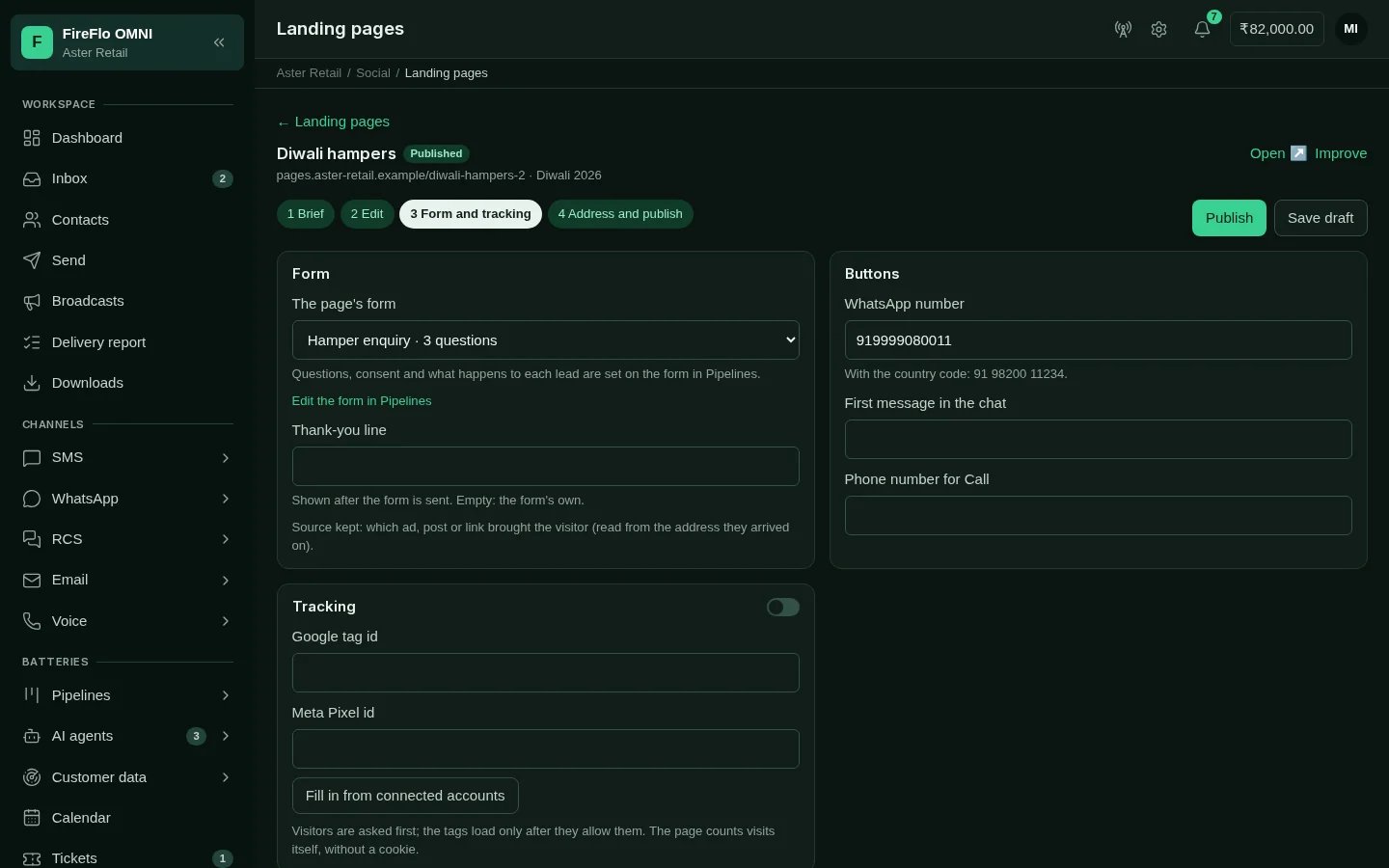
Form and tracking: the page's lead form, WhatsApp button and tags.